Excel Goal Seek: find the input that gives the answer you want
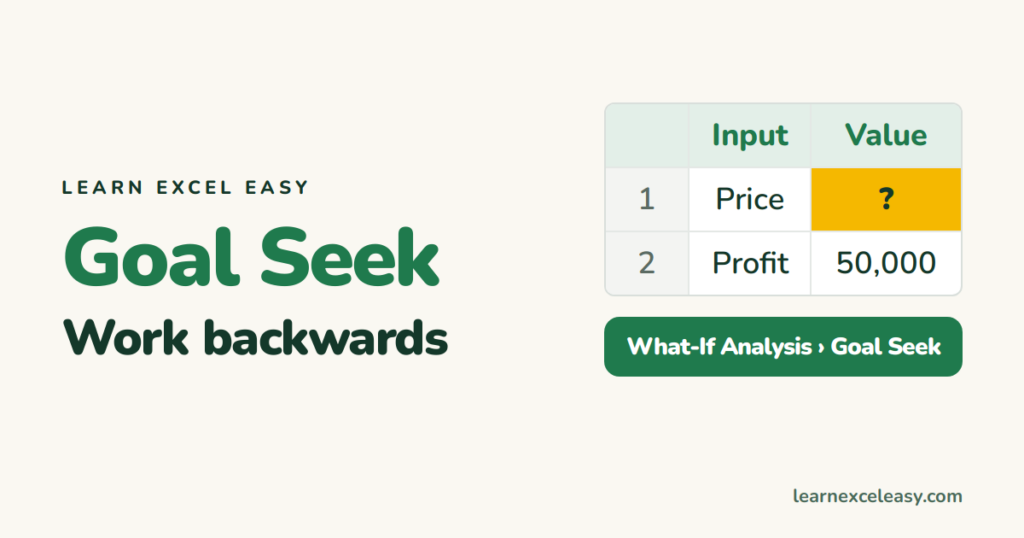
Goal Seek works backwards: set the result you want and Excel finds the input. Price for a target profit, loan amount for a budget EMI, marks needed to pass. Step by step.

Short, plain-English tutorials on formulas, shortcuts, charts and everyday Excel tasks. No jargon. One idea per post.
Start here Get Daily One Lesson
Goal Seek works backwards: set the result you want and Excel finds the input. Price for a target profit, loan amount for a budget EMI, marks needed to pass. Step by step.

Squeeze a sheet onto one printed page with Fit Sheet on One Page, or fit all columns on one page width and let rows run over. Landscape, margins and print area help too.
Excel shared workbook: share an Excel file for editing with the Share button and OneDrive, co-author in real time, share view-only, and what happened to the old Shared Workbook feature.
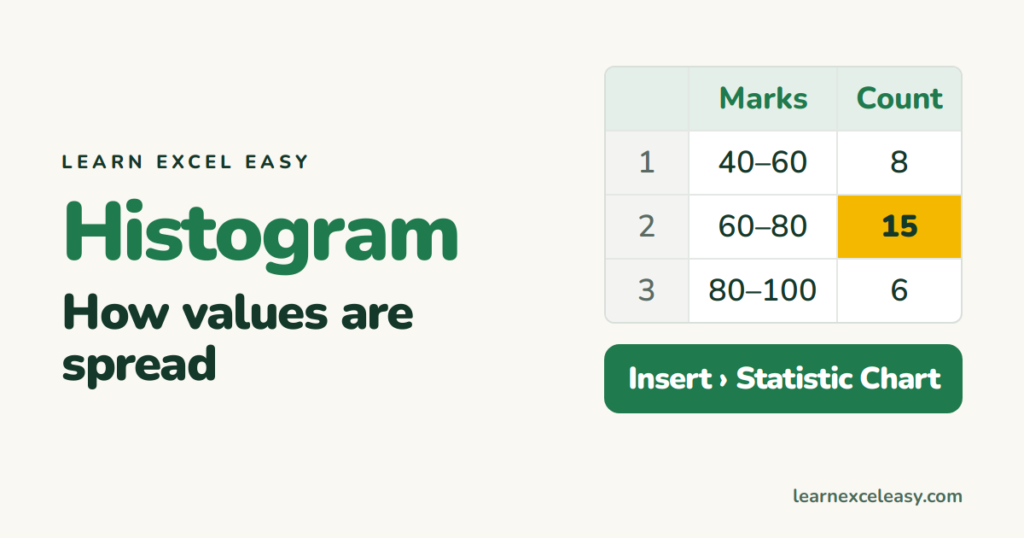
A histogram groups numbers into bins (0–10, 10–20…) and shows how many fall in each. The built-in histogram chart, setting bin width, the FREQUENCY formula, and reading the shape.
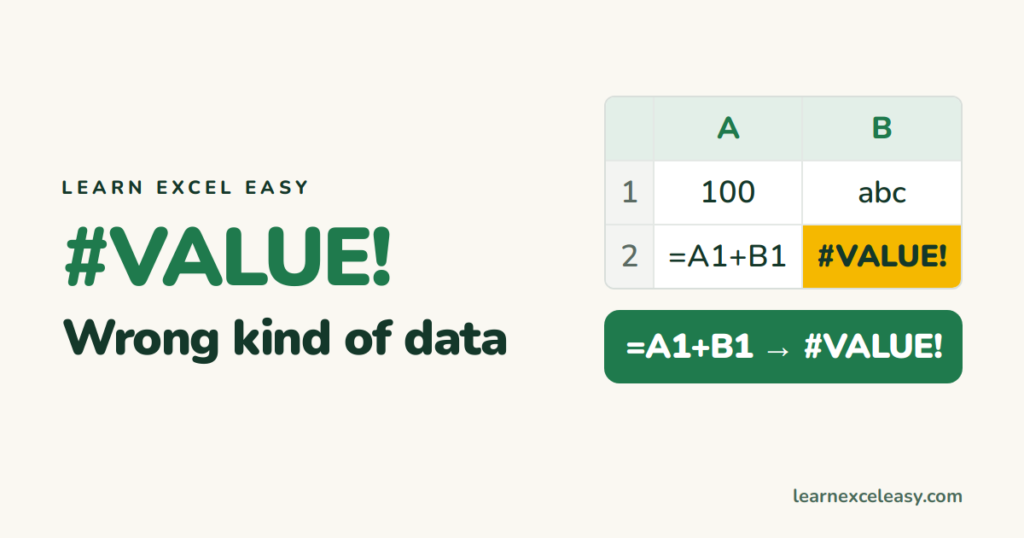
#VALUE! means a formula got the wrong kind of data — usually text where it expected a number. The six common causes, how to find the bad cell, and the fix for each.
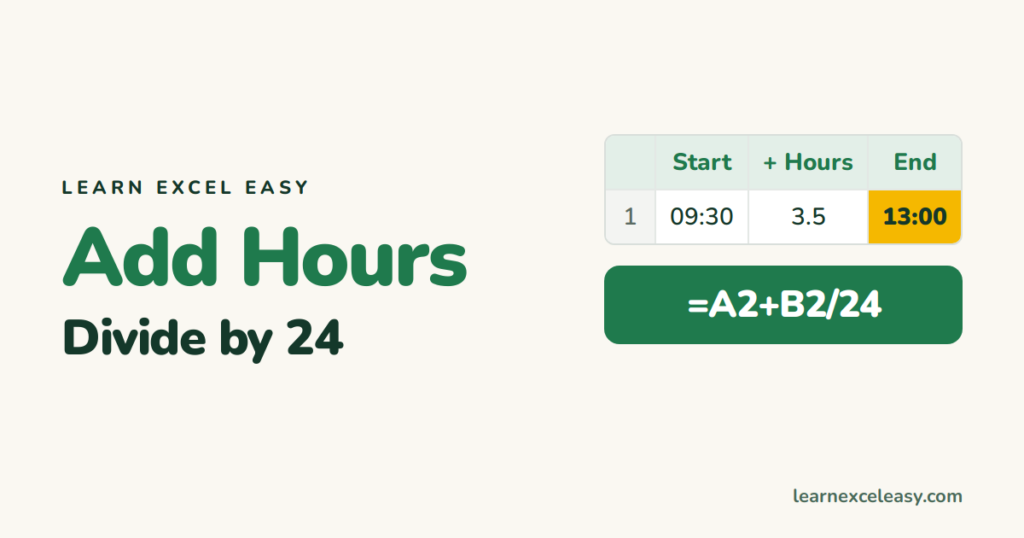
Add 3 hours or 45 minutes to a time: divide by 24 or use TIME(). Add to a date-time, go past midnight, total many times beyond 24 hours with [h]:mm.
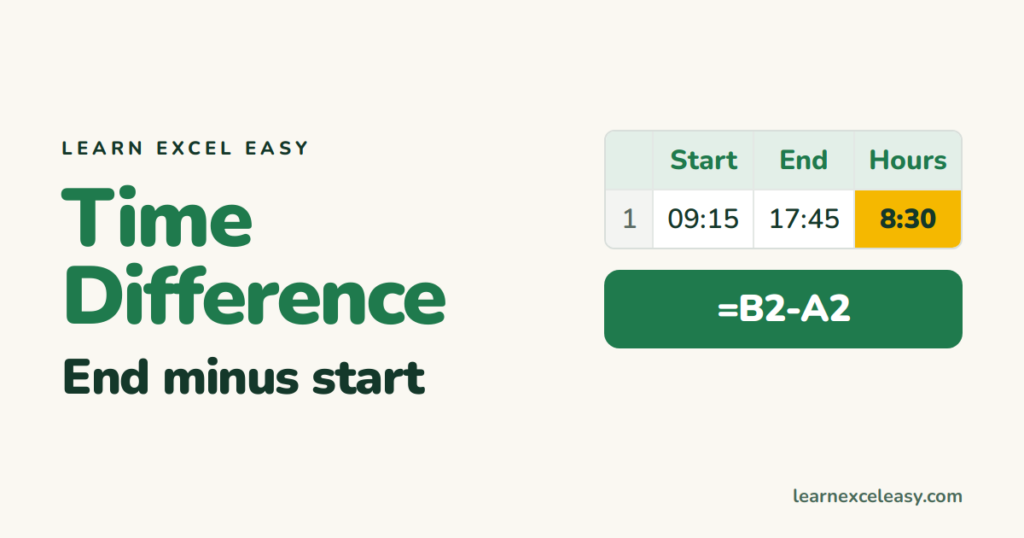
Subtract two times to get the difference, show it as h:mm or decimal hours, handle shifts that cross midnight, and include dates for longer gaps. With the formats that make it display right.
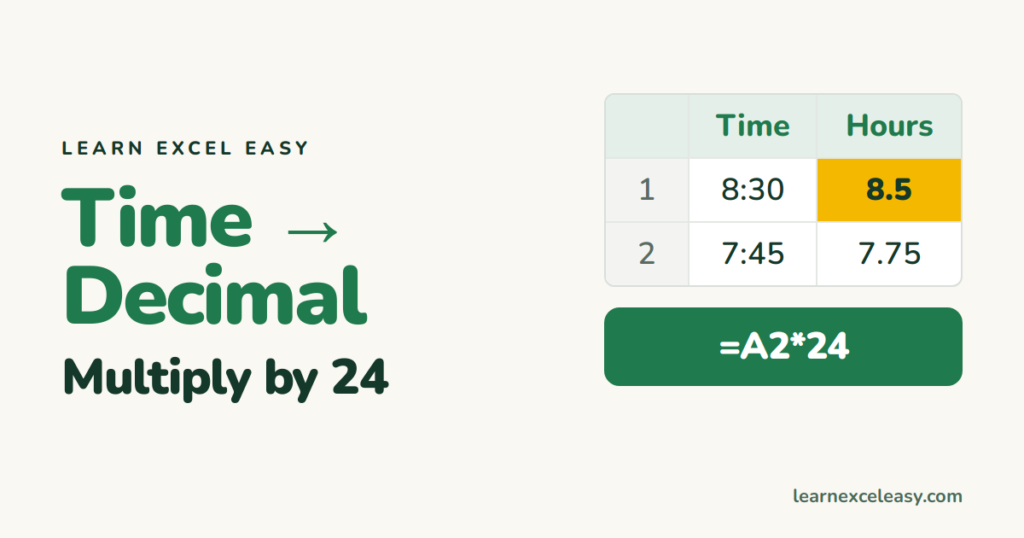
Excel stores time as a fraction of a day, so multiply by 24 to get decimal hours. Minutes and seconds versions, hours over 24, decimals back to time, and pay calculations.
WORKDAY returns the date N working days after (or before) a start date, skipping weekends and holidays. Delivery dates, due dates, and WORKDAY.INTL for other weekends.