
Convert Time to Decimal Hours in Excel (8:30 → 8.5)
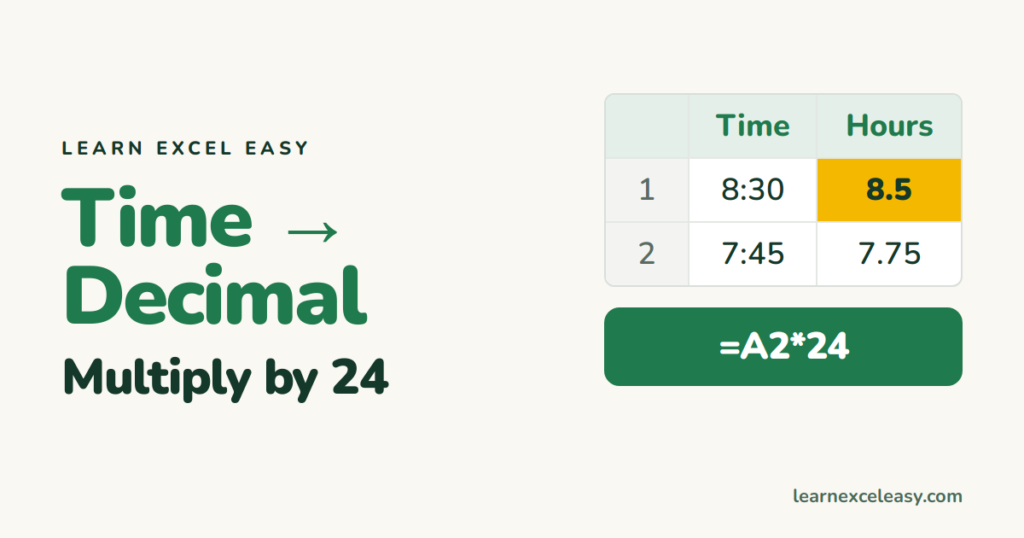
Excel stores time as a fraction of a day: 12:00 is 0.5, 6:00 is 0.25. That’s why multiplying by 24 turns a time into hours.
The formula
=A2*24
8:30 becomes 8.5. Format the result as Number (Ctrl+1 › Number), otherwise it may show as a strange time.
Other units
| Want | Formula | 8:30 gives |
|---|---|---|
| Hours | =A2*24 |
8.5 |
| Minutes | =A2*1440 |
510 |
| Seconds | =A2*86400 |
30600 |
| Whole hours only | =INT(A2*24) |
8 |
Pay from hours worked
Hours worked as a time in C2, hourly rate in D2:
=C2*24*D2
Without the 24 you’d pay 1/24 of the right amount. Timesheet guide: hours worked.
More than 24 hours
A total of 37:30 shows as 13:30 in normal time format. Show real hours with format [h]:mm, and convert with the same *24 → 37.5.
Decimal back to time
=A2/24
8.5 → 8:30 when formatted as h:mm. Or =TIME(INT(A2),MOD(A2,1)*60,0).
Time typed as text
If “8:30” came from another system as text, *24 gives #VALUE!. Use =TIMEVALUE(A2)*24 or =VALUE(A2)*24.
Related: time difference · add hours to time

20 years with spreadsheets and enterprise systems. Writes one short, plain-English Excel lesson a day. Got an Excel question? learnexceleasycom@gmail.com
