Convert a Table to a Normal Range in Excel (keep the formatting)
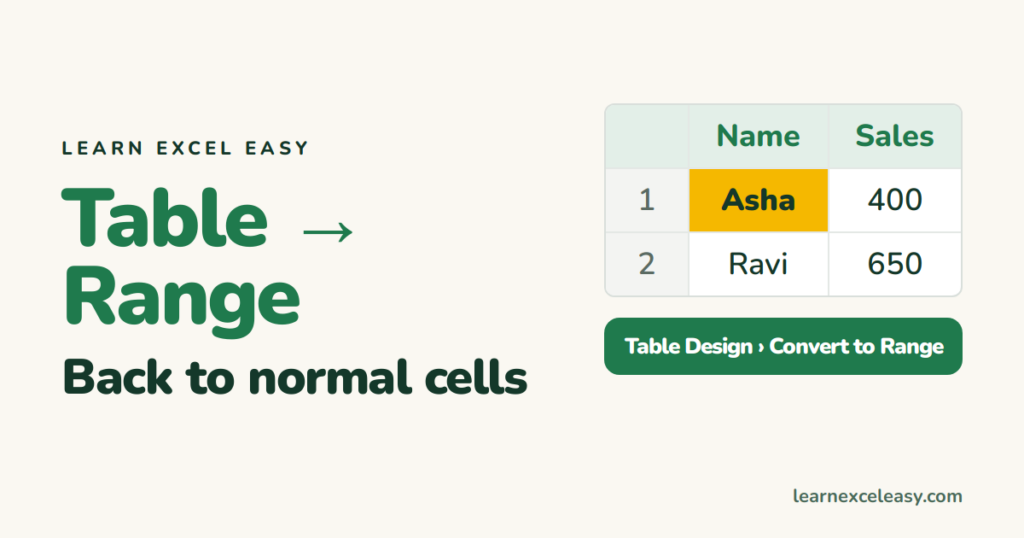
Turn an Excel Table back into ordinary cells with Convert to Range: what you keep, what changes in formulas, removing the banded colours too, and why you might not want to.
Short, plain-English tutorials on formulas, shortcuts, charts and everyday Excel tasks. No jargon. One idea per post.
Start here Get Daily One Lesson
Turn an Excel Table back into ordinary cells with Convert to Range: what you keep, what changes in formulas, removing the banded colours too, and why you might not want to.

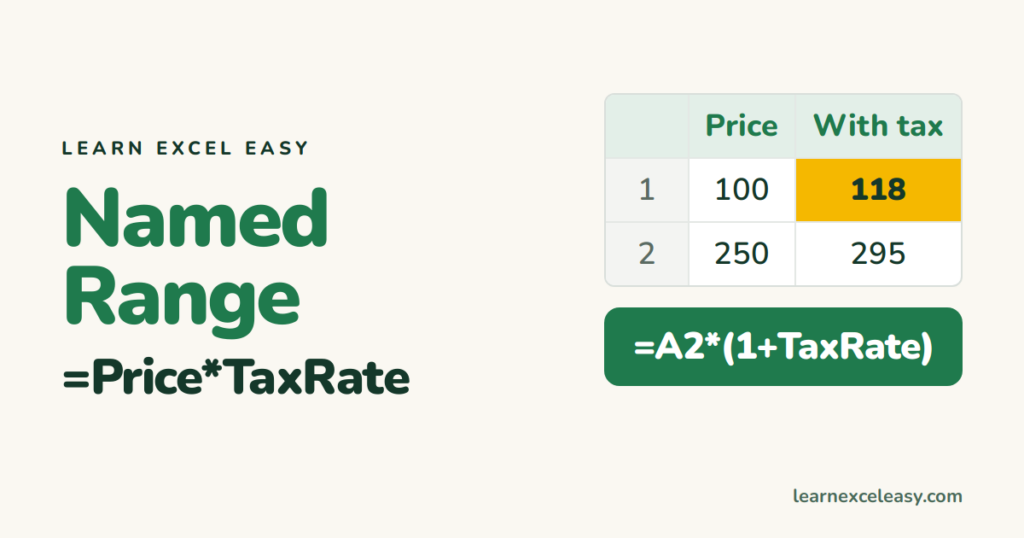
Name a cell or range so formulas read =Price*TaxRate instead of =B2*$F$1. Create names with the Name Box, manage and fix them, and use them in drop-downs and lookups.
Slicers are big filter buttons that show what's selected. Add one to a pivot table or Excel Table, pick several items, connect one slicer to many pivots, and style it.
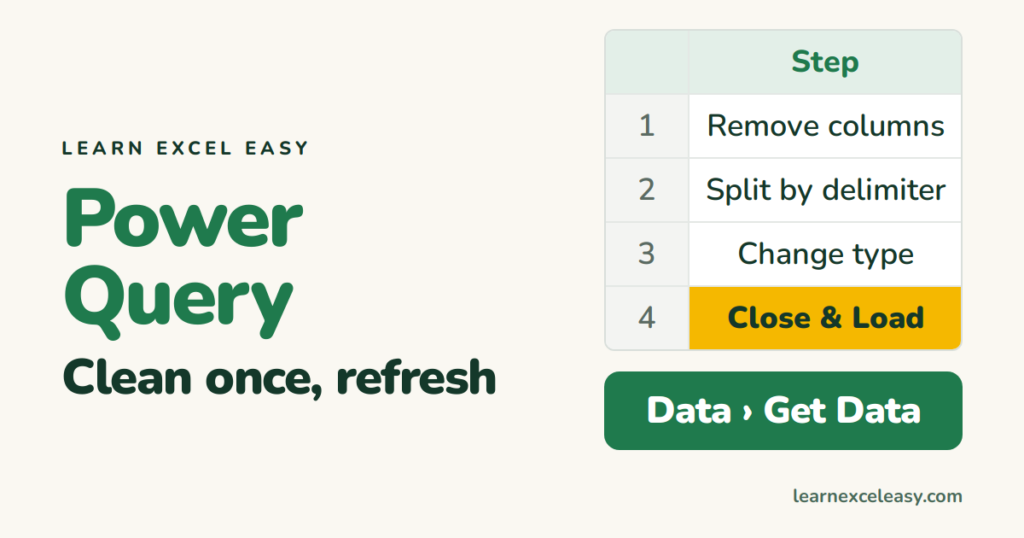
Power Query records your clean-up steps — remove columns, split, fix types, merge files — and replays them with one Refresh. A first query from start to finish, for beginners.
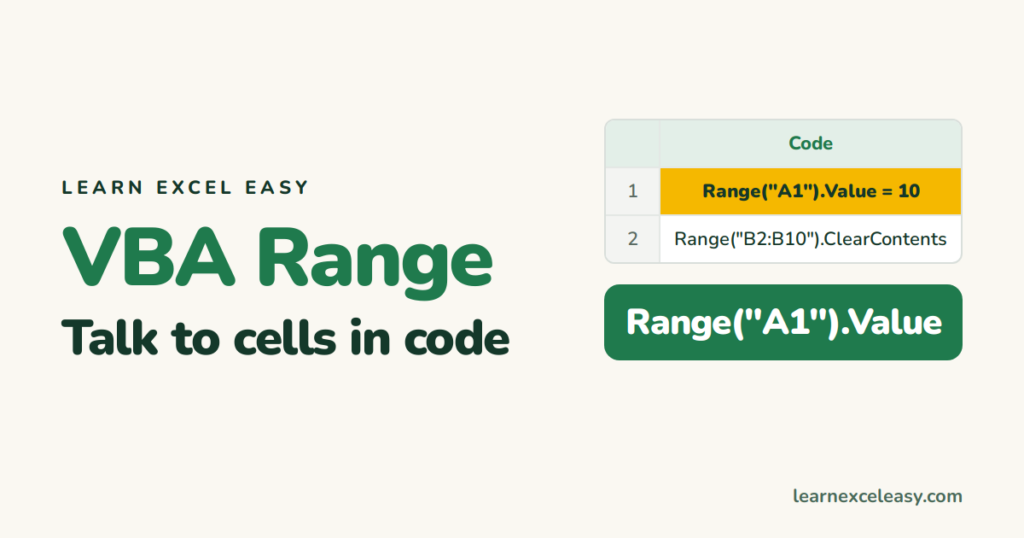
Range is how VBA talks to cells. Read and write a value, work with a block of cells, find the last row, use Cells for loops, and avoid Select for faster macros.
Advanced Filter handles OR across columns, copies results to another place, and extracts unique records. How to build the criteria range, AND vs OR rows, and wildcards.
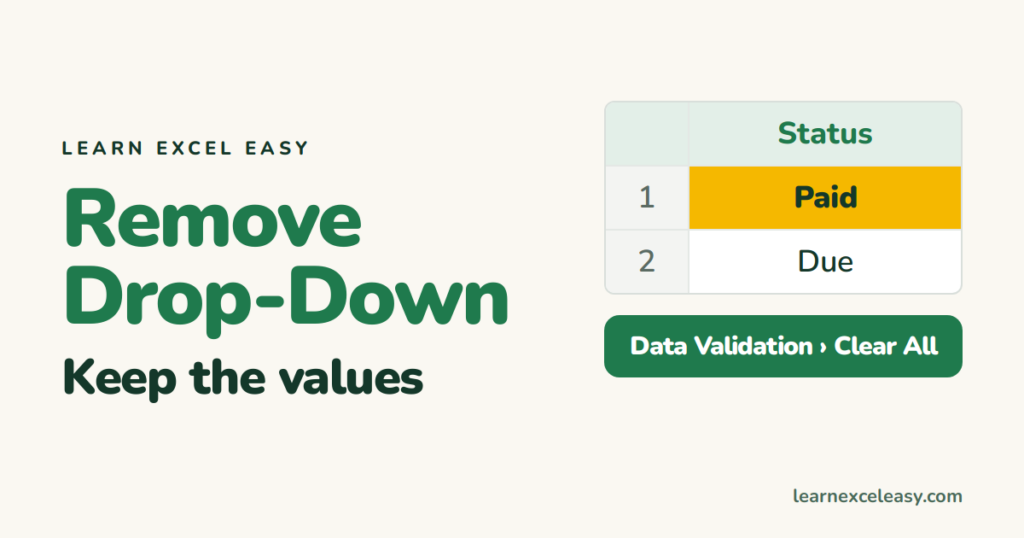
Delete a drop-down list without losing what's already selected: Data Validation › Clear All. Find every drop-down on a sheet, remove them all at once, or just change the options.
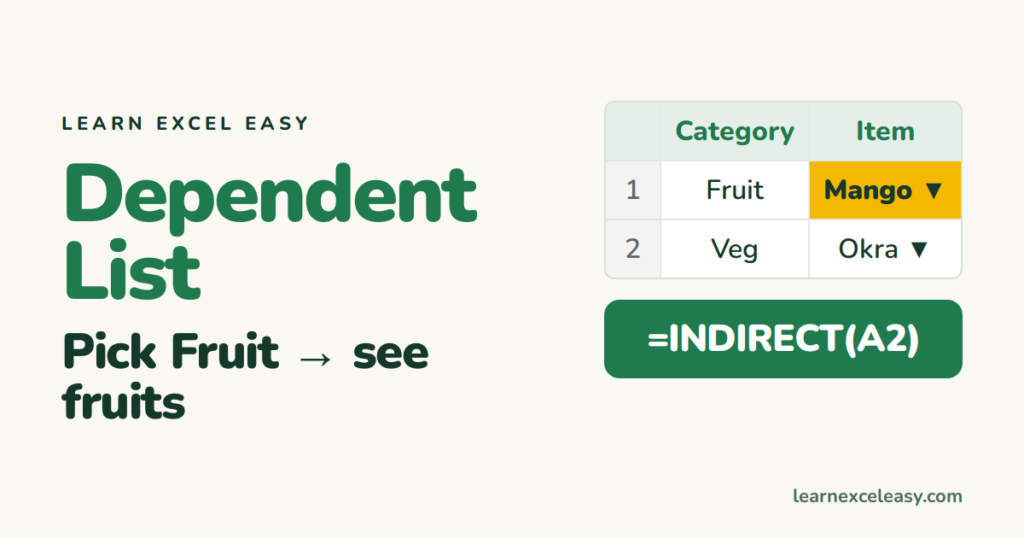
Pick a category in one drop-down and the next drop-down shows only its items: named ranges with INDIRECT for any version, and the FILTER method for Excel 365.
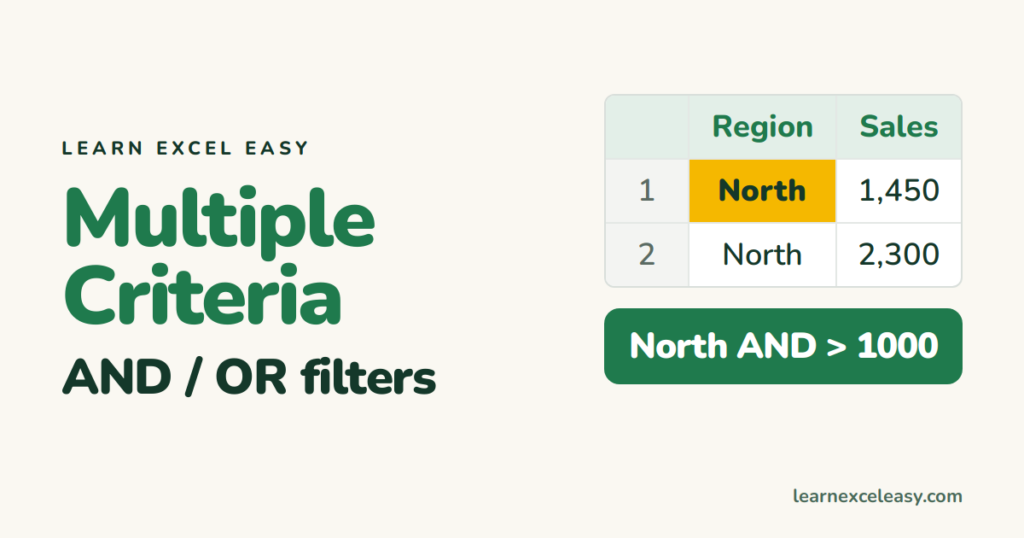
Filter for North AND over 1,000, or North OR South: stacking filters across columns, Custom AutoFilter for two conditions in one column, Advanced Filter, and the FILTER function.