
Data Cleaning
Excel SUBSTITUTE Function: replace text inside a formula
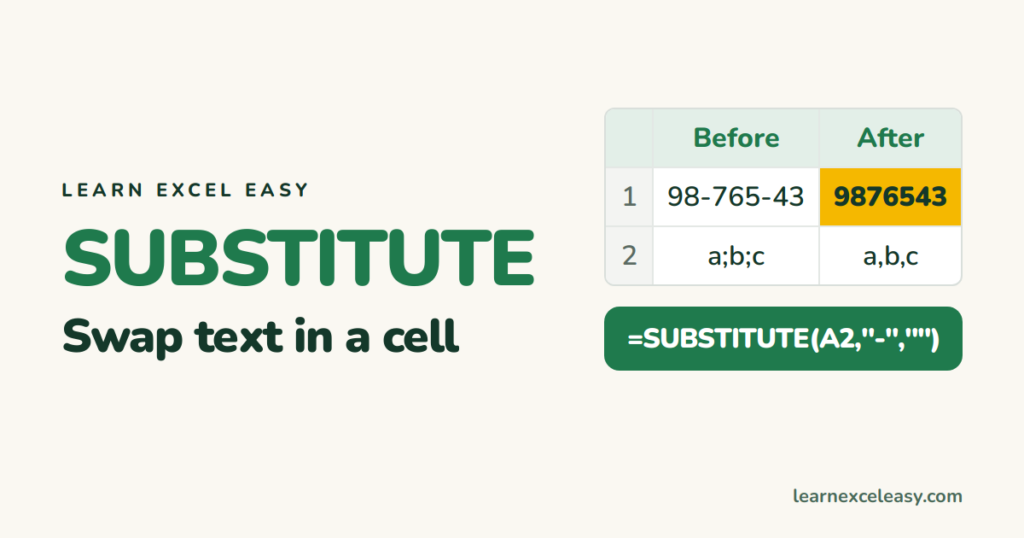
SUBSTITUTE swaps one piece of text for another inside a cell: remove dashes, change separators, replace only the 2nd occurrence, count how many times a word appears.
Short, plain-English tutorials on formulas, shortcuts, charts and everyday Excel tasks. No jargon. One idea per post.
Start here Get Daily One Lesson
SUBSTITUTE swaps one piece of text for another inside a cell: remove dashes, change separators, replace only the 2nd occurrence, count how many times a word appears.

SEARCH returns where one piece of text starts inside another. Use it to test 'contains', pull text around a word, and flag rows — plus how it differs from FIND.

TEXTSPLIT breaks text into cells by a delimiter with one formula: names by space, lists by comma, rows and columns at once. Excel 365 only, with the fallback for older versions.
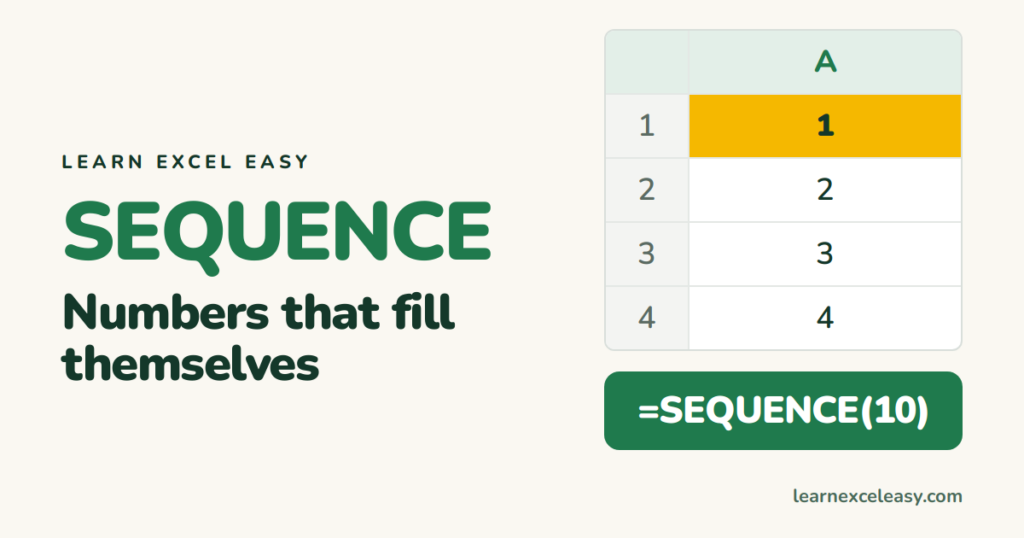
SEQUENCE fills a list of numbers that updates itself: 1 to 100, every 5th number, a list of dates, a numbered grid. Excel 365 and 2021.

CHOOSE returns the 1st, 2nd or 3rd value from a list you type in. Weekday names, quarter labels, scenario switching, and the trick that makes VLOOKUP look left.

INDIRECT turns text like "Sheet2!B5" into a real reference. Pull the same cell from a sheet named in a cell, dependent dropdowns, and a lock that survives inserted rows.

OFFSET returns a range a set number of rows and columns away from a starting cell. Last 3 months total, a dropdown that grows with the list, and why INDEX is often better.

IFS checks conditions in order and returns the result for the first one that is true. Grades, commission bands and status labels without a tangle of nested IF brackets.

SUMPRODUCT multiplies columns row by row and adds the results: total sales from price × quantity, weighted averages, and multi-condition sums that work in any Excel version.
