Excel Pivot Table: the complete guide (build, group, filter, refresh)
Everything about Excel pivot tables in one place: build one, rows and columns, sum vs count, group dates, filters and slicers, sort, calculated fields, refresh, and the mistakes.
Short, plain-English tutorials on formulas, shortcuts, charts and everyday Excel tasks. No jargon. One idea per post.
Start here Get Daily One Lesson
Everything about Excel pivot tables in one place: build one, rows and columns, sum vs count, group dates, filters and slicers, sort, calculated fields, refresh, and the mistakes.
An Excel VBA tutorial for beginners with no coding background: the editor, your first Sub, variables, ranges, If, loops, a message box, and a button — in one sitting.
Lock columns in Excel two ways: freeze the first column so it stays while you scroll sideways, or lock columns against editing with sheet protection.
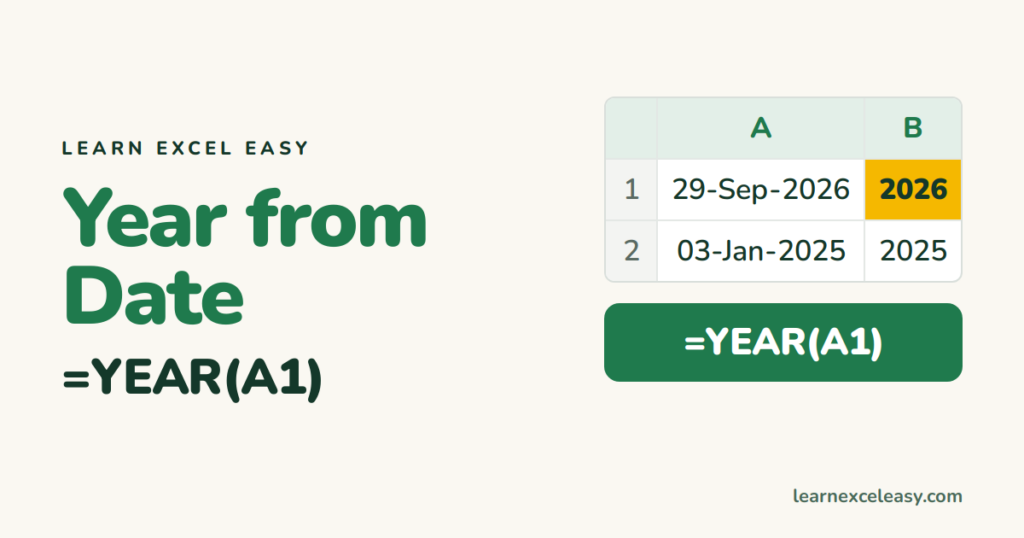
Extract the year from a date in Excel with YEAR, as text with TEXT, the fiscal year, and total or count by year with SUMIF and a pivot.
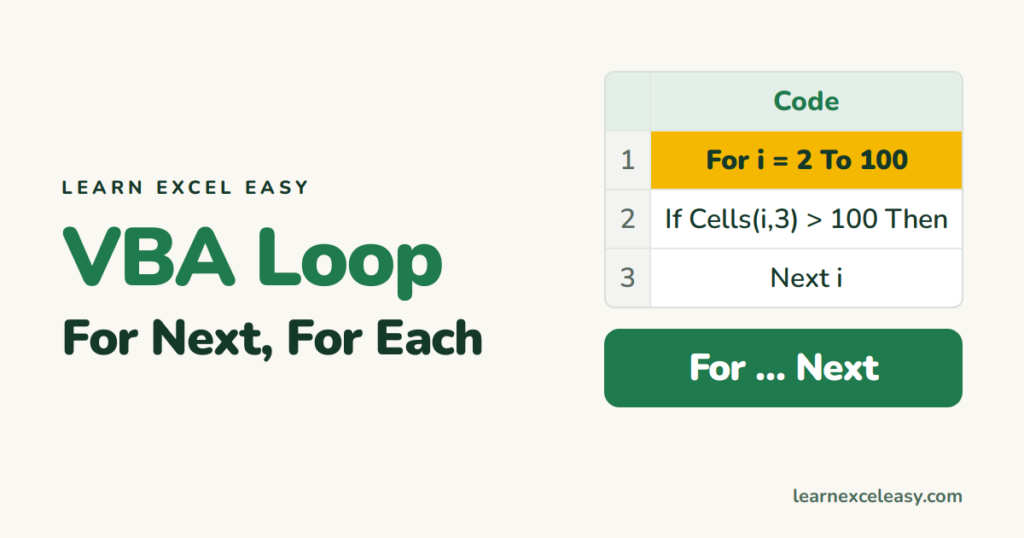
Loops in Excel VBA for beginners: For Next to go down rows, For Each to visit every cell or sheet, Do While for 'until empty', with copy-paste examples.
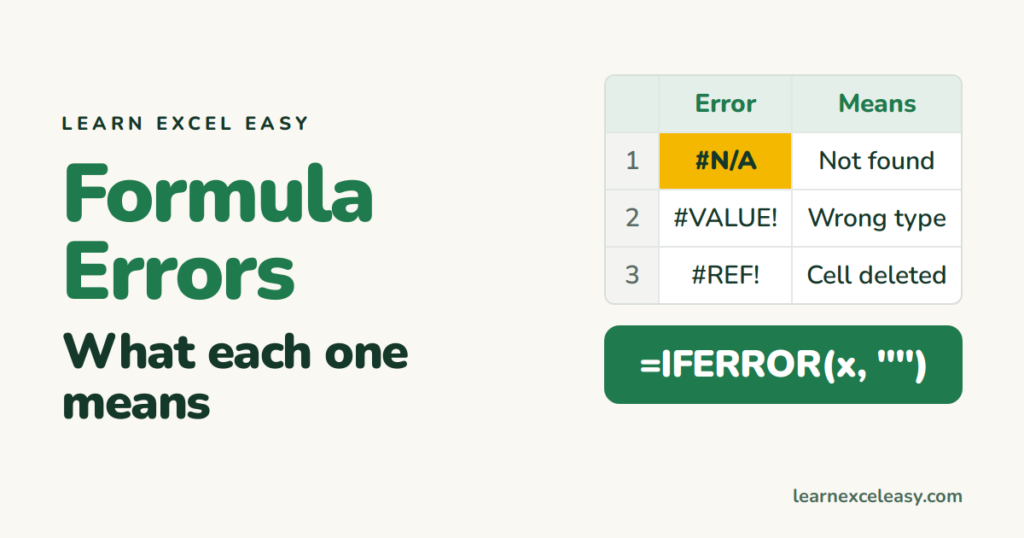
Every Excel formula error in one table — what each one means, the usual cause, and the one-line fix — plus how to hide errors and find them all at once.
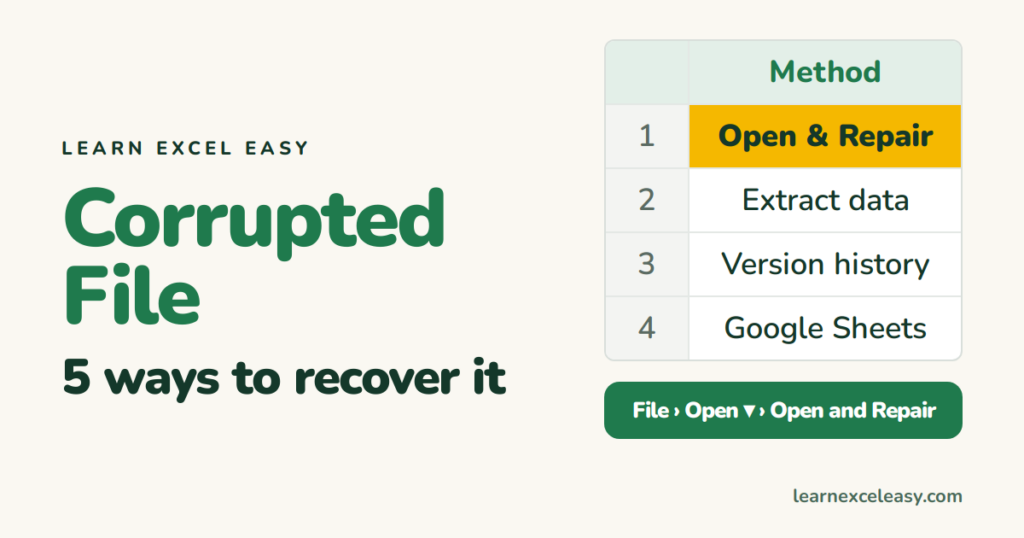
Recover a corrupted Excel file: Open and Repair, extract values only, previous versions in OneDrive or Windows, open in Google Sheets, and the last-resort zip trick.
Excel charts and graphs for beginners: chart vs graph, the parts of a chart, how to make one in 5 steps, the 6 types you need, and the fixes for the common problems.
Import an Excel file into Google Sheets: upload and convert, open .xlsx directly without converting, what survives the trip, and keep a Sheet updated from Excel.