
Import, Export & Convert
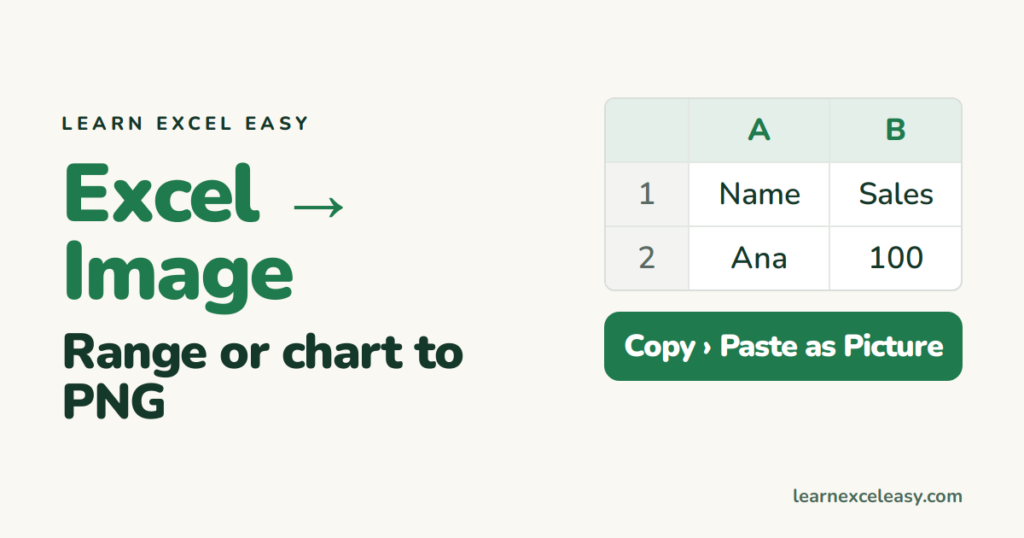
Excel to Image: save a range or chart as PNG or JPG
Turn an Excel range or chart into an image: copy as picture, save a chart directly as PNG, take a high-resolution screenshot, and paste into email or slides.
Short, plain-English tutorials on formulas, shortcuts, charts and everyday Excel tasks. No jargon. One idea per post.
Start here Get Daily One Lesson
Turn an Excel range or chart into an image: copy as picture, save a chart directly as PNG, take a high-resolution screenshot, and paste into email or slides.
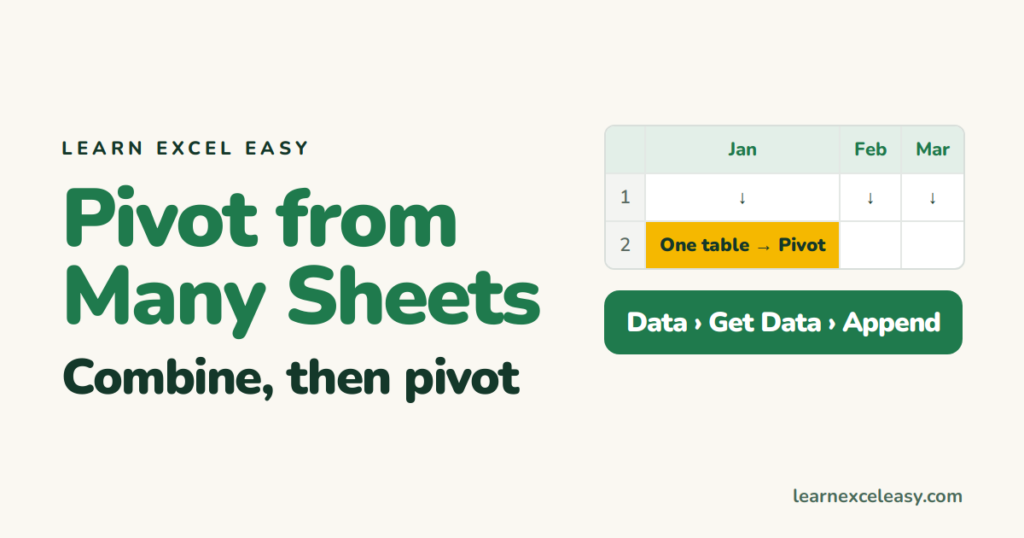
Make one pivot table from several Excel sheets: stack the sheets with Power Query Append, then build the pivot — and the older Data Model way.

Sort an Excel pivot table by its values — largest to smallest — with a right-click, sort a specific column when there are several, and keep the sort after refresh.

Export Excel to XML with an XML map, the quick way for a simple list using the Developer tab, a formula-built XML for small sheets, and importing XML into Excel.

Use MsgBox in Excel VBA: a simple message, an icon and title, Yes/No buttons that change what the macro does, and a message with a cell's value in it.
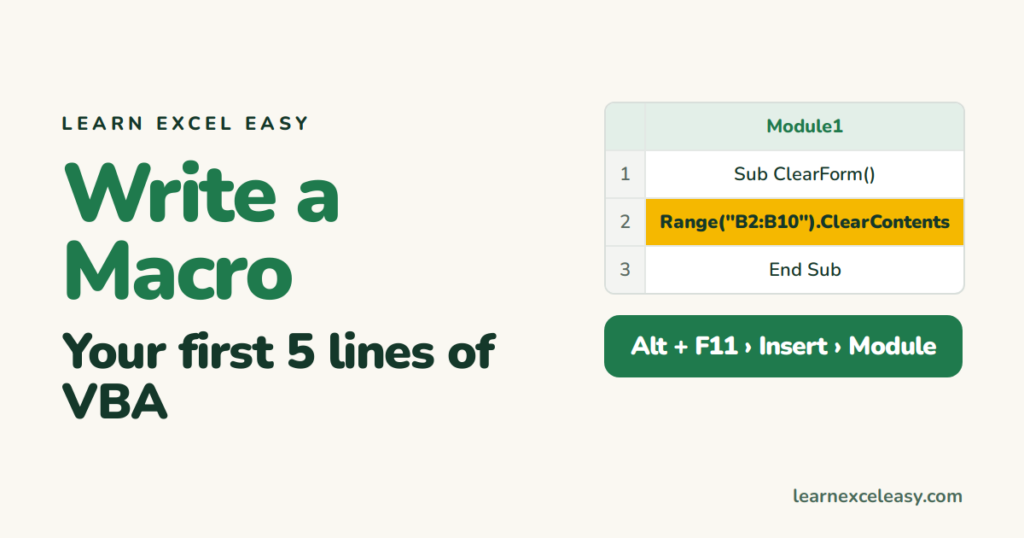
Write a macro in Excel by hand: open the editor, write a Sub that clears a range and adds a date stamp, run it, give it a button, and save it.

Edit a cell in Excel without double-clicking: F2, then Home/End and Ctrl+Arrow inside the cell, replace the whole cell, and add a line break.

Zoom in Excel with Ctrl+scroll, the Alt-key sequence for exact zoom, zoom to a selection, reset to 100%, and set a default zoom for every new sheet.

Open a CSV file in Excel the safe way so columns split correctly, leading zeros survive and dates don't flip — and what to do when everything is in one column.
