
Formulas & Functions
Excel MOD Function: remainders, every Nth row, odd and even
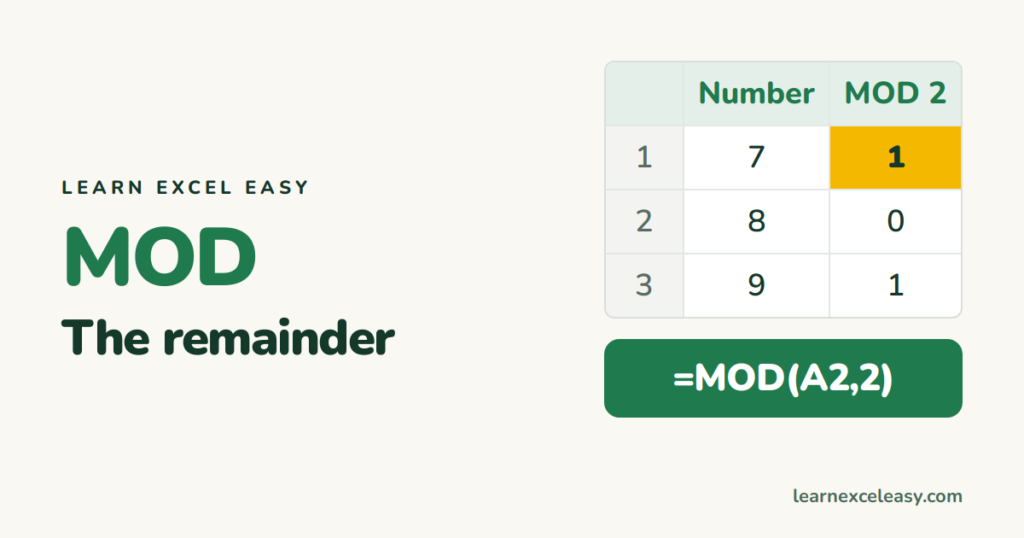
MOD returns the remainder after division. Use it to test odd or even, shade every 3rd row, split minutes into hours and minutes, and repeat a cycle.
Short, plain-English tutorials on formulas, shortcuts, charts and everyday Excel tasks. No jargon. One idea per post.
Start here Get Daily One Lesson
MOD returns the remainder after division. Use it to test odd or even, shade every 3rd row, split minutes into hours and minutes, and repeat a cycle.
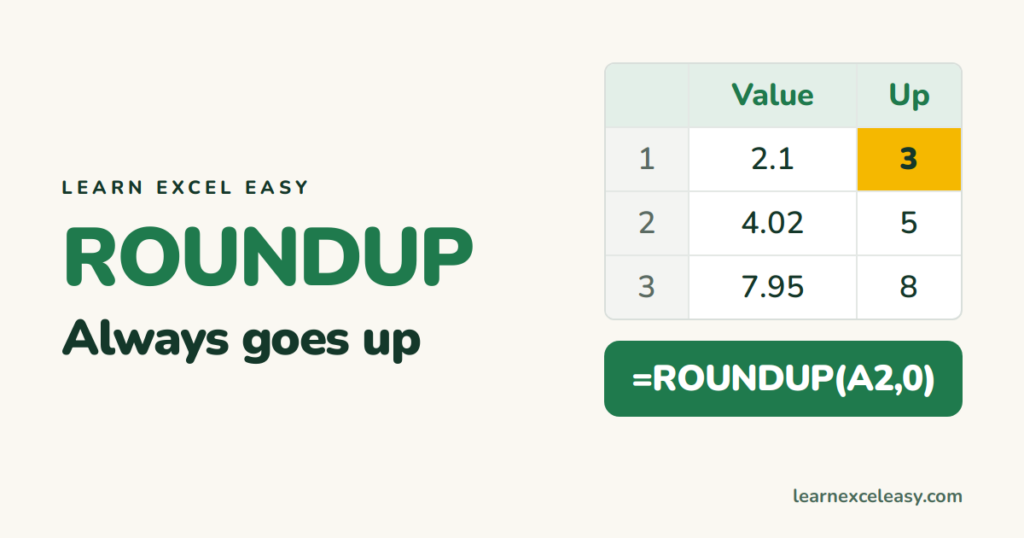
ROUNDUP always rounds away from zero: 2.1 becomes 3. How many digits to use, rounding up to the nearest 10 or 100, and when to use CEILING instead.
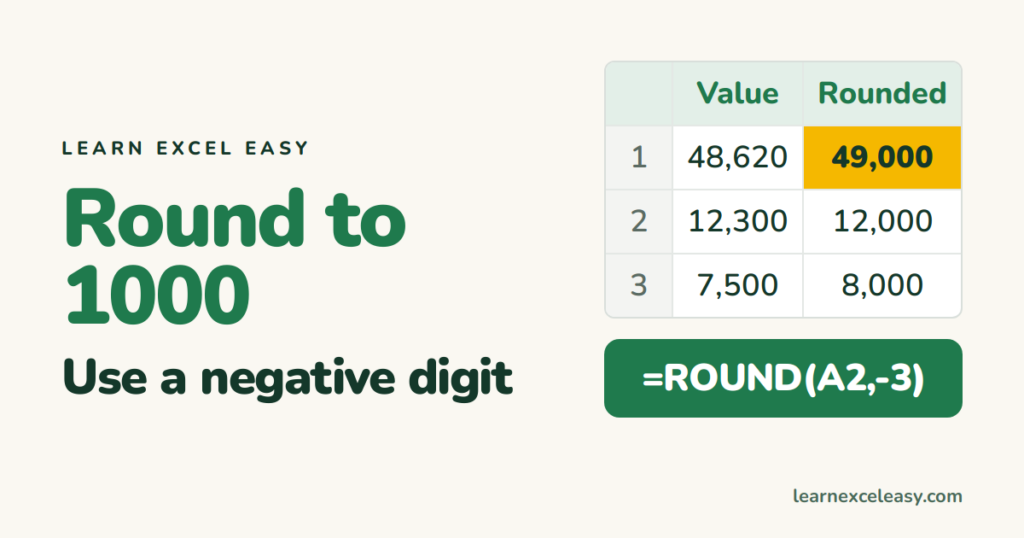
Round numbers to the nearest thousand, hundred or ten with ROUND and a negative digit. Always up, always down, to the nearest 5 or 0.5, and display-only rounding.

RANK.EQ gives each number its position in a list: 1 for the highest, or 1 for the lowest. How ties work, ranking within groups, and ranking without duplicates.
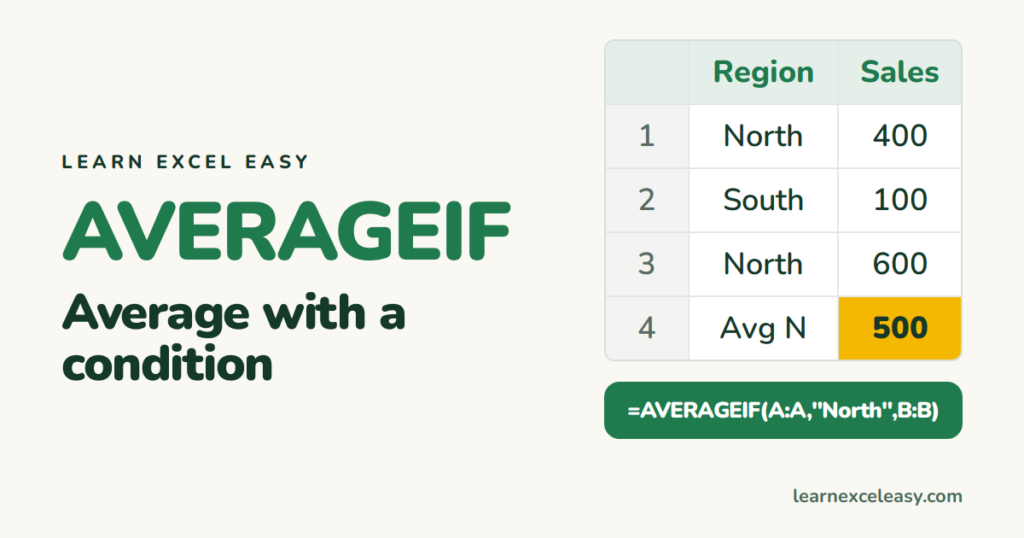
AVERAGEIF averages only the numbers that meet a condition: sales for one region, scores above zero, amounts for one product. Syntax, examples, AVERAGEIFS for two conditions.
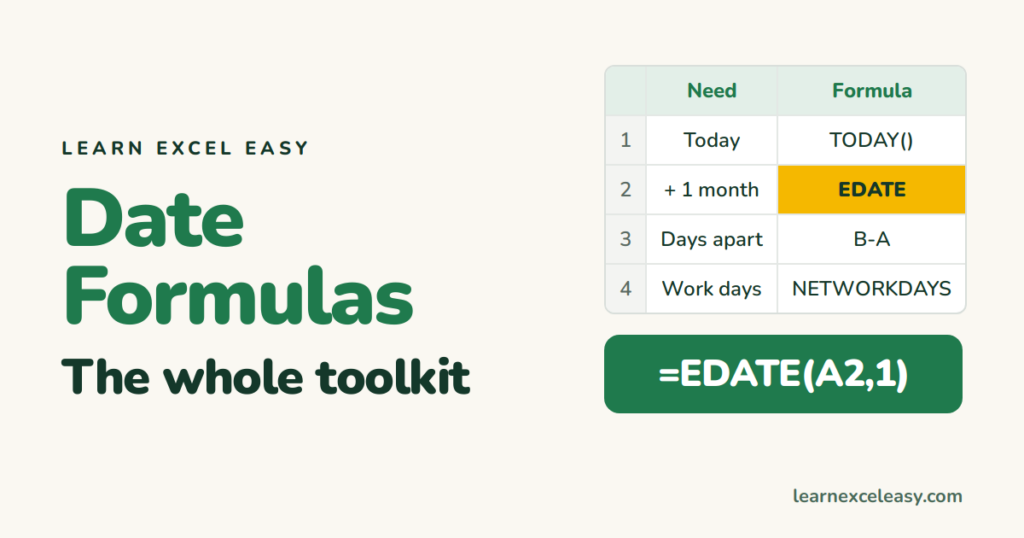
All the Excel date formulas in one place: today's date, build a date, add days or months, days between dates, weekday, month, year, working days, age. Each with an example.
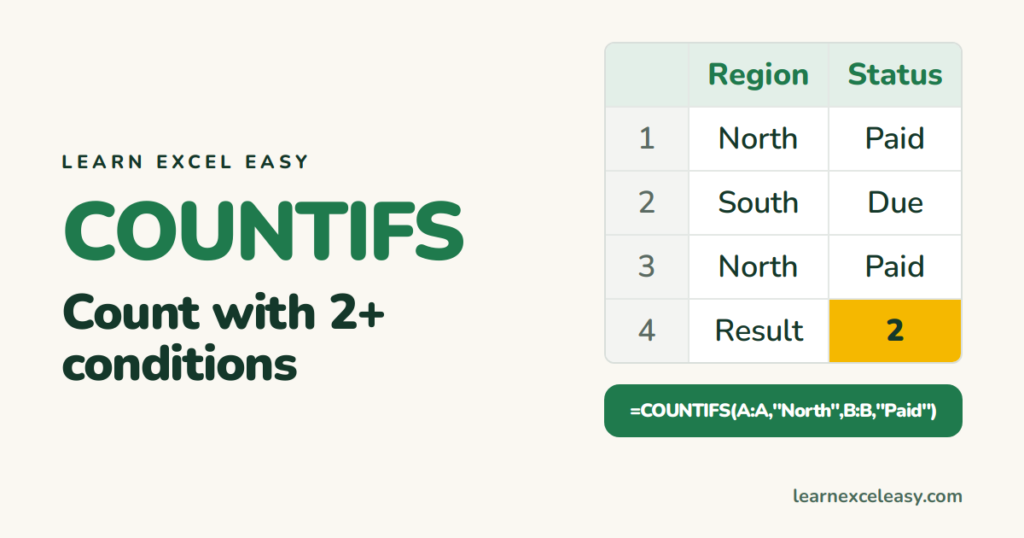
COUNTIFS counts rows that meet several conditions at once: region AND month, status AND owner, dates between two limits. Syntax, 5 real examples and the mistakes that return 0.
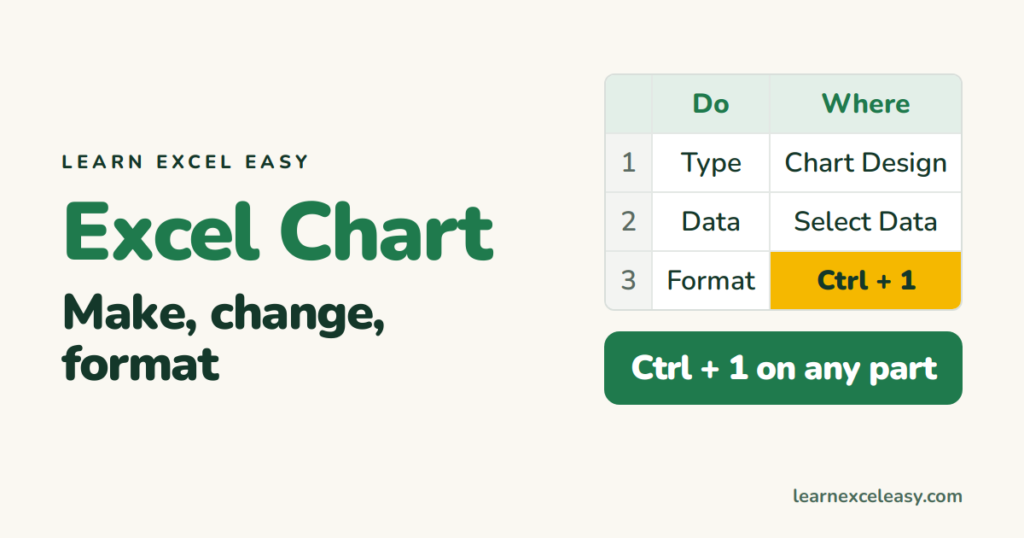
The Excel chart reference: make a chart, change its type, edit the data range, format axes, colours, labels and gridlines, copy a style, and export it.

How to make a graph in Excel step by step: set up the numbers, select them, insert the graph type, add a title and labels, and fix the three things that usually go wrong.
