MIN IF in Excel: the lowest value that meets a condition (MINIFS)
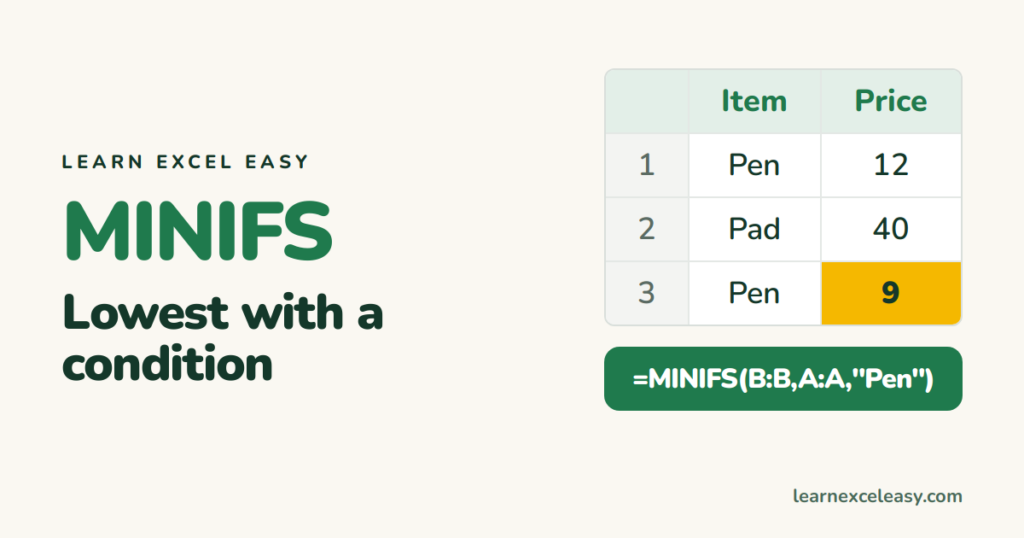
MINIFS returns the smallest number where a condition is true: cheapest quote per supplier, earliest date per customer, lowest score above zero. Plus the version for older Excel.
Short, plain-English tutorials on formulas, shortcuts, charts and everyday Excel tasks. No jargon. One idea per post.
Start here Get Daily One Lesson
MINIFS returns the smallest number where a condition is true: cheapest quote per supplier, earliest date per customer, lowest score above zero. Plus the version for older Excel.
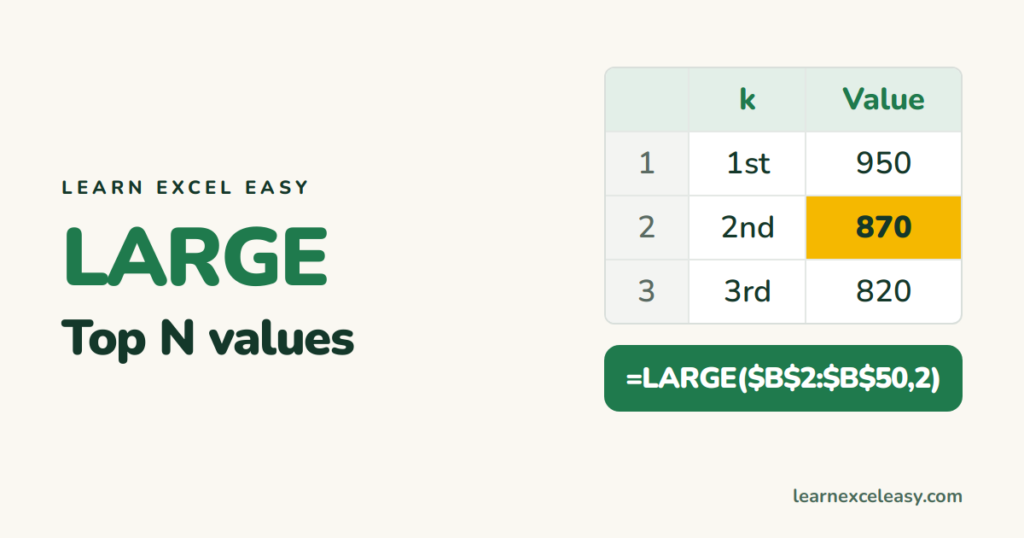
LARGE returns the 1st, 2nd or Nth highest number. Build a top-5 list, find the second highest, sum the top 3, and pull the names that go with them. SMALL does the reverse.
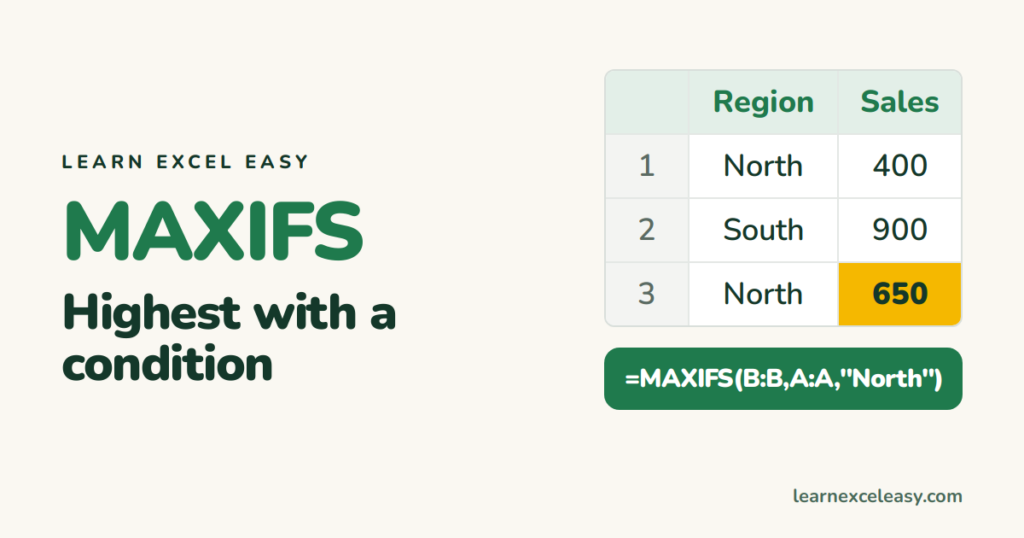
MAXIFS returns the largest number where a condition is true: best sale in North, latest date for a customer. The formula for Excel 2019/365 and the older array version.
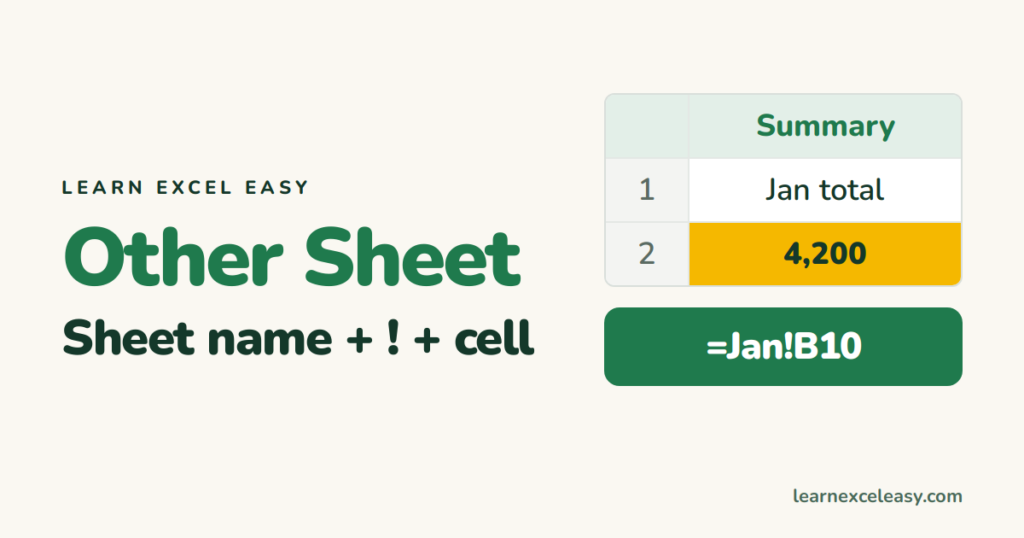
Pull a value from another sheet with =Sheet2!A1. Sheet names with spaces, clicking instead of typing, summing the same cell across many sheets, and linking to another file.
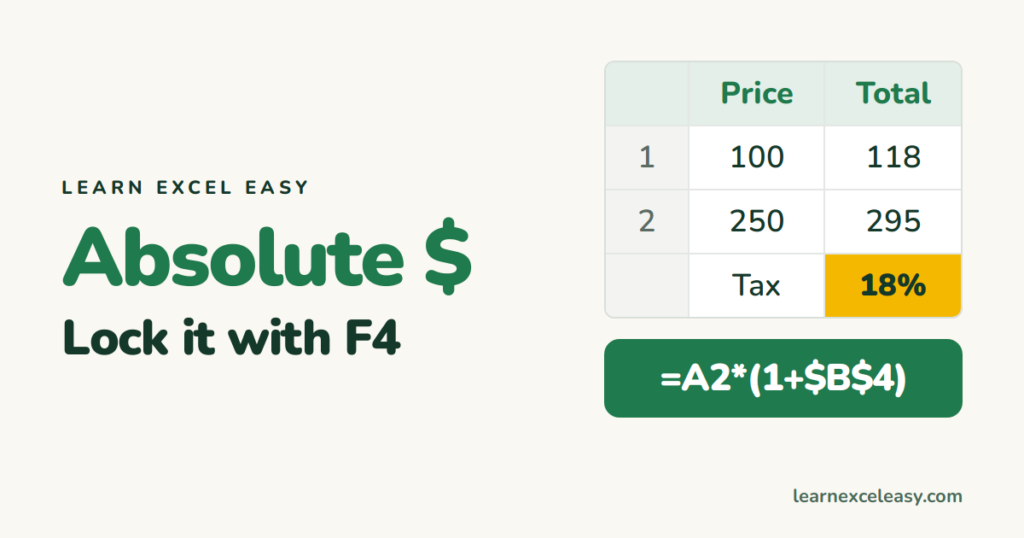
A $ sign locks a cell reference so it doesn't move when you copy a formula. $A$1, A$1 and $A1 explained with one example each, and F4 to add them instantly.
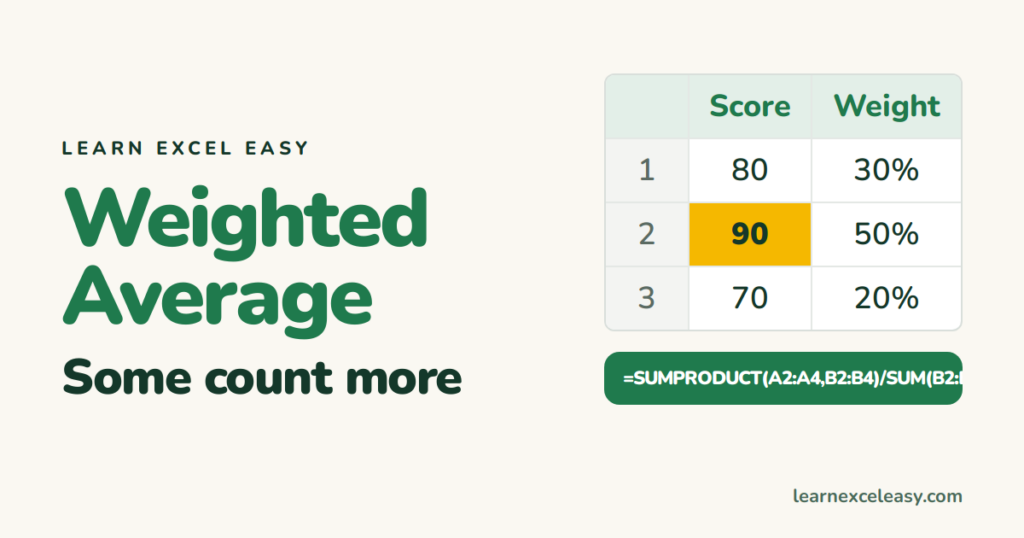
A weighted average counts some values more than others: exam marks by credit, price by quantity sold. The SUMPRODUCT formula, a worked example, and the common mistake.
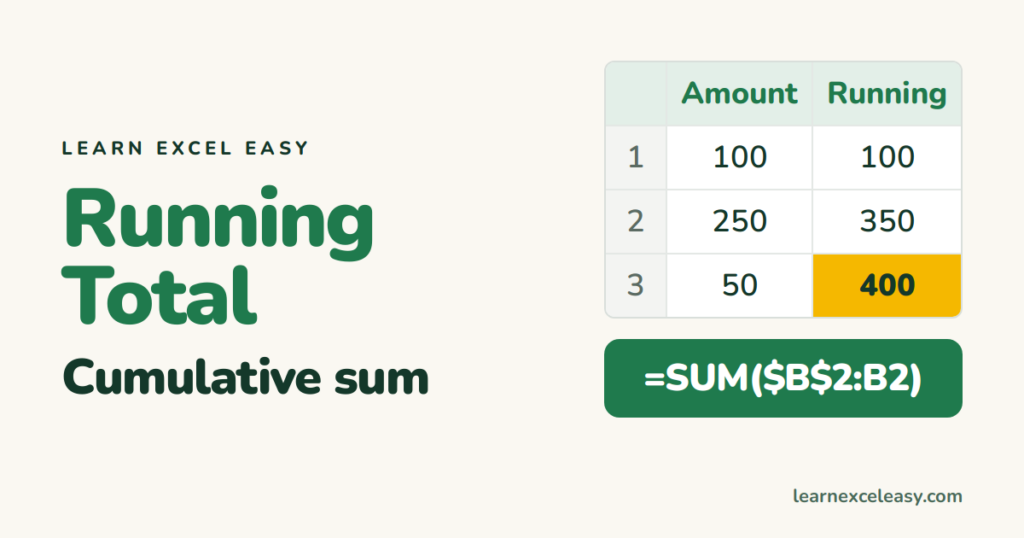
A running (cumulative) total adds each row to everything above it. The one-formula method with a half-locked range, the Table version, a running total by group, and in a pivot table.
SUM adds hidden and filtered rows too. SUBTOTAL(109) and AGGREGATE add only what you can see, so the total changes when you filter. Plus copying visible cells only.
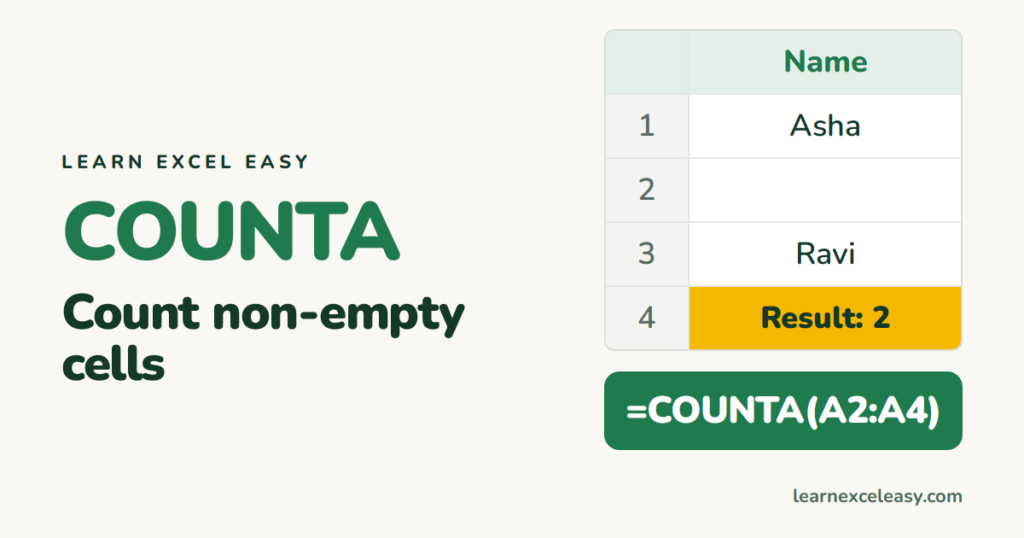
COUNTA counts every cell that has something in it — text, numbers, dates, even a space. How it differs from COUNT, COUNTBLANK, and why it sometimes counts 'empty' cells.