

Dates & Times
How to Sort by Date in Excel (and why it sorts wrong)
Sort by date in Excel oldest to newest, keep rows together, sort by month ignoring the year, and fix the sort when dates are stored as text.
Sort by date in Excel oldest to newest, keep rows together, sort by month ignoring the year, and fix the sort when dates are stored as text.
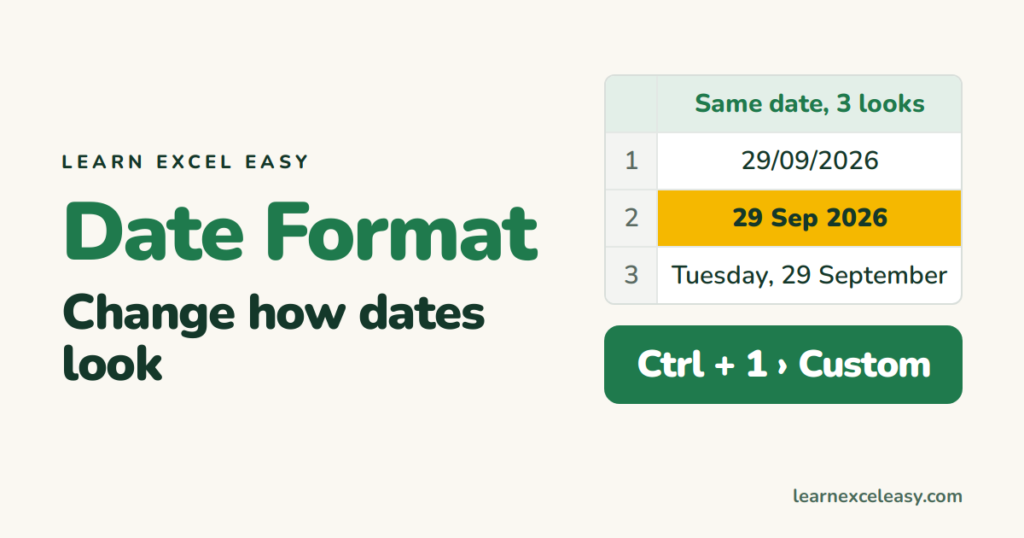
Change the date format in Excel — dd/mm/yyyy, 29 Sep 2026, day names — with Ctrl+1 and custom codes, and fix dates that refuse to change because they are text.

Make a monthly calendar in Excel that rebuilds itself when you change the month: one date cell, one formula, conditional formatting for today.

Get the day of the week in Excel: WEEKDAY for a number, TEXT for the name, flag weekends, and count working days with NETWORKDAYS.
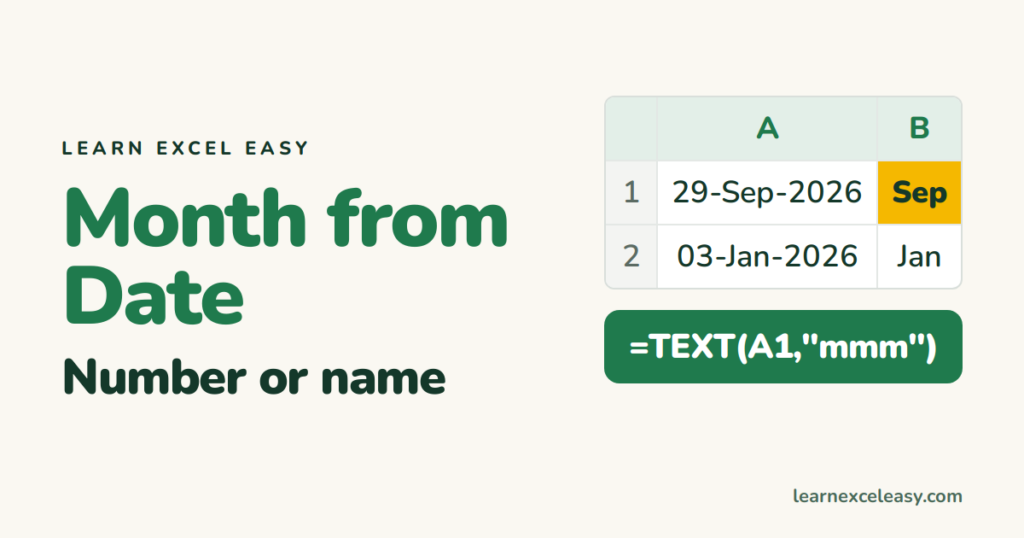
Get the month from a date in Excel as a number with MONTH, as a name with TEXT, and group a whole column by month for totals.
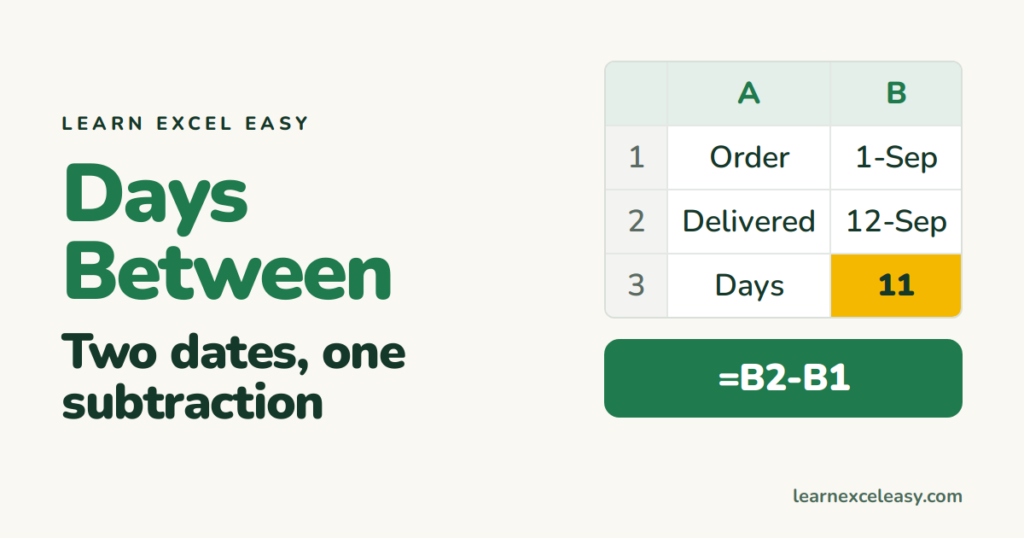
Count days between two dates in Excel by subtracting them, count only working days with NETWORKDAYS, and fix the result that shows as a date.

Excel DATEDIF explained: the hidden function that gives full years, months or days between two dates — ages, service length, contract terms.

The Excel TODAY function: insert a date that updates every day, count days until a deadline, and the shortcut for a date that never changes.
