
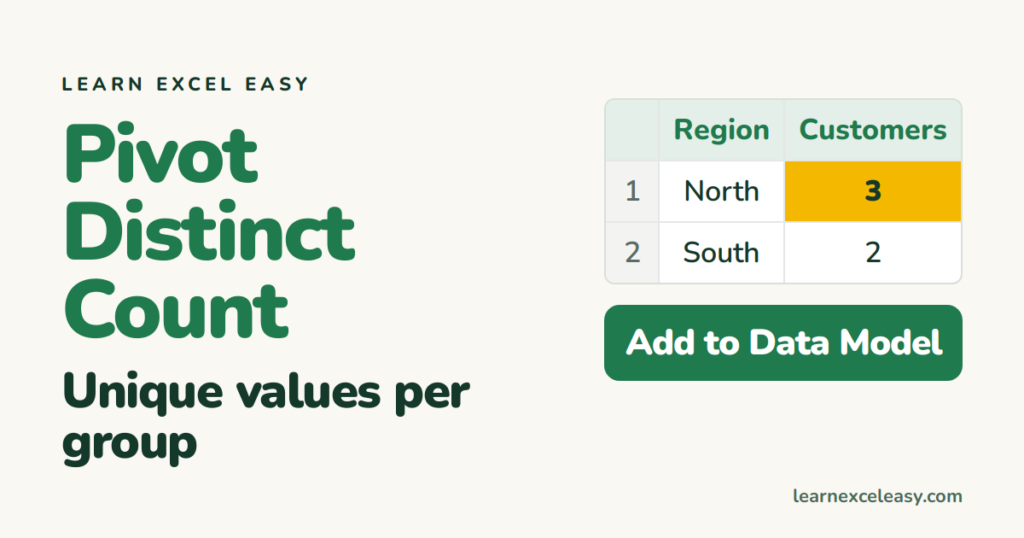
Pivot Tables & Tables
Pivot Table Count Unique Values in Excel (Distinct Count)
Count unique values in an Excel pivot table with Distinct Count — the one tick box when you create the pivot — plus the helper-column way for older Excel.
Short, plain-English tutorials on formulas, shortcuts, charts and everyday Excel tasks. No jargon. One idea per post.
Start here Get Daily One Lesson
Count unique values in an Excel pivot table with Distinct Count — the one tick box when you create the pivot — plus the helper-column way for older Excel.

Get an Excel table into Word three ways: paste as a Word table, paste as a picture, or paste a link that updates when the spreadsheet changes.

Convert Excel to JSON with a formula that builds each row, with Power Query for clean output, or with a free converter — and the shape developers expect.

Hide rows in Excel with Ctrl+9, hide every row that matches a filter, unhide one or all, and use Group to collapse sections instead.
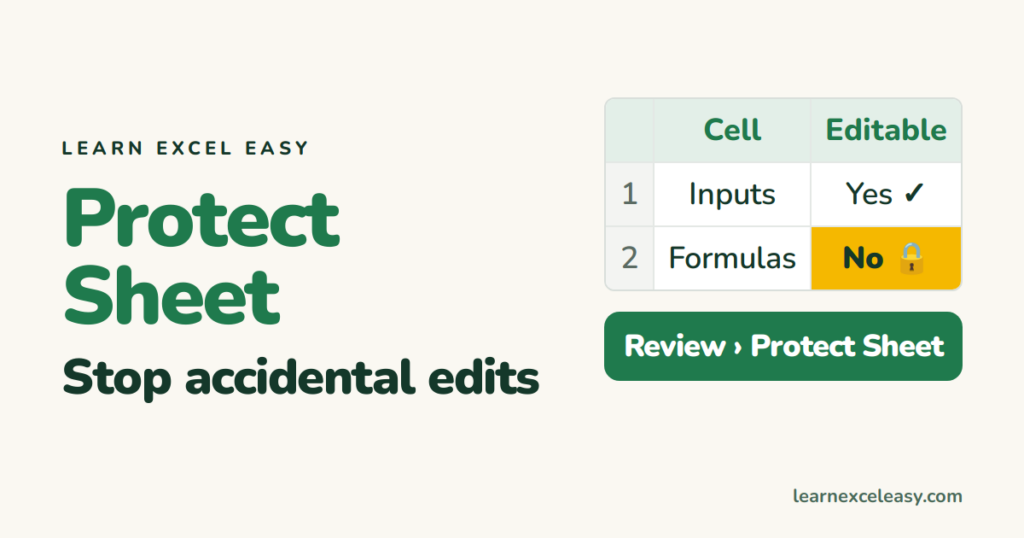
Protect a sheet in Excel so cells cannot be changed, allow specific cells to stay editable, choose what users may still do, and unprotect.

Make a scatter plot in Excel, add a trendline and its equation, label the points with names, and read what the pattern means.
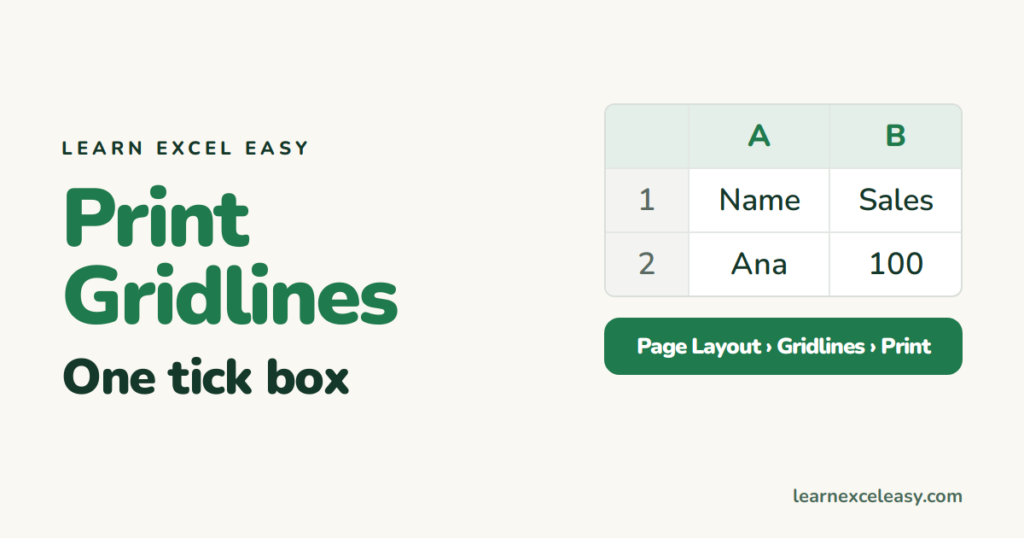
Print gridlines in Excel with one tick box, print them for part of a sheet, use borders when gridlines won't print, and fix the greyed-out option.
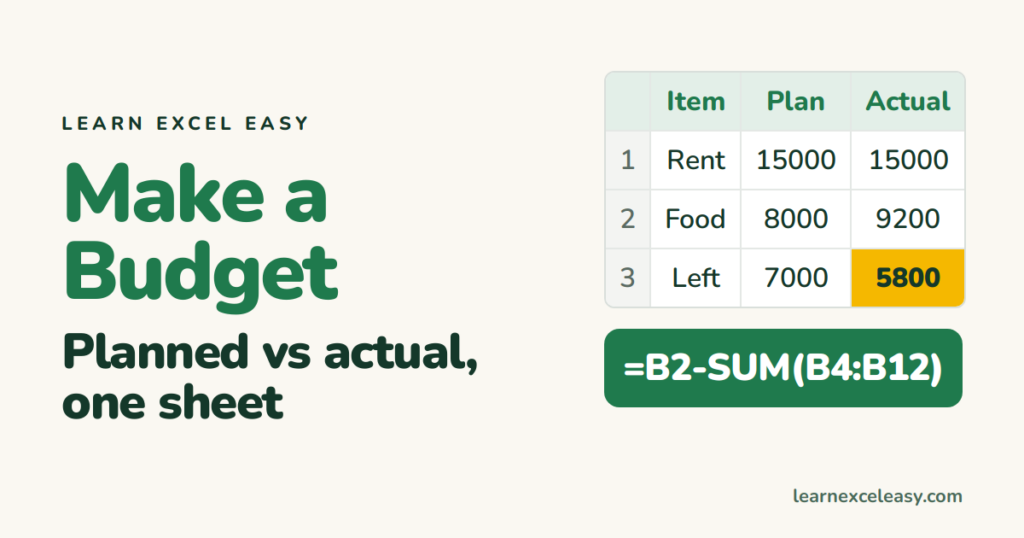
Make a monthly budget in Excel from a blank sheet: income, expense categories, planned vs actual, what's left, and a bar that shows overspending.
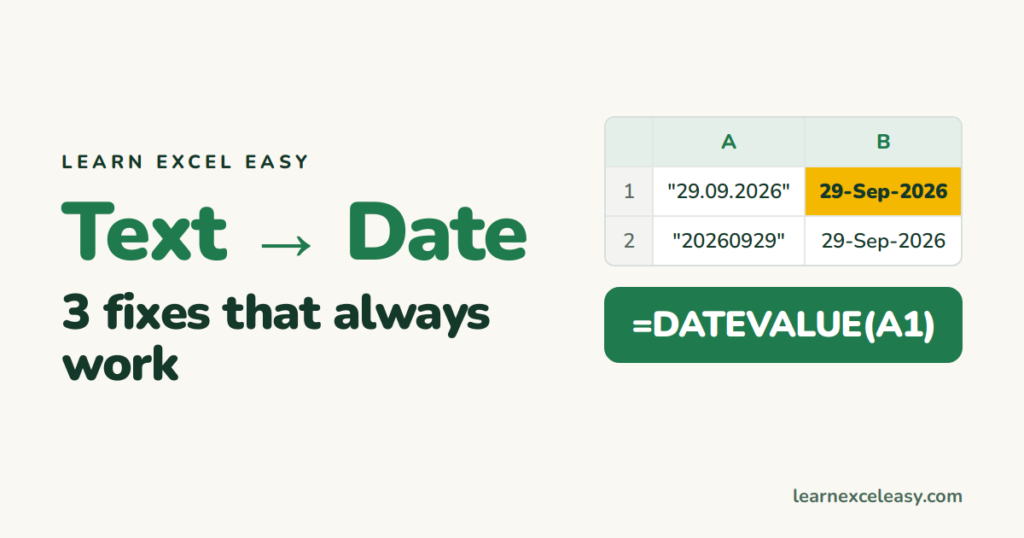
Convert text to real dates in Excel with Text to Columns, DATEVALUE, or DATE with pieces — for dd/mm/yyyy, 20260929, and dates with dots.
