
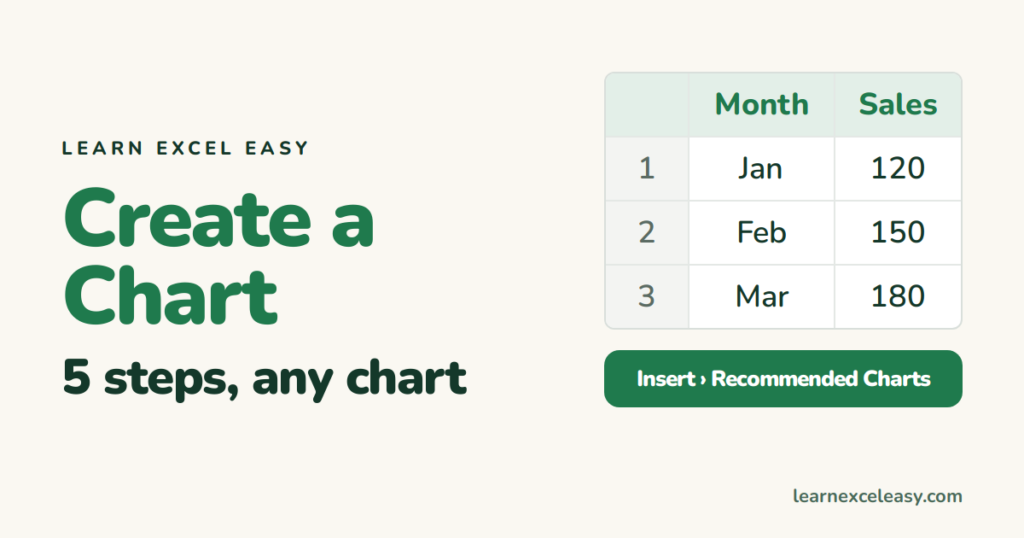
Charts
How to Create a Chart in Excel: the 5-step method for any chart
How to create a chart in Excel: arrange the data, select it, pick the chart type that fits, then title, label and tidy — the same five steps for every chart.
Short, plain-English tutorials on formulas, shortcuts, charts and everyday Excel tasks. No jargon. One idea per post.
Start here Get Daily One Lesson
How to create a chart in Excel: arrange the data, select it, pick the chart type that fits, then title, label and tidy — the same five steps for every chart.
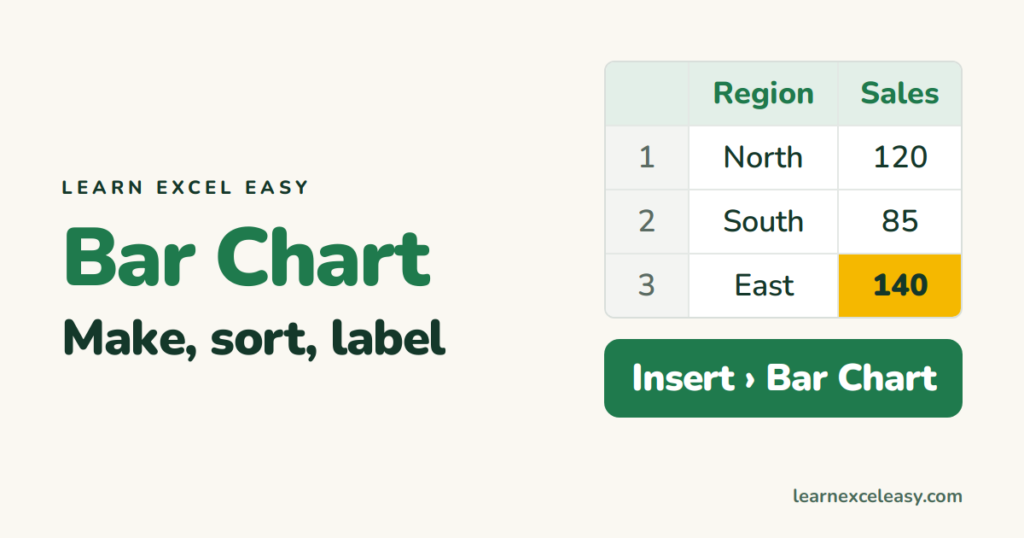
Make an Excel bar chart in four steps, put the biggest bar on top, add data labels, change the colour of one bar, and choose bar vs column.
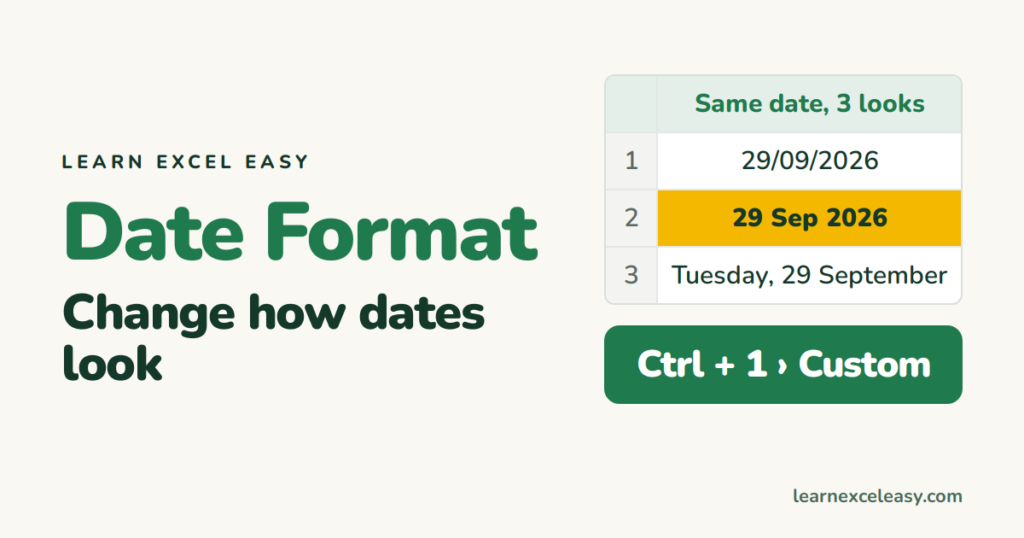
Change the date format in Excel — dd/mm/yyyy, 29 Sep 2026, day names — with Ctrl+1 and custom codes, and fix dates that refuse to change because they are text.

Freeze the top row in Excel with View › Freeze Panes › Freeze Top Row. Freeze two rows or a column too, unfreeze, and the difference between freezing and locking for editing.
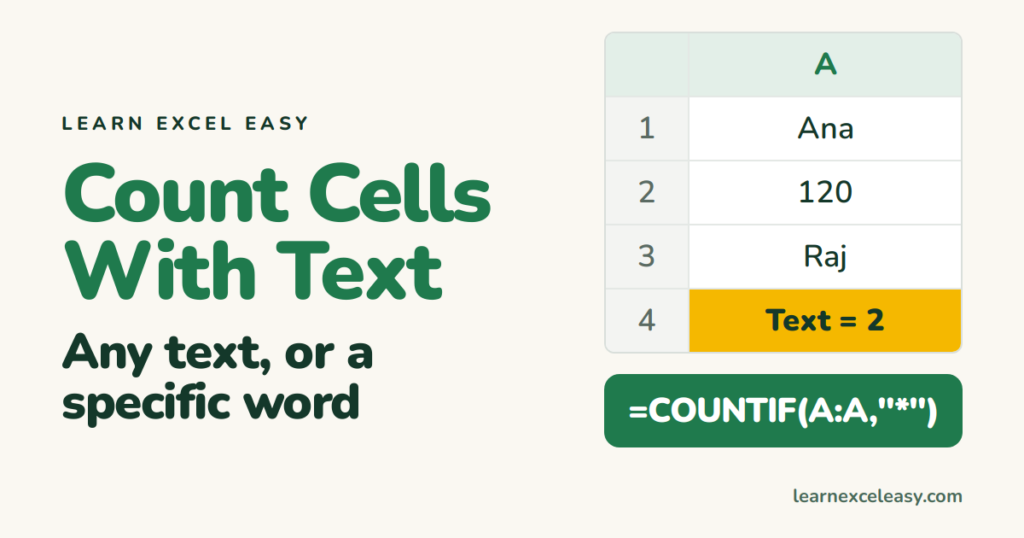
Count cells that contain any text in Excel with COUNTIF and a wildcard, count cells with specific text, and count non-empty cells including numbers.
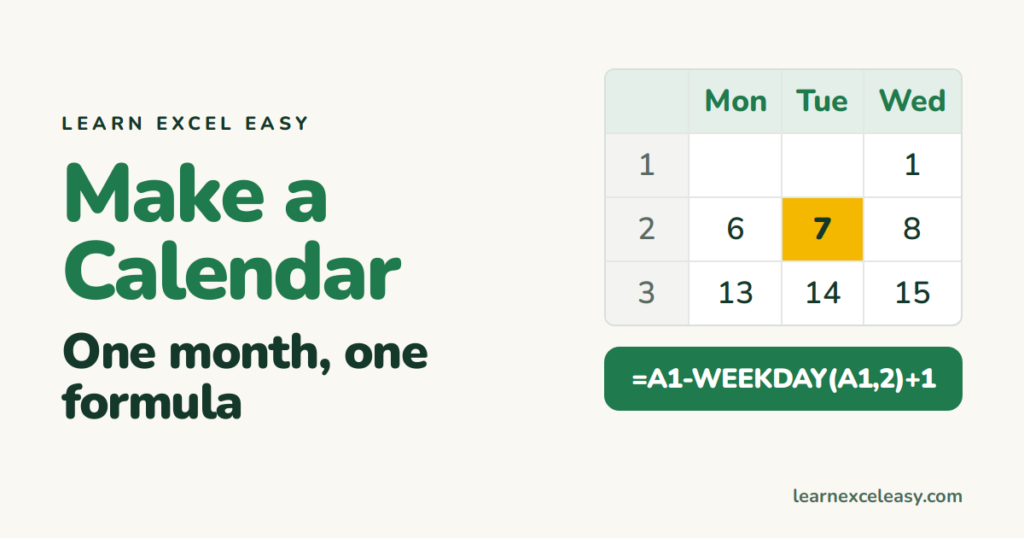
Make a monthly calendar in Excel that rebuilds itself when you change the month: one date cell, one formula, conditional formatting for today.
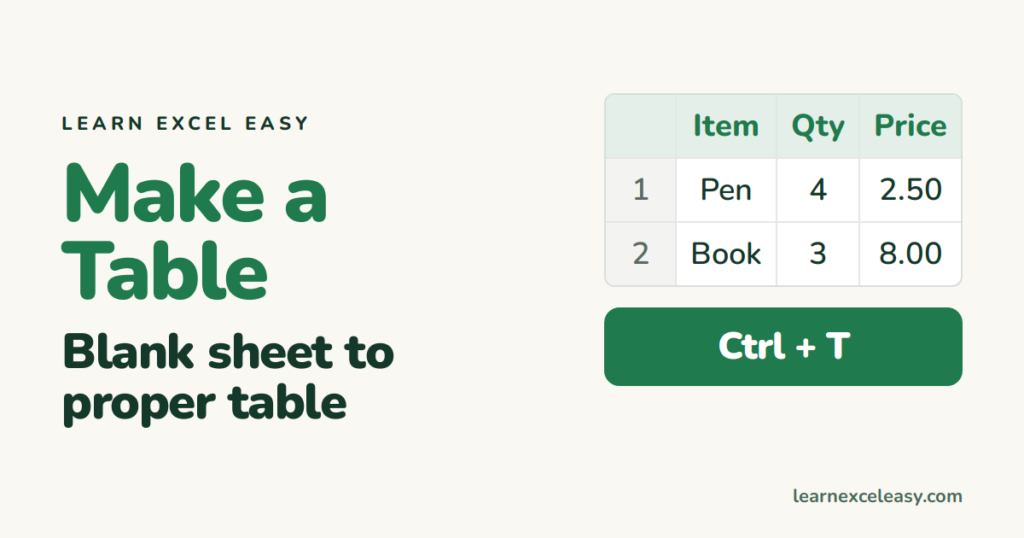
How to make a table in Excel from scratch: type the headings, enter data, press Ctrl+T, then sort, filter, total and style it.
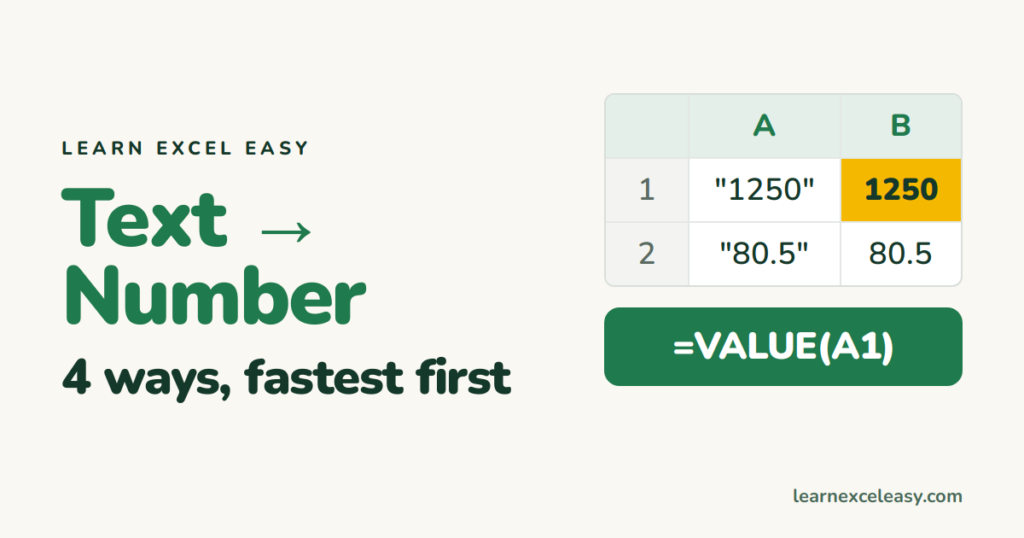
Convert text to numbers in Excel: the green-triangle button, Paste Special multiply, VALUE, and Text to Columns — and how to tell text from numbers.
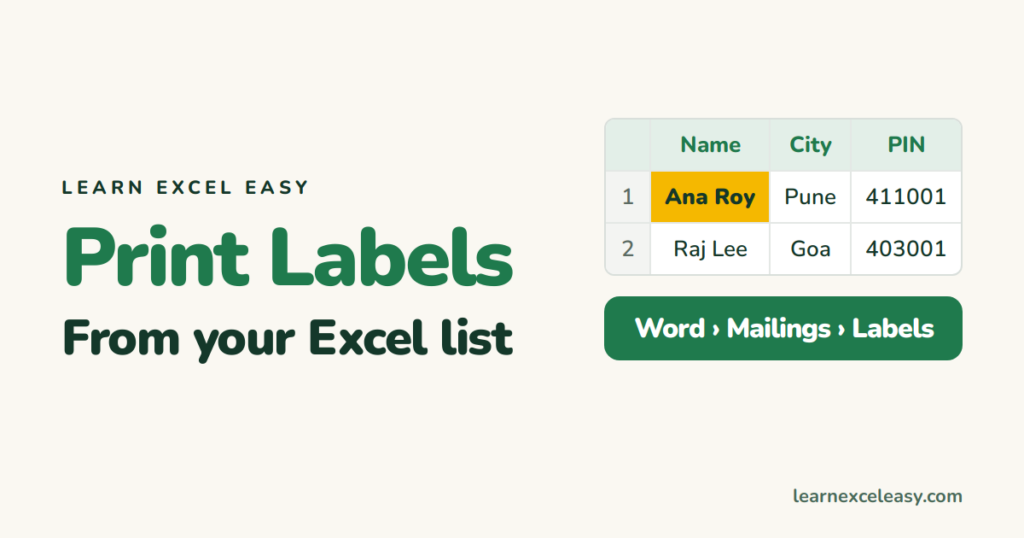
Print address labels from an Excel list using Word's mail merge: set up the sheet, pick the label size, map the columns, preview and print.
