
Shortcuts
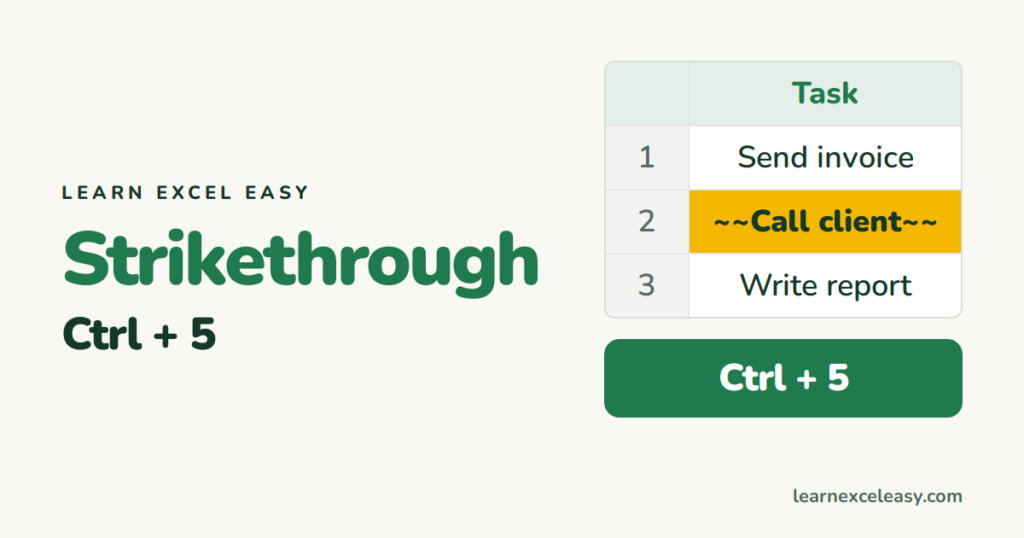
Excel Strikethrough Shortcut: Ctrl+5 (and strike through automatically)
Strikethrough in Excel with Ctrl+5, remove it, strike through part of a cell, and strike through done tasks automatically with conditional formatting.
Short, plain-English tutorials on formulas, shortcuts, charts and everyday Excel tasks. No jargon. One idea per post.
Start here Get Daily One Lesson
Strikethrough in Excel with Ctrl+5, remove it, strike through part of a cell, and strike through done tasks automatically with conditional formatting.

AutoFit columns in Excel with a double-click, the whole sheet in one go, the keyboard shortcut, and why long text and merged cells stop it working.
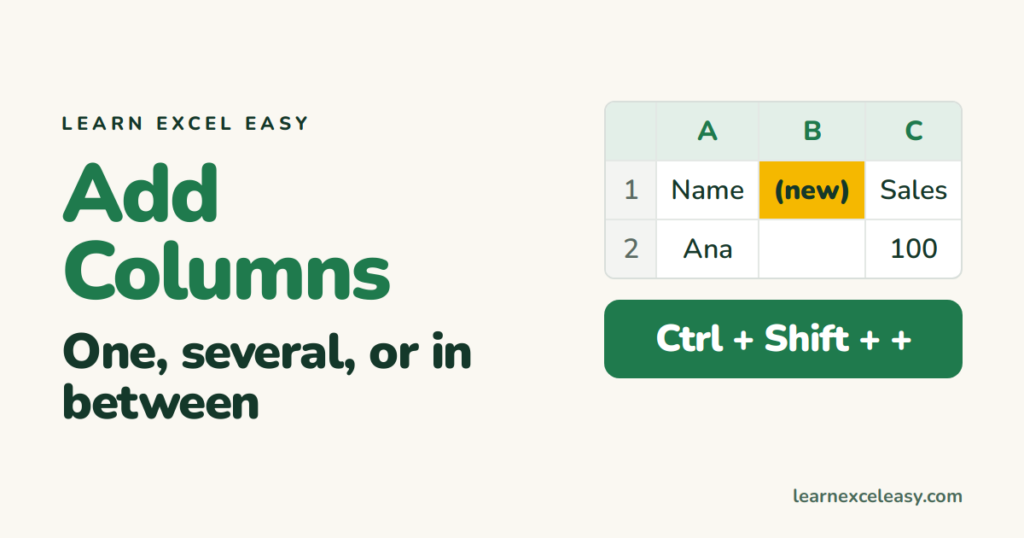
Add a column in Excel with right-click or Ctrl+Shift+Plus, insert several at once, add one at the end of a table, and undo if it went in the wrong place.
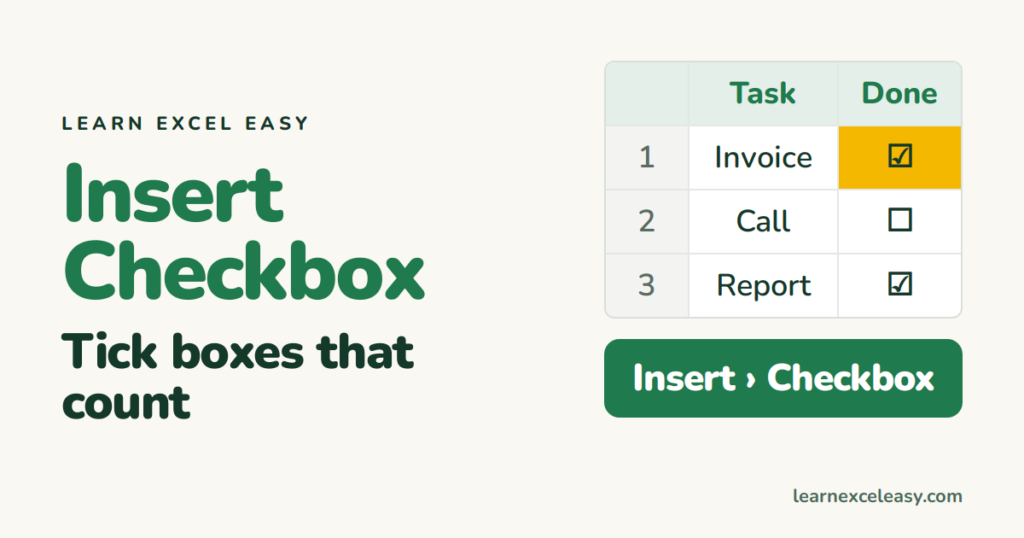
Insert a checkbox in Excel — the one-click way in Excel 365, the Developer-tab way in older versions, link it to a cell, and count how many are ticked.

Excel macros explained without jargon: what a macro is, when to use one, how to record your first, run it, and keep it safe.
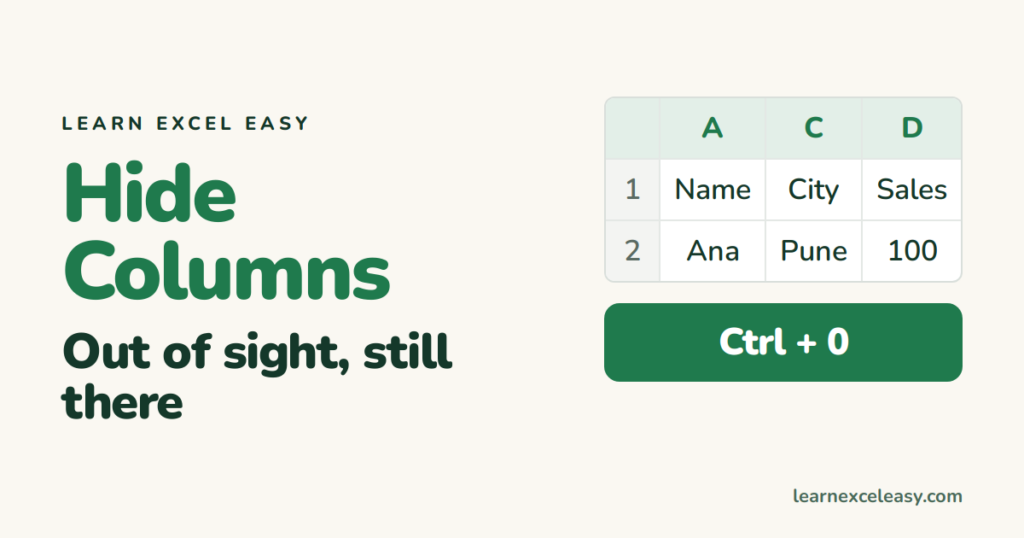
Hide columns in Excel with a right-click or Ctrl+0, hide several at once, unhide them, and use Group instead when you hide and show often.
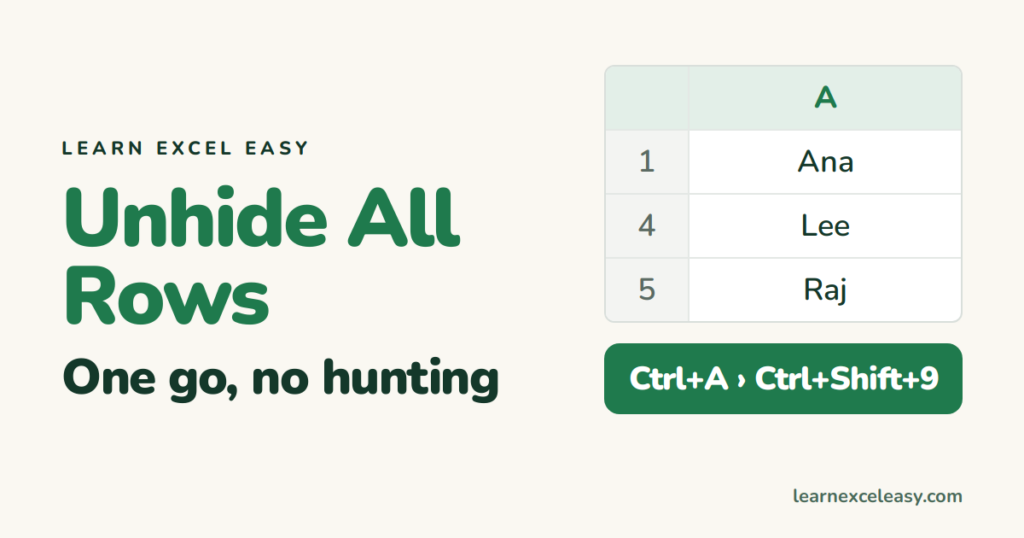
Unhide all rows in Excel with select-all and one shortcut, unhide columns the same way, and fix rows that stay hidden because of a filter or zero height.
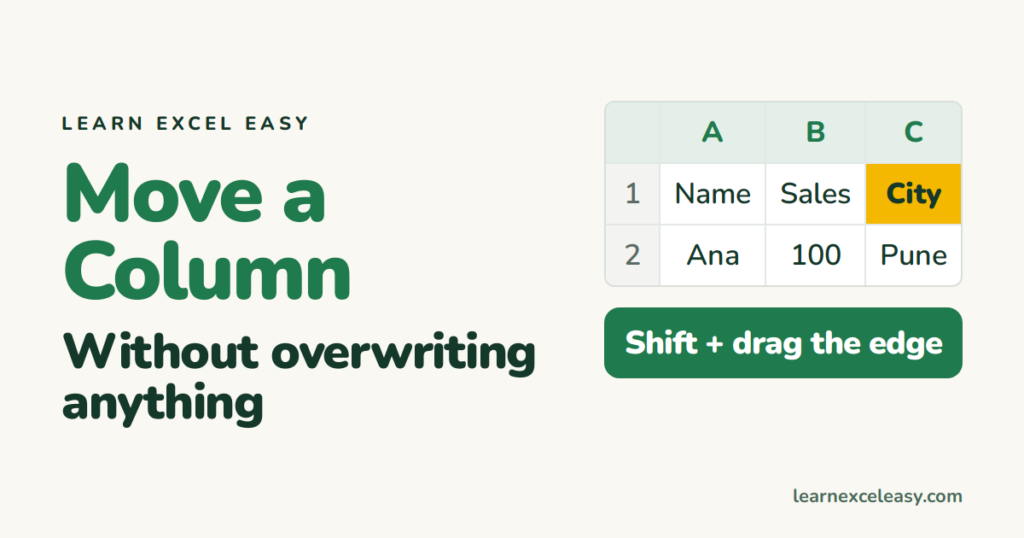
How to move a column in Excel: the Shift-drag method that inserts instead of overwriting, cut and insert, and swapping two columns.
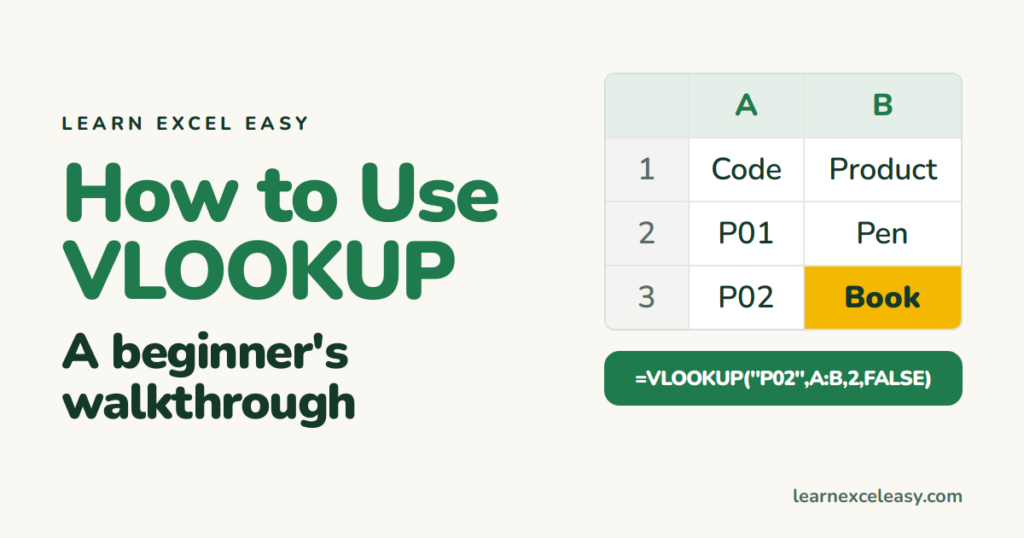
How to use VLOOKUP in Excel from a blank sheet: build the lookup table, write the formula piece by piece, copy it down, and fix #N/A.
