
Formulas & Functions
How to Calculate Percentage in Excel: 4 everyday cases
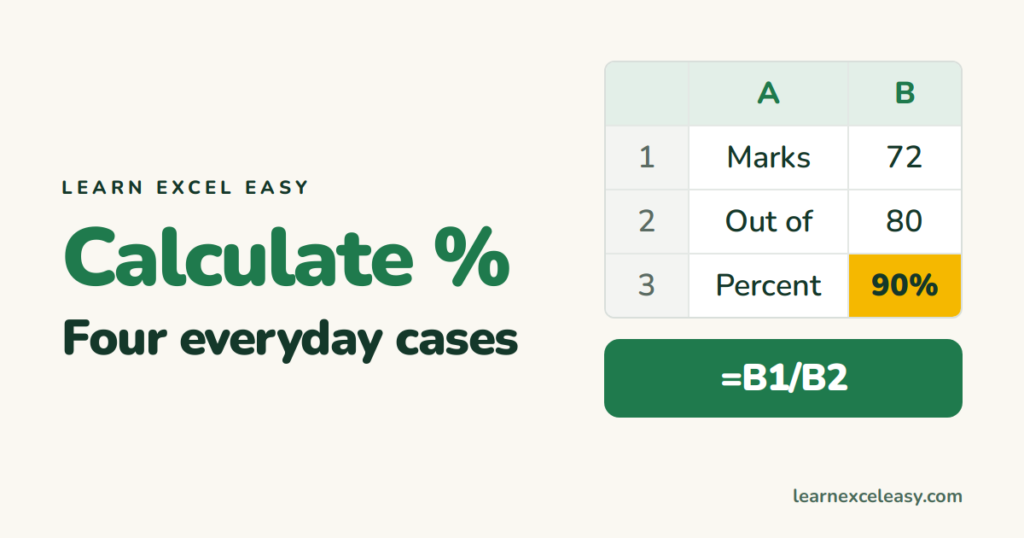
How to calculate percentage in Excel: marks out of total, share of a whole, increase from last year, and a discount — each in two steps.
Short, plain-English tutorials on formulas, shortcuts, charts and everyday Excel tasks. No jargon. One idea per post.
Start here Get Daily One Lesson
How to calculate percentage in Excel: marks out of total, share of a whole, increase from last year, and a discount — each in two steps.

What an Excel function is, how it differs from a formula, how to type one with autocomplete, and the twelve functions worth learning in order.
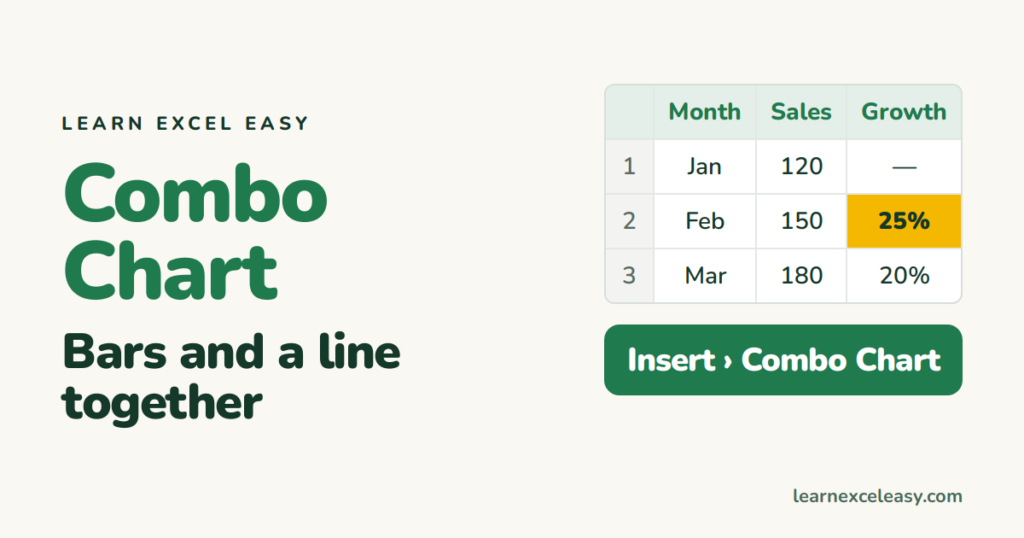
Make an Excel combo chart: sales as bars and growth % as a line on a second axis, in five steps, with the two settings that make it readable.

Repeat the heading row on every printed page in Excel with Print Titles, repeat a column too, and add page numbers in the footer.
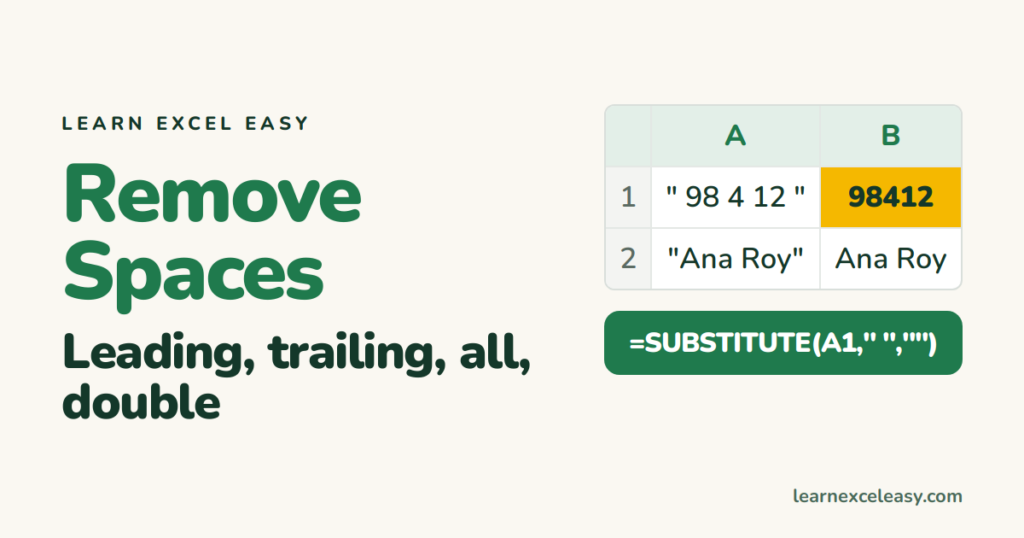
Remove spaces in Excel: TRIM for extra spaces, SUBSTITUTE for every space, Find and Replace for a one-off, and the invisible space that survives all three.
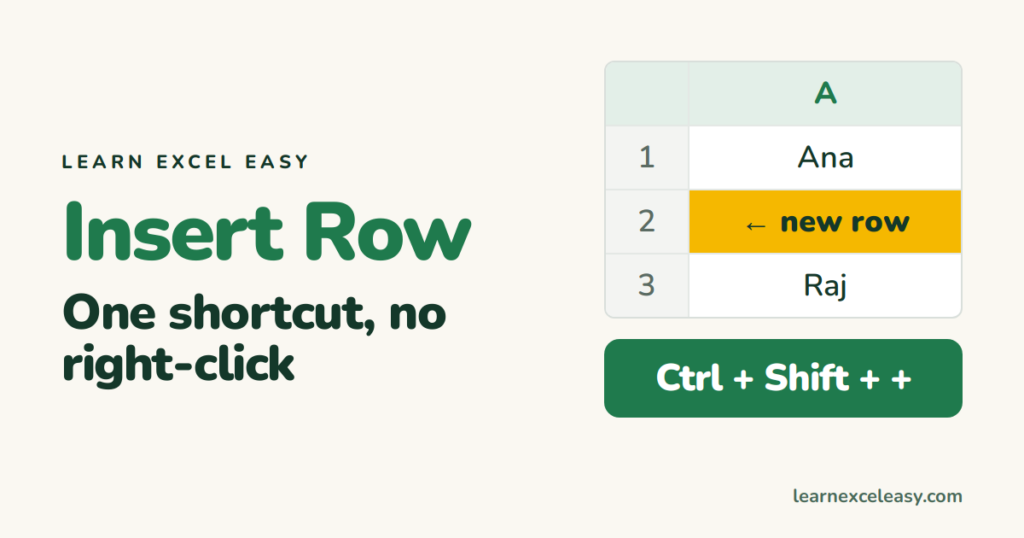
Insert a row in Excel with Ctrl+Shift+Plus, delete with Ctrl+Minus, insert several at once, and insert a column the same way.
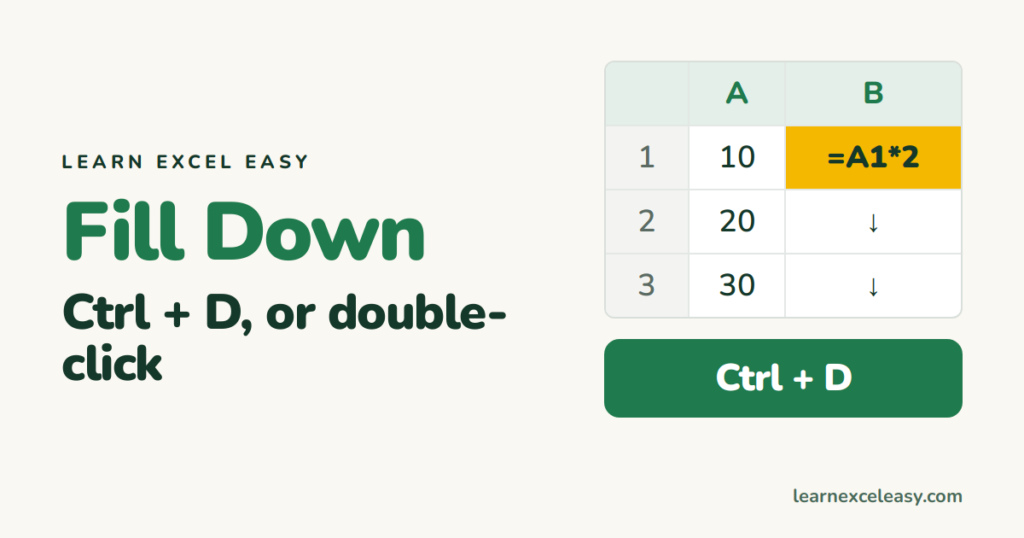
The Excel fill down shortcut Ctrl+D, fill right with Ctrl+R, the double-click that fills to the bottom, and filling only the blank cells.
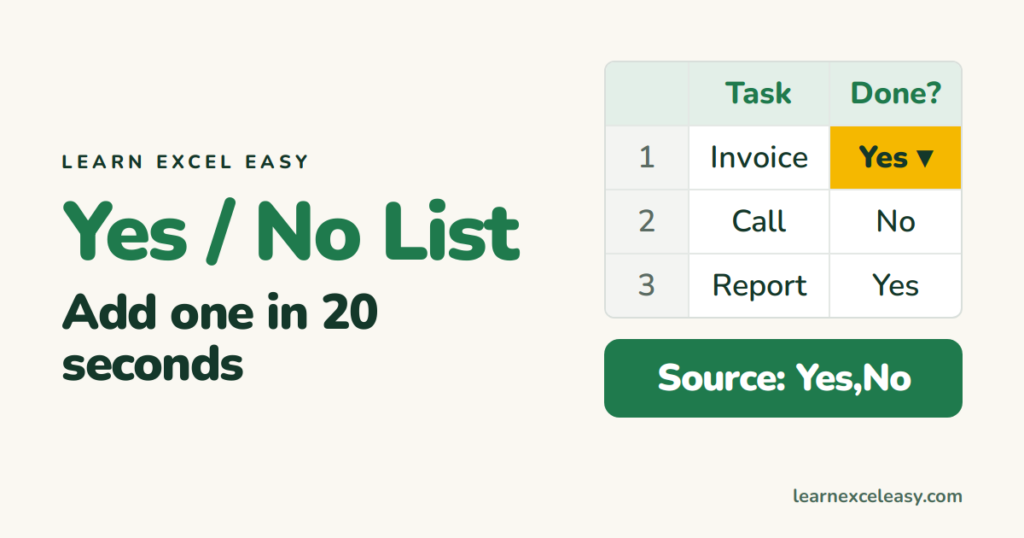
Make a Yes/No drop down in Excel with Data Validation, colour Yes green and No red, and count the answers.
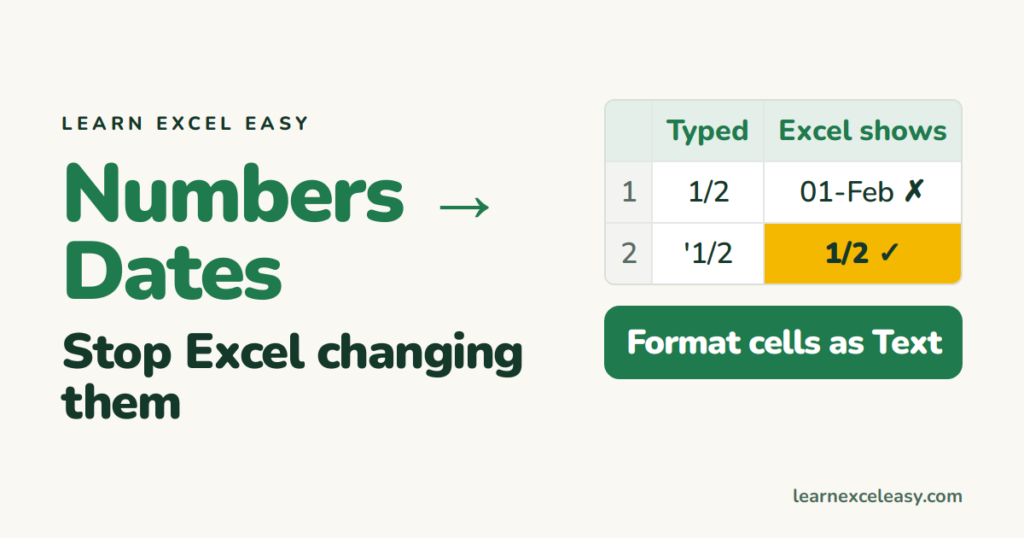
Excel turns 1/2 into 1-Feb and 3-4 into 4-Mar. Why it happens, three ways to stop it, and how to get the original values back.
