
Dates & Times
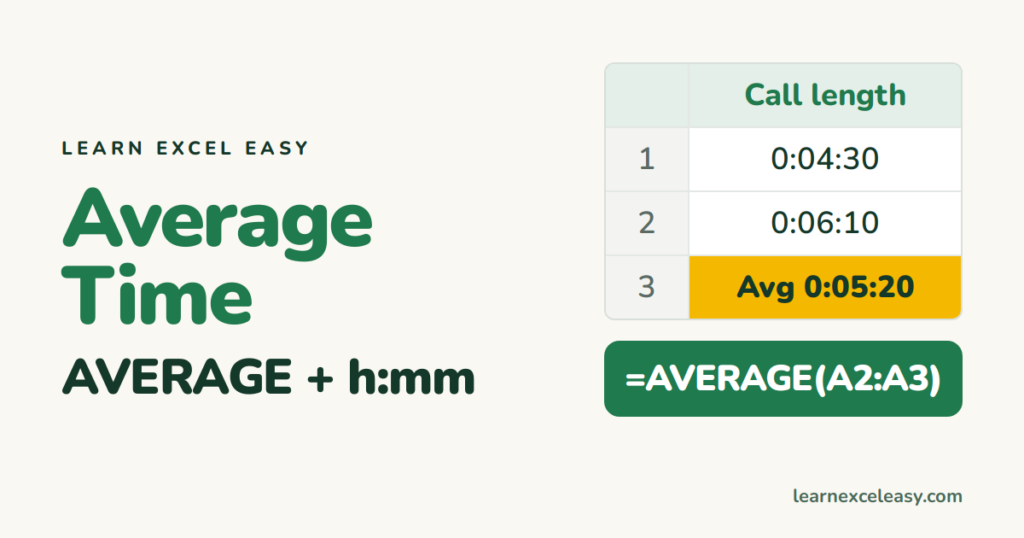
How to Average Time in Excel
Average a list of times or durations with AVERAGE and the right format, average times that cross midnight, average with a condition, and fix the #DIV/0! and text-time problems.
Short, plain-English tutorials on formulas, shortcuts, charts and everyday Excel tasks. No jargon. One idea per post.
Start here Get Daily One Lesson
Average a list of times or durations with AVERAGE and the right format, average times that cross midnight, average with a condition, and fix the #DIV/0! and text-time problems.
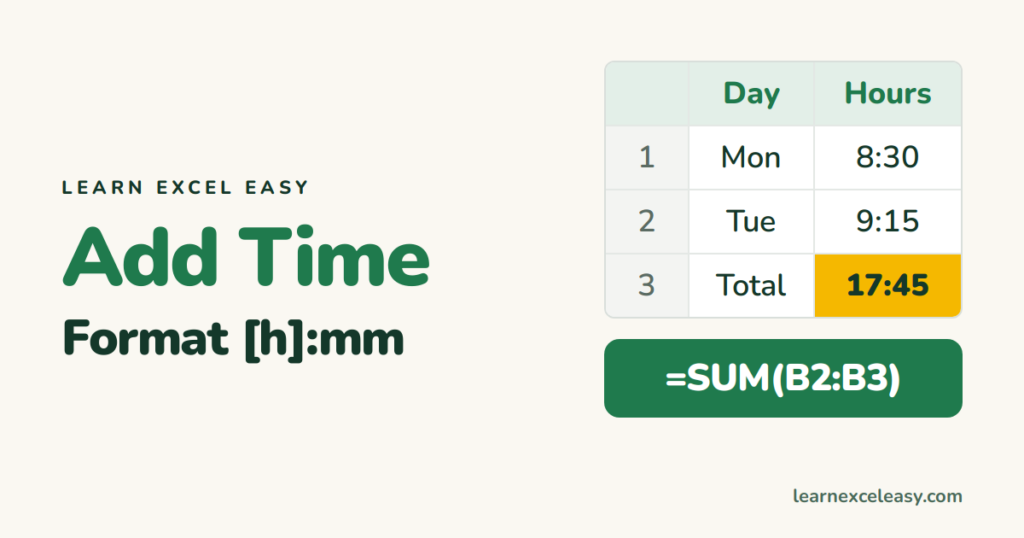
Add up times with SUM, show totals over 24 hours with [h]:mm, add minutes or hours to a time, and turn a time total into decimal hours for pay.
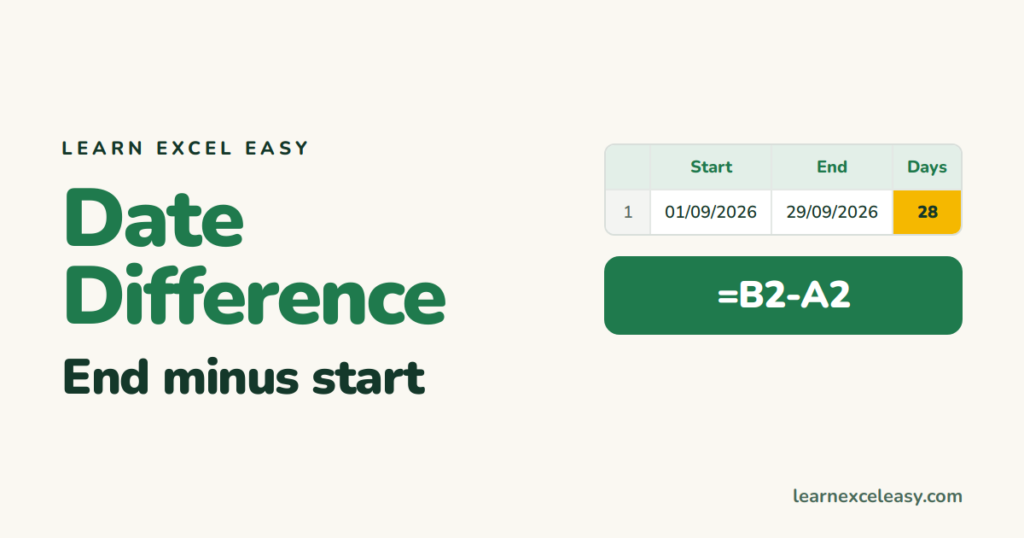
Find the difference between two dates in days (subtract), working days (NETWORKDAYS), whole months or years (DATEDIF), or years-months-days together.
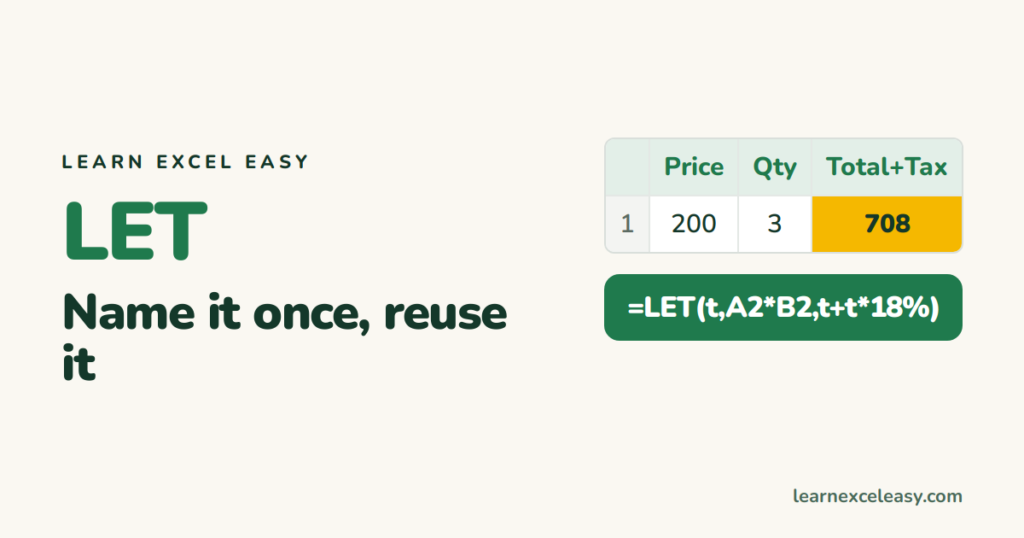
LET gives names to values inside a formula so you calculate once and reuse. Syntax, before-and-after examples, and how it makes long formulas faster and readable.
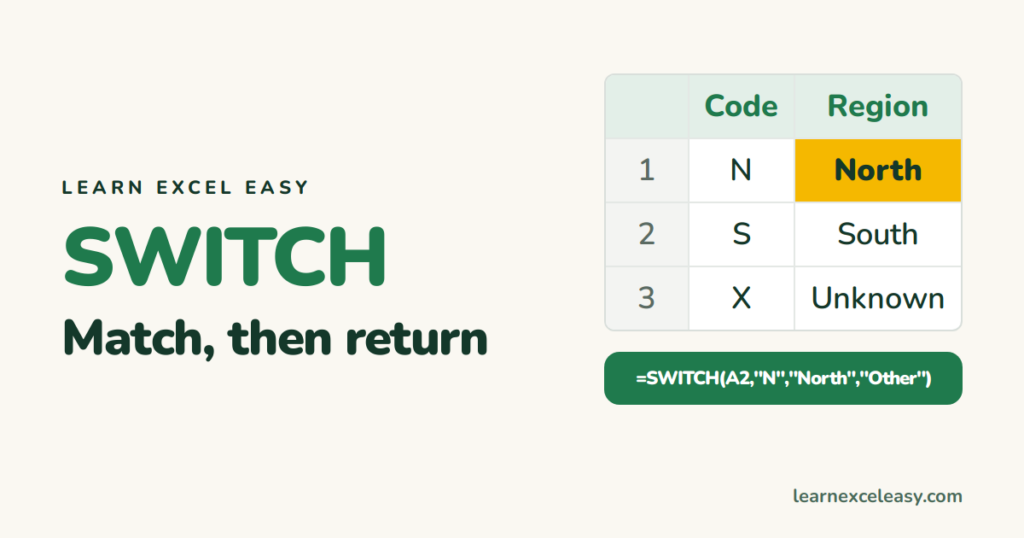
SWITCH compares one value against a list and returns the matching result. Syntax, a default value, using it for ranges with TRUE, and when IFS or XLOOKUP is better.
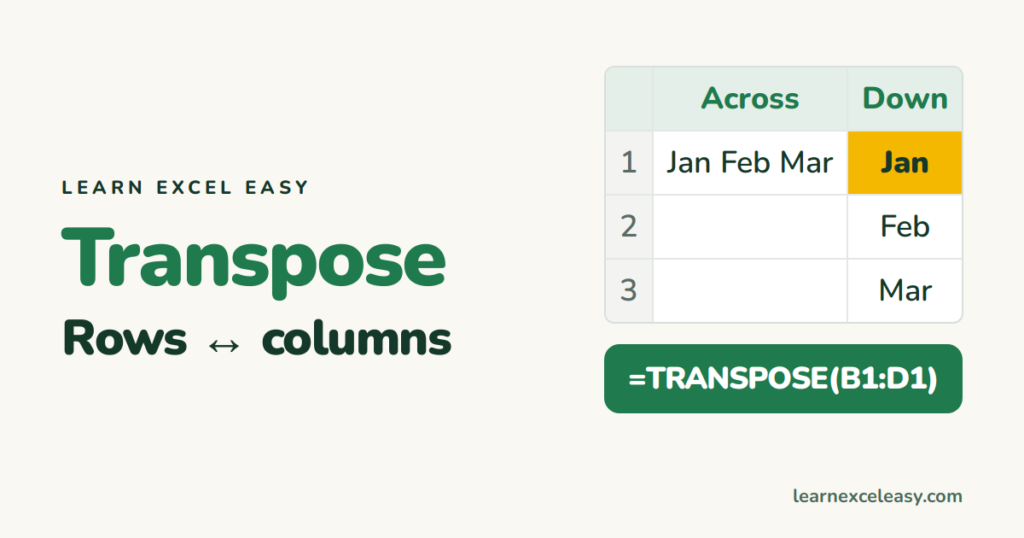
Flip rows to columns with Paste Special › Transpose, keep it live with the TRANSPOSE function, and fix the common errors.
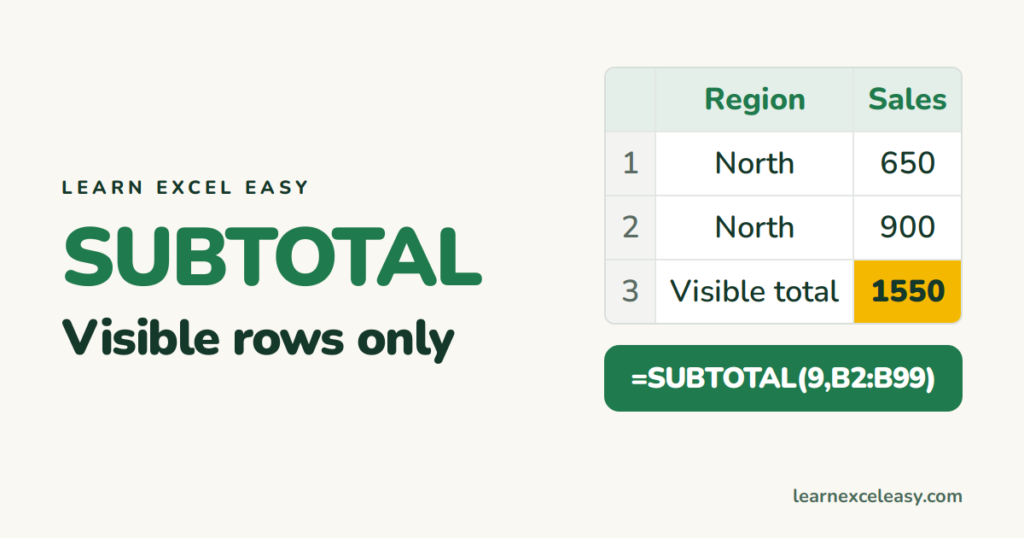
SUBTOTAL sums, counts or averages only the visible rows of a filtered list. The function numbers (9, 109 and friends), and the Data › Subtotal tool for grouped totals.
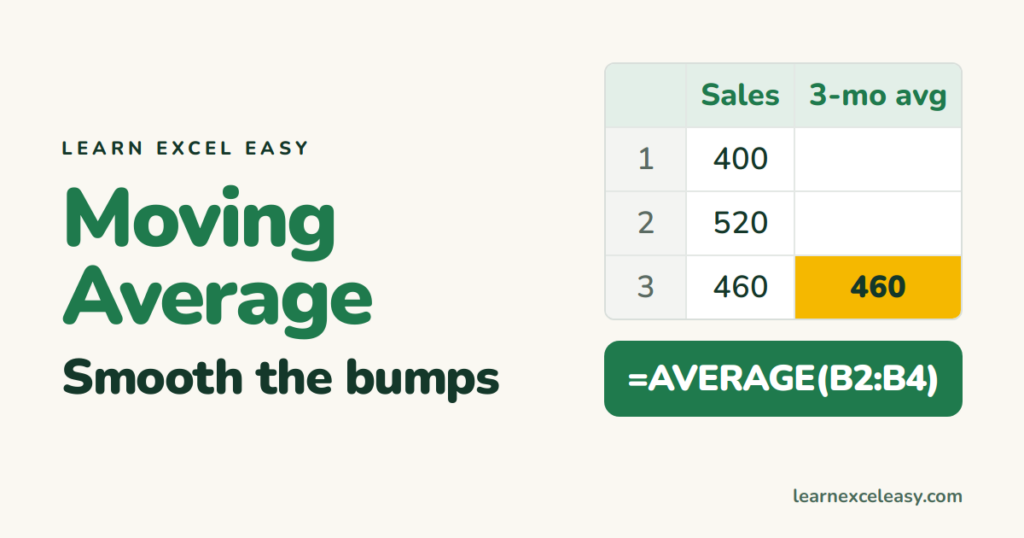
Calculate a 3, 7 or 12-period moving average with AVERAGE and relative ranges, a moving average that grows from the start, and add one to a chart in two clicks.
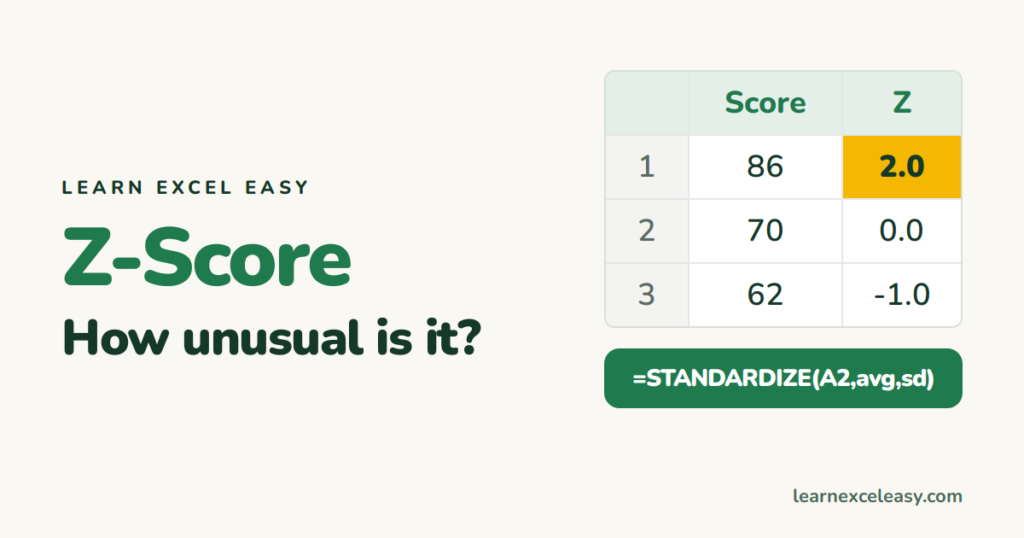
A z-score says how many standard deviations a value is from the average. Calculate it with STANDARDIZE or by hand, spot outliers, and turn it into a percentile.
