
Excel Date Difference: days, months or years between two dates
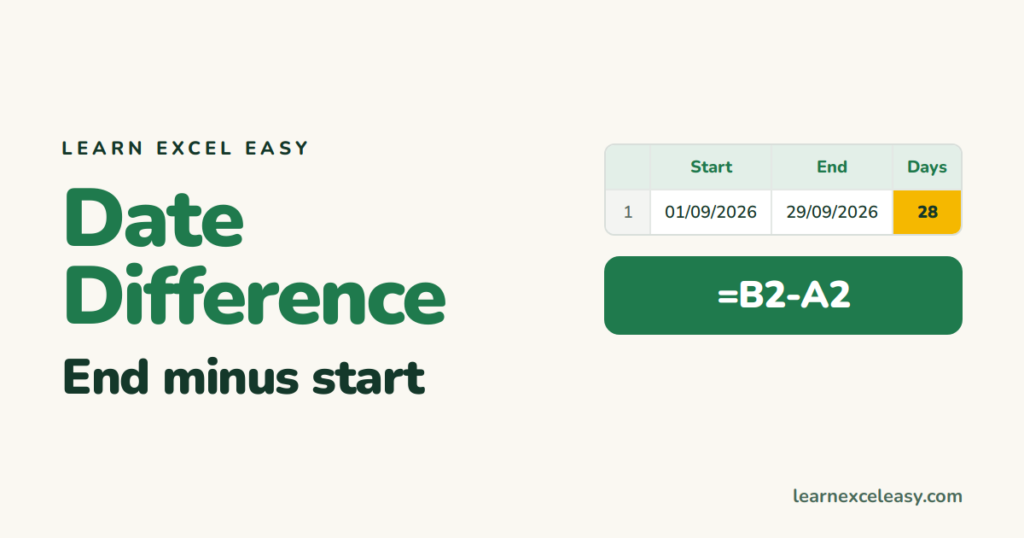
Dates are numbers in Excel, so most differences are plain subtraction.
Days
=B2-A2
If you see a date instead of a number, set the cell to General. Full guide: days between dates.
Working days
=NETWORKDAYS(A2,B2)
Skips Saturdays and Sundays, and a holiday list if you give one. See NETWORKDAYS.
Whole months
=DATEDIF(A2,B2,"m")
Whole years
=DATEDIF(A2,B2,"y")
Ages and service years: years between dates · calculate age.
Years, months and days together
=DATEDIF(A2,B2,"y")&" y "&DATEDIF(A2,B2,"ym")&" m "&DATEDIF(A2,B2,"md")&" d"
More on the units in DATEDIF.
Weeks
=INT((B2-A2)/7)
From a date to today
=TODAY()-A2
Updates every day. See TODAY.
Problems
- #VALUE! — one date is text. Convert it.
- #NUM! from DATEDIF — start date is after the end date.
- Negative number — swap them, or wrap in ABS().
With times too: time difference · All date formulas: Excel date formulas

20 years with spreadsheets and enterprise systems. Writes one short, plain-English Excel lesson a day. Got an Excel question? learnexceleasycom@gmail.com
