
Formulas & Functions
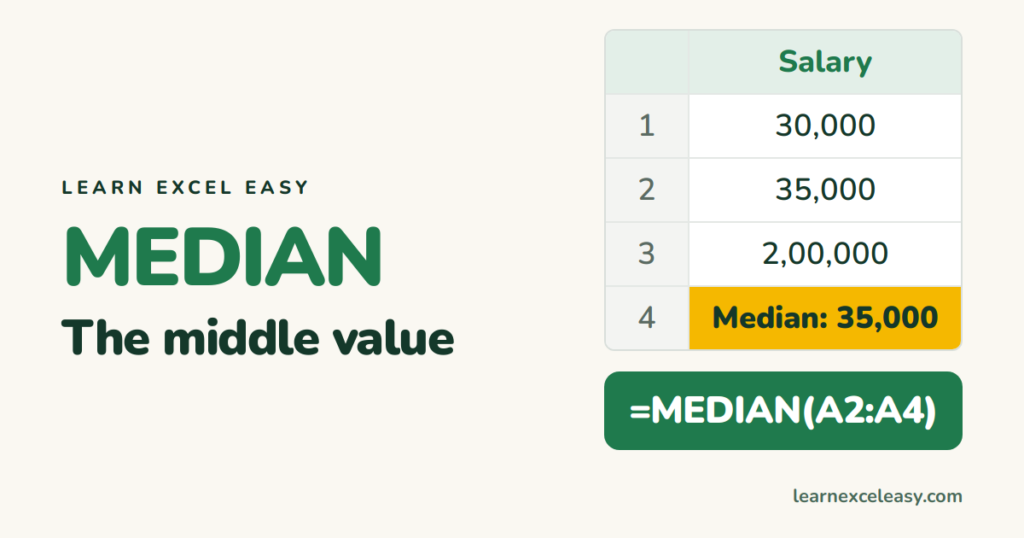
MEDIAN in Excel: the middle value (and when to use it)
MEDIAN returns the middle number of a list. How it handles even counts and blanks, median with a condition, and why it beats AVERAGE when a few values are extreme.
Short, plain-English tutorials on formulas, shortcuts, charts and everyday Excel tasks. No jargon. One idea per post.
Start here Get Daily One Lesson
MEDIAN returns the middle number of a list. How it handles even counts and blanks, median with a condition, and why it beats AVERAGE when a few values are extreme.
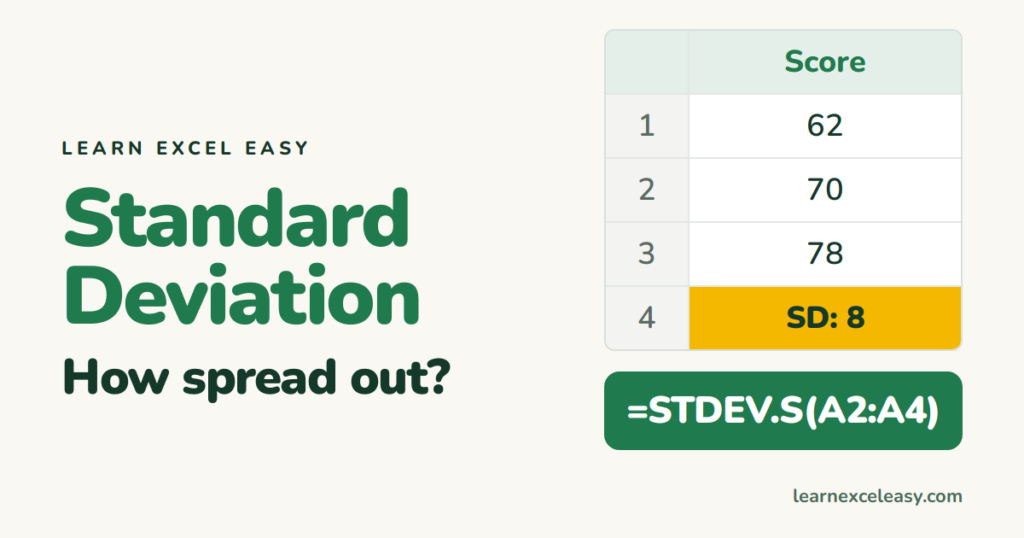
Calculate standard deviation in Excel, pick between STDEV.S (a sample) and STDEV.P (the whole population), read what the number means, and add it to a chart.
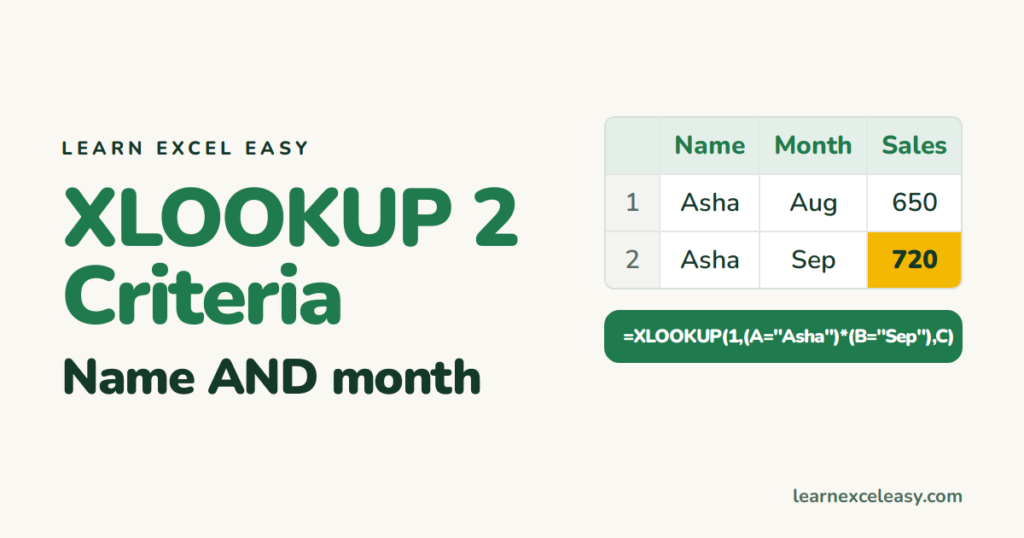
Look up a value that matches two or more conditions with XLOOKUP — the multiply-the-conditions method, the join-with-& method, and how to match 'either' condition.

VLOOKUP only returns the first match. Get every match with FILTER, put them in one cell with TEXTJOIN, or return several columns at once — plus an older-Excel method.
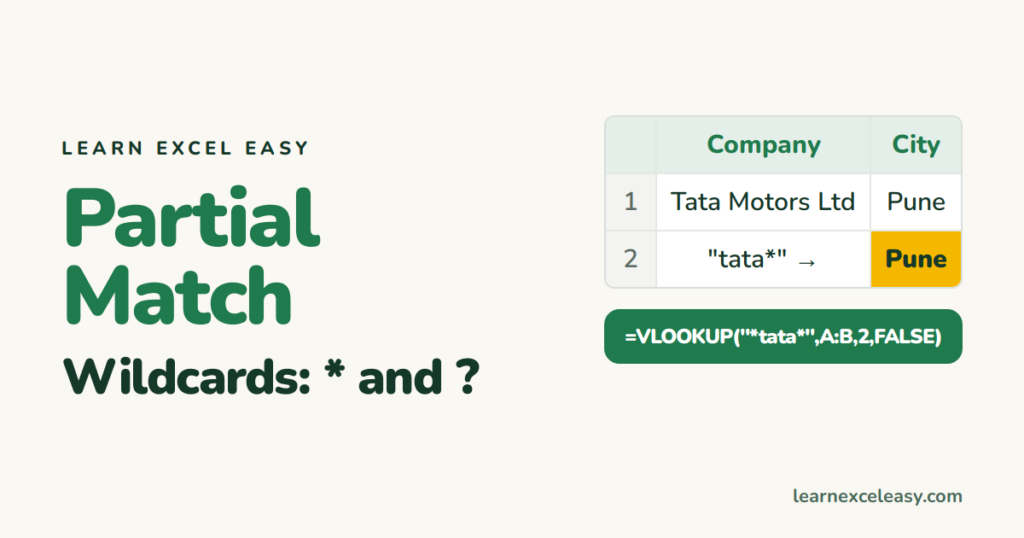
Look up a value when you only know part of it: VLOOKUP with * and ? wildcards, a partial match from a cell, and XLOOKUP's wildcard mode.

Create a clickable link to a cell on another sheet with Ctrl+K or the HYPERLINK formula, build a contents page, and add a Back to top link.
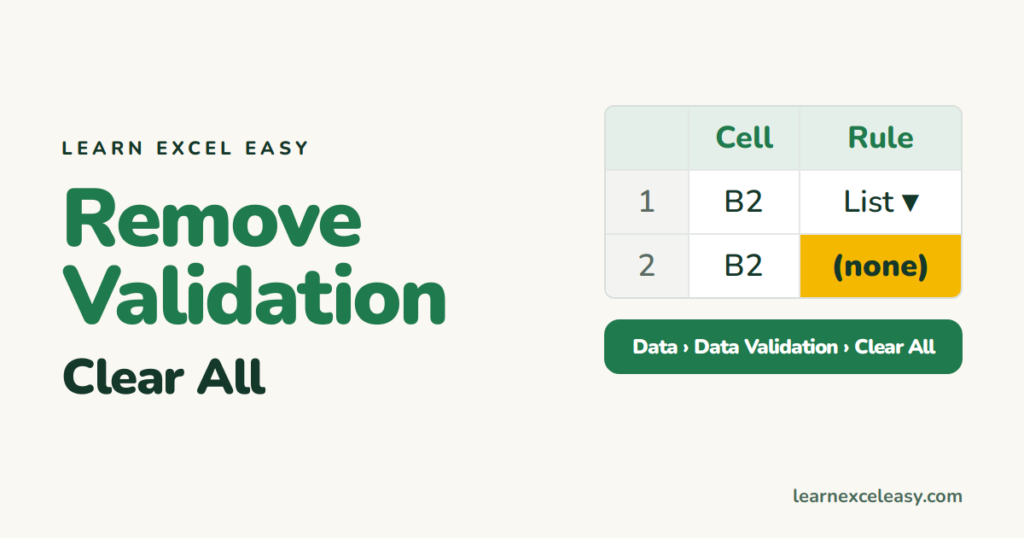
Clear data validation rules and dropdowns from selected cells or the whole sheet, find which cells have validation, and fix a greyed-out button.

Remove one hyperlink or every link on a sheet in one step, keep the formatting, and stop Excel turning web addresses and emails into links as you type.
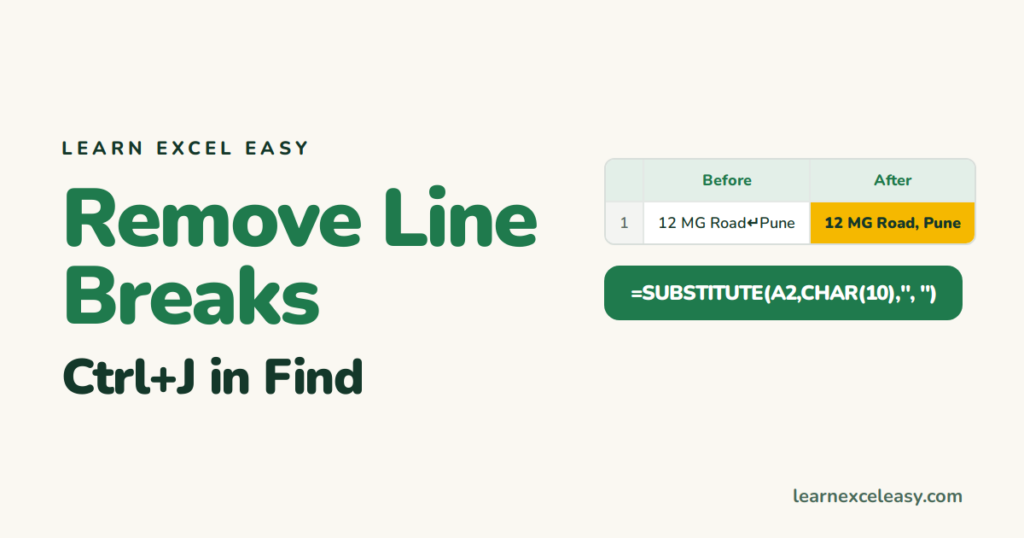
Remove line breaks (Alt+Enter) from cells with Find and Replace using Ctrl+J, or with SUBSTITUTE and CHAR(10) — replacing them with a space or comma.
