
MEDIAN in Excel: the middle value (and when to use it)
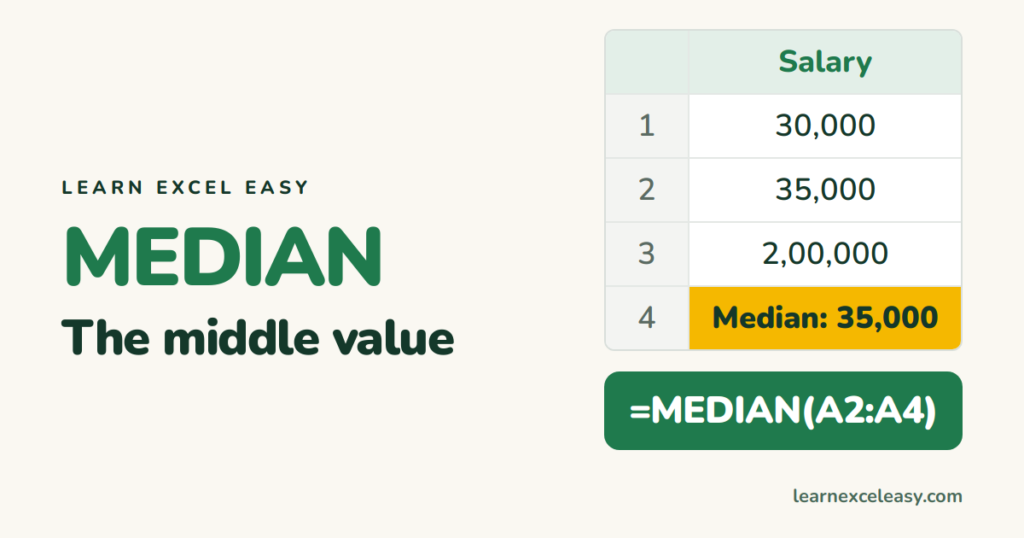
The formula
=MEDIAN(B2:B100)
Excel sorts the numbers in its head and returns the one in the middle. You don’t have to sort anything.
Even number of values
MEDIAN averages the two middle ones. 10, 20, 30, 40 → 25.
Median vs average
Salaries 30,000 · 35,000 · 2,00,000. Average: 88,333 — nobody earns that. Median: 35,000 — much closer to typical. Use median when a few very large or small values would drag the average. See AVERAGE.
Median with a condition
=MEDIAN(FILTER(C2:C100,A2:A100="North"))
Older Excel (Ctrl+Shift+Enter):
=MEDIAN(IF(A2:A100="North",C2:C100))
What’s ignored
Blank cells and text are skipped. Zeros are counted — if 0 means “no data”, exclude them: =MEDIAN(FILTER(B2:B100,B2:B100<>0)).
Related
- Most frequent value:
=MODE.SNGL(B2:B100) - Spread: standard deviation
- Top values: LARGE

20 years with spreadsheets and enterprise systems. Writes one short, plain-English Excel lesson a day. Got an Excel question? learnexceleasycom@gmail.com
