
Formulas & Functions
COUNTIF Greater Than (and Less Than) in Excel
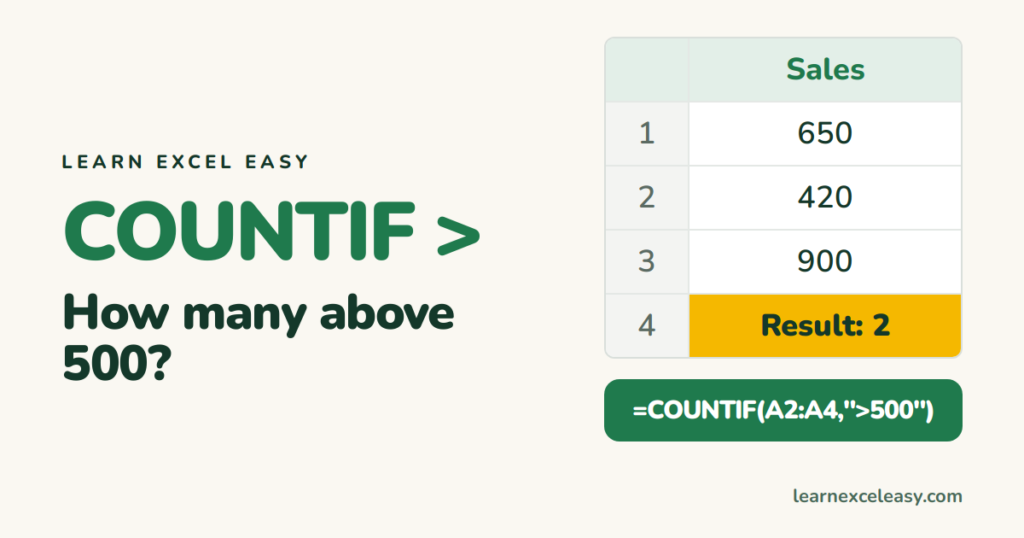
Count cells greater than or less than a number, a cell value or a date with COUNTIF — including the quote-and-ampersand rule that trips everyone up.
Short, plain-English tutorials on formulas, shortcuts, charts and everyday Excel tasks. No jargon. One idea per post.
Start here Get Daily One Lesson
Count cells greater than or less than a number, a cell value or a date with COUNTIF — including the quote-and-ampersand rule that trips everyone up.
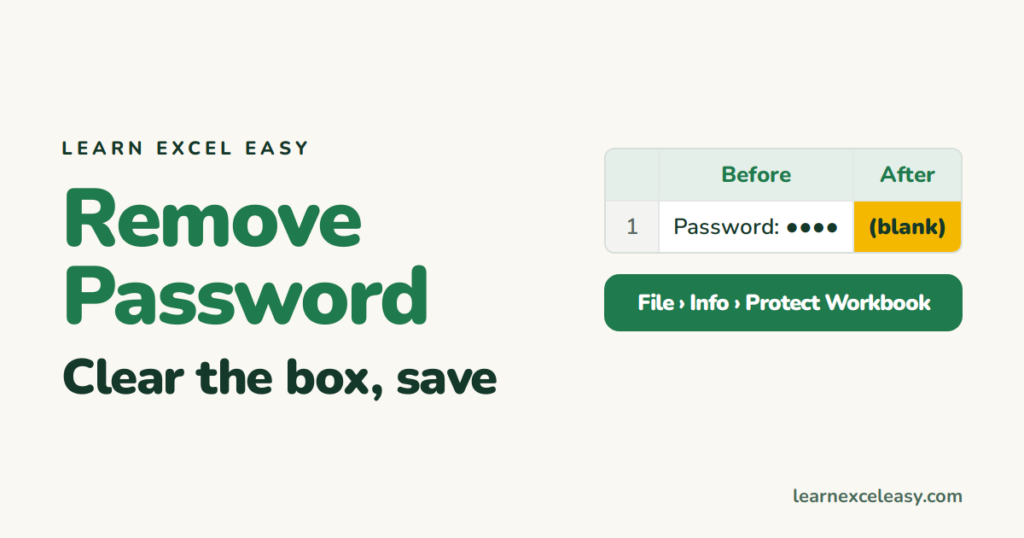
Remove the open password from an Excel file, unprotect a sheet or workbook structure, and remove a read-only password — all require knowing the current password.
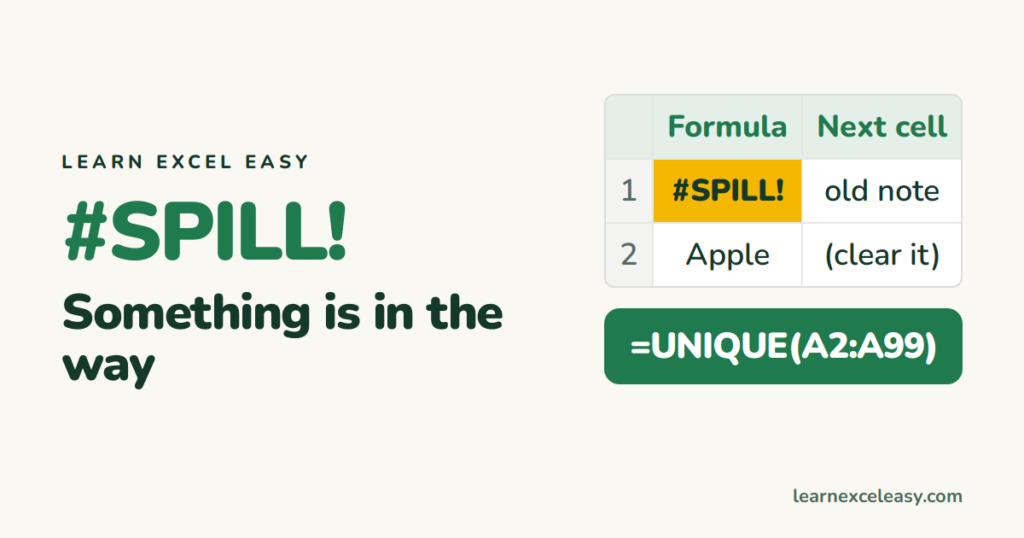
#SPILL! means a formula's results can't spread into the cells they need. Clear the blocking cells, unmerge, move out of a table, or return a single value with @.
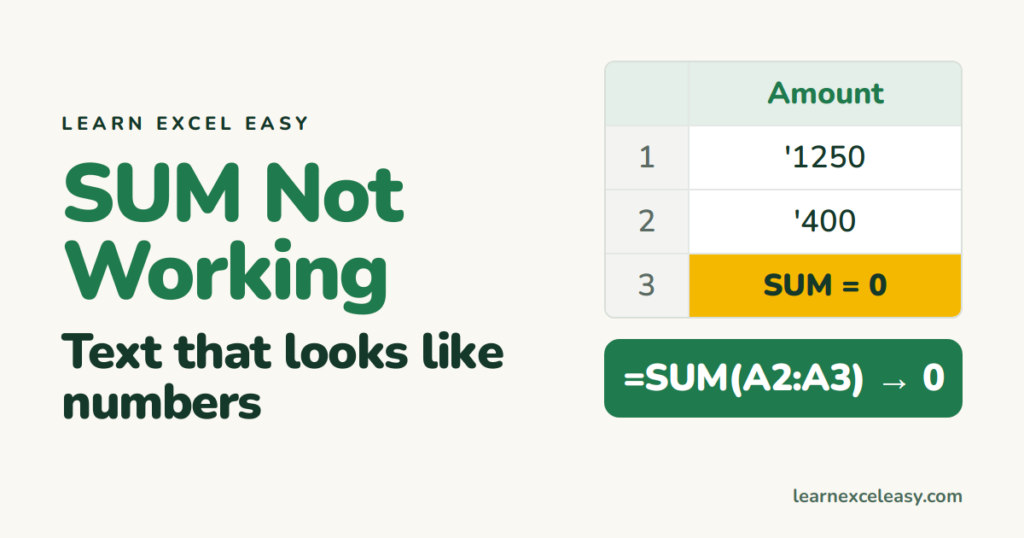
SUM returning 0, not updating, or ignoring some cells? Numbers stored as text, manual calculation, hidden spaces and circular references are the usual causes. Fixes for each.
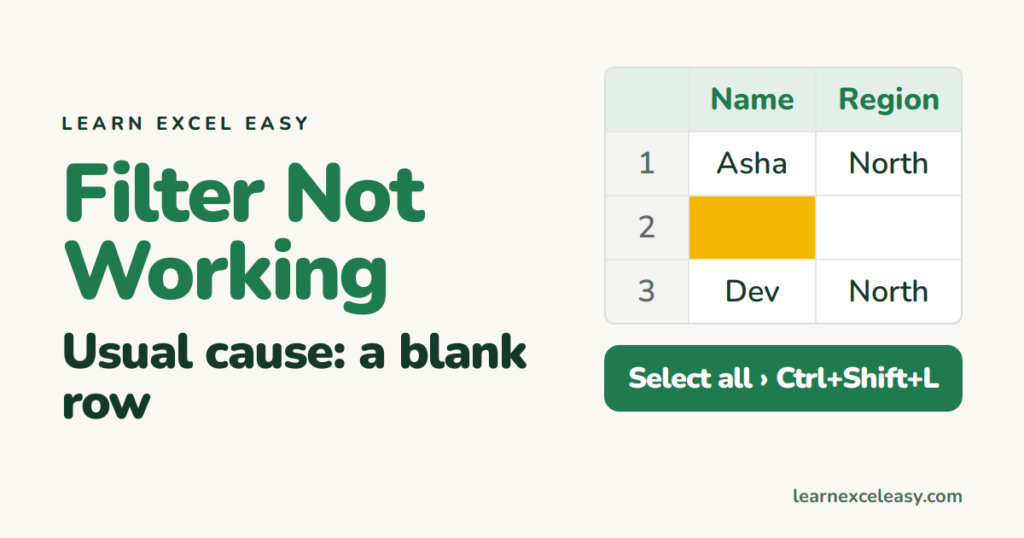
Filter missing rows, greyed out, or showing wrong results? The usual causes are blank rows, a partial selection, text-stored numbers, merged cells or a protected sheet.
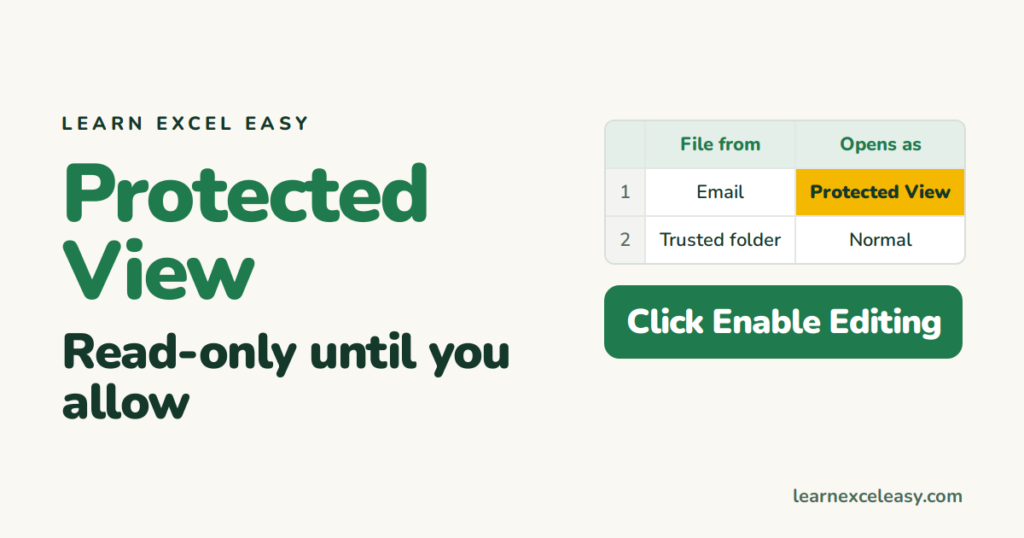
Why files from email and the internet open read-only in Protected View, how to enable editing safely, and how to stop Protected View for trusted folders.
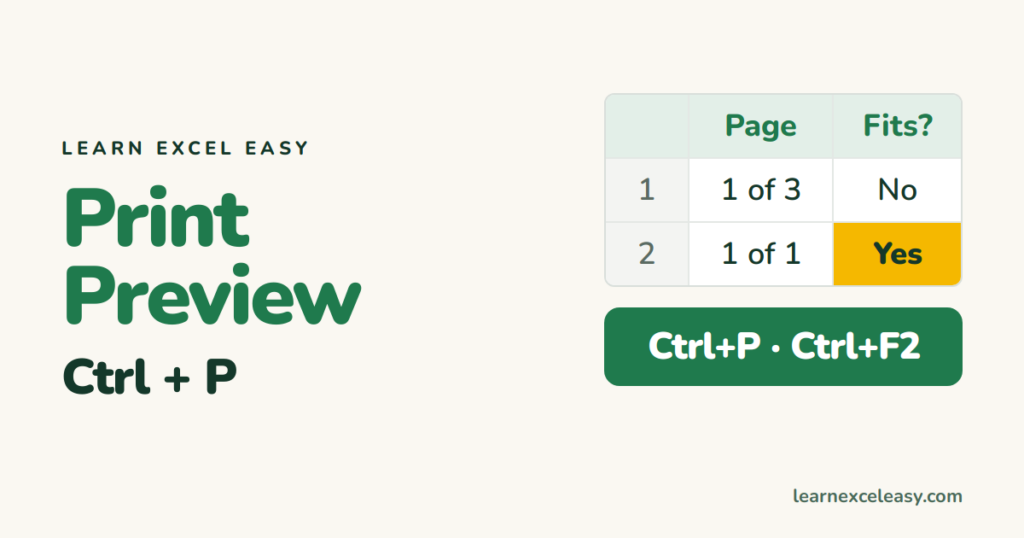
Open Print Preview with Ctrl+P or Ctrl+F2, fit the sheet on one page, fix cut-off columns, and add a one-click Print Preview button.
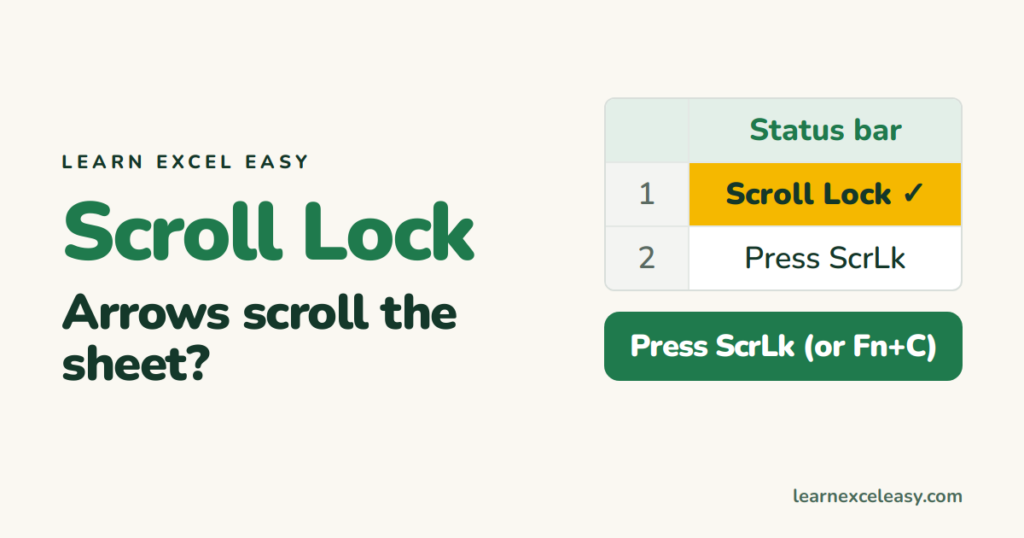
If the arrow keys scroll the whole sheet instead of moving the cell, Scroll Lock is on. Turn it off from the keyboard, the on-screen keyboard, or a Mac shortcut.

Split one worksheet into two or four scrolling panes with View › Split, open the same file in two windows, and put two workbooks side by side.
