
Excel IF with AND / OR: test two conditions at once
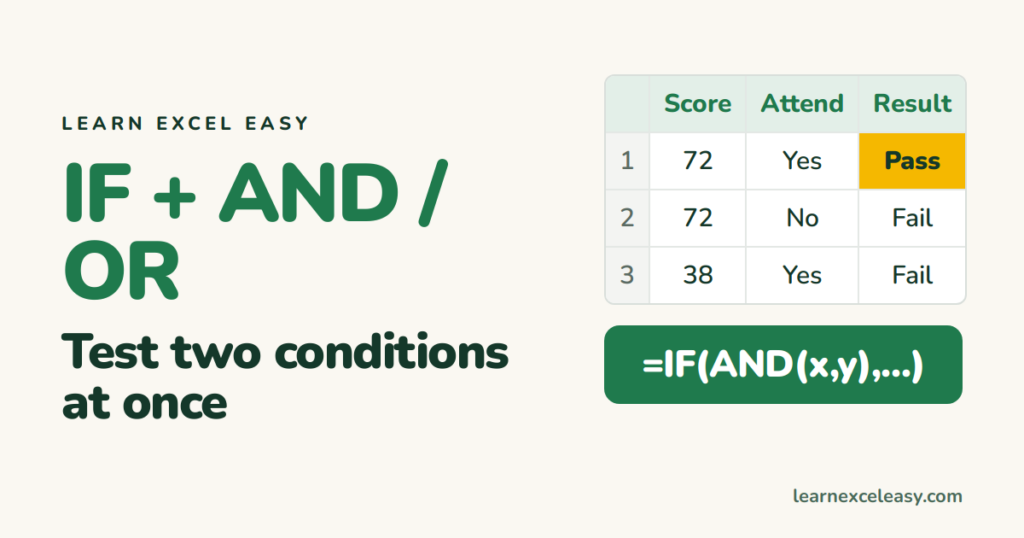
IF takes one test. AND and OR let you put several tests in that one slot.
AND — every condition must be true
=IF(AND(A1>=40, B1="Yes"), "Pass", "Fail")
Pass only if the score is 40 or more and attendance is Yes.
OR — any condition is enough
=IF(OR(A1>=90, C1="Bonus"), "Star", "")
Star if the score is 90+ or there is a bonus flag.
Steps
- Score in A, attendance in B.
- Click C1. Type the AND formula. Enter. Drag down.
| A | B | C | |
|---|---|---|---|
| 1 | 72 | Yes | Pass |
| 2 | 72 | No | Fail |
| 3 | 38 | Yes | Fail |
Both together
Pass if score ≥40 and (attendance Yes or has a medical note):
=IF(AND(A1>=40, OR(B1="Yes", D1="Medical")), "Pass", "Fail")
Between two numbers
=IF(AND(A1>=40, A1<=70), "Middle", "Outside")
NOT
=IF(NOT(B1="Yes"), "Absent", "Present")
Check it worked
Change one condition at a time and watch the result flip. With AND, breaking either condition must give Fail.
Common mistake
Writing =IF(A1>=40 AND B1="Yes", ...). AND is a function — it needs its own brackets around the tests.

20 years with spreadsheets and enterprise systems. Writes one short, plain-English Excel lesson a day. Got an Excel question? learnexceleasycom@gmail.com
