
Excel SORT Function: a sorted copy that updates itself
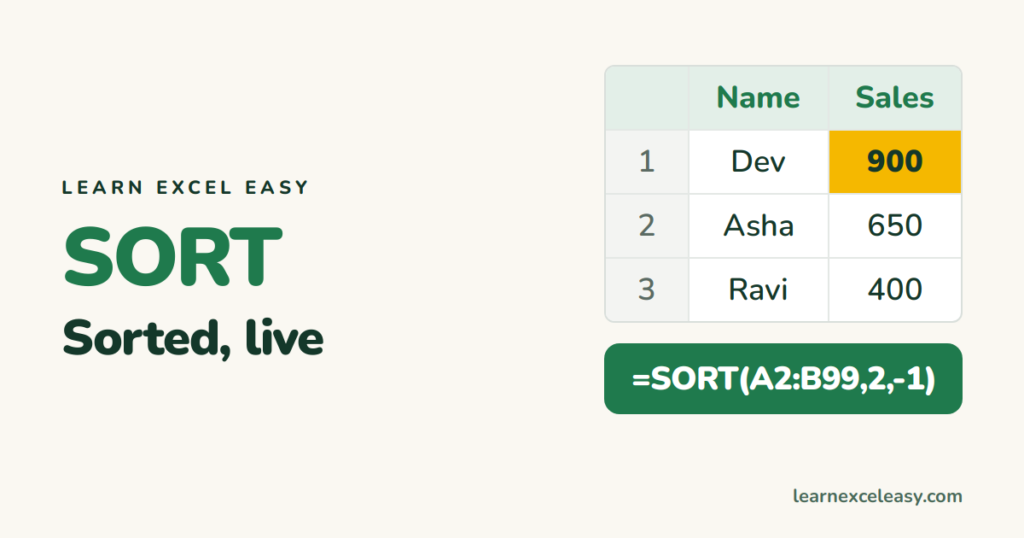
Data › Sort rearranges your original rows. The SORT function leaves the original alone and shows a sorted copy that re-sorts whenever the data changes.
The formula
=SORT(array, [sort_index], [sort_order], [by_col])
- sort_index — which column to sort by (1 = first column of the range).
- sort_order — 1 ascending (A–Z, small–large), -1 descending.
Examples
| Formula | Result |
|---|---|
=SORT(A2:A50) |
names A–Z |
=SORT(A2:C50,3,-1) |
whole table, column 3 largest first |
=SORT(A2:C50,{2,3},{1,-1}) |
by column 2 A–Z, then column 3 largest first |
Sort by a column you don’t show: SORTBY
=SORTBY(A2:A50,C2:C50,-1)
Names only, ordered by sales in C.
Top 10 leaderboard
=TAKE(SORT(A2:C50,3,-1),10)
Unique and sorted
=SORT(UNIQUE(B2:B500))
A clean, alphabetical list of every region — perfect as a drop-down source. See unique values.
#SPILL!
Something is in the way below or to the right. Clear it.
One-off sort of the data itself: Sort in Excel · custom sort

20 years with spreadsheets and enterprise systems. Writes one short, plain-English Excel lesson a day. Got an Excel question? learnexceleasycom@gmail.com
