
Excel VALUE Function: turn text that looks like a number into a number
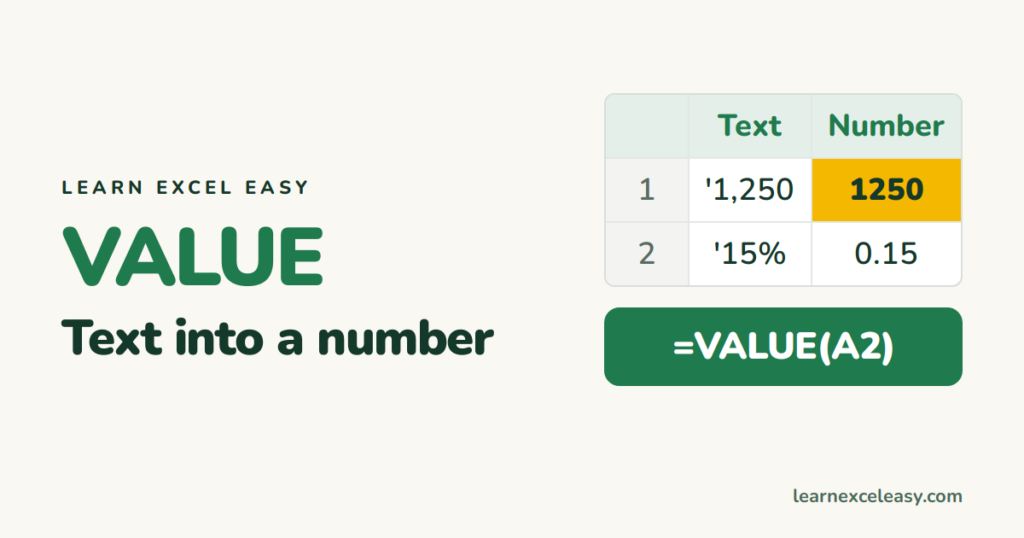
Numbers imported from a website, PDF or system often arrive as text. They sit on the left of the cell and SUM ignores them. VALUE turns them into real numbers.
The formula
=VALUE(A2)
| A2 (text) | VALUE gives |
|---|---|
| “1,250” | 1250 |
| “15%” | 0.15 |
| “29/09/2026” | 46294 (a date serial — format as date) |
| “12:30” | 0.52 (a time) |
With other text functions
LEFT, MID, RIGHT and SUBSTITUTE always return text. Wrap them:
=VALUE(RIGHT(A2,4))
Shortcut that does the same: =--RIGHT(A2,4) or =RIGHT(A2,4)*1.
#VALUE! error
The text contains something that is not part of a number:
- a currency word (“Rs 500”) — strip it:
=VALUE(SUBSTITUTE(A2,"Rs ","")); - a non-breaking space from a web page —
=VALUE(SUBSTITUTE(A2,CHAR(160),"")); - a decimal comma when your Excel expects a point (or the reverse) — use
=NUMBERVALUE(A2,",",".").
Faster fixes with no formula
For a whole column at once, the green triangle › Convert to Number, or Data › Text to Columns › Finish. Both explained in convert text to number.
Why it happens: number stored as text

20 years with spreadsheets and enterprise systems. Writes one short, plain-English Excel lesson a day. Got an Excel question? learnexceleasycom@gmail.com
