
Excel vs Google Sheets: which should you learn?
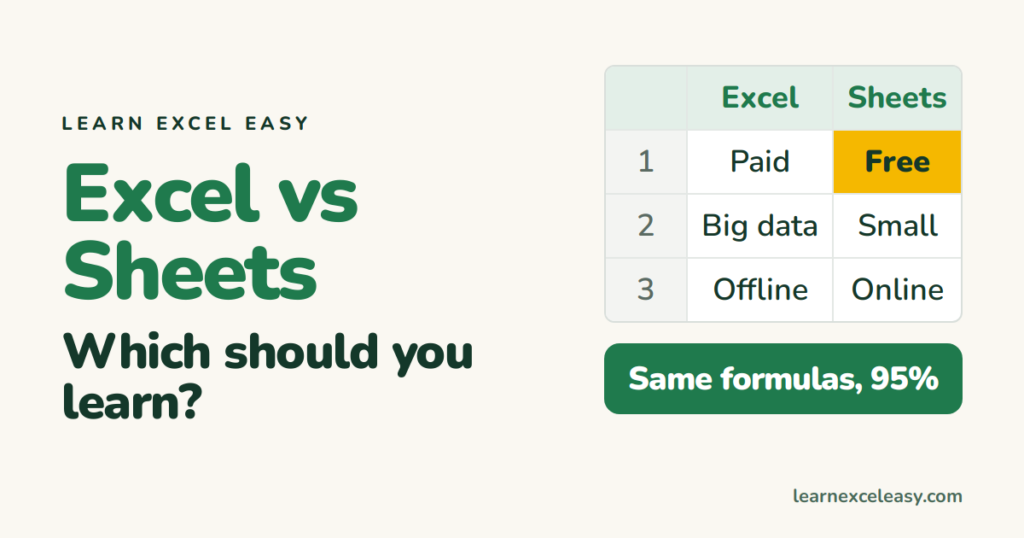
Short answer: learn Excel. Almost everything transfers to Google Sheets, and the reverse is only mostly true. Here is why, without the fan-club talk.
Side by side
| Excel | Google Sheets | |
|---|---|---|
| Price | Paid (Microsoft 365) — free web version exists | Free with a Google account |
| Working together | Good in 365, needs OneDrive | Excellent, built for it |
| Big files | Handles 1M rows, complex models | Slows past ~100k rows |
| Offline | Native app, always works | Needs setup, limited |
| Formulas | 500+ | Most of the same names |
| Pivot tables, charts | Deeper, more options | Simpler |
| Automation | VBA, Power Query, Office Scripts | Apps Script (JavaScript) |
| Jobs ask for it | Almost always | Sometimes |
What is the same
SUM, IF, VLOOKUP, XLOOKUP, COUNTIF, INDEX MATCH, TEXTJOIN, conditional formatting, data validation, freeze panes — same names, same logic. Every lesson on this site works in both, with menu names differing slightly.
What is different
- Sheets has
QUERY,ARRAYFORMULAandIMPORTRANGE; Excel does the same jobs with Power Query and dynamic arrays. - Excel macros (VBA) do not run in Sheets, and Apps Script does not run in Excel.
- Shortcuts differ a little; Ctrl + / lists them in Sheets.
Move a file between them
Sheets: File › Download › Microsoft Excel. Excel: upload to Google Drive, open with Sheets. Formatting and basic formulas survive; macros and Power Query do not.
So
Learn Excel first. Use Sheets when a team needs to edit together in real time. You will be fine in both within a week.

20 years with spreadsheets and enterprise systems. Writes one short, plain-English Excel lesson a day. Got an Excel question? learnexceleasycom@gmail.com
