
Excel COUNTA: count cells that are not empty
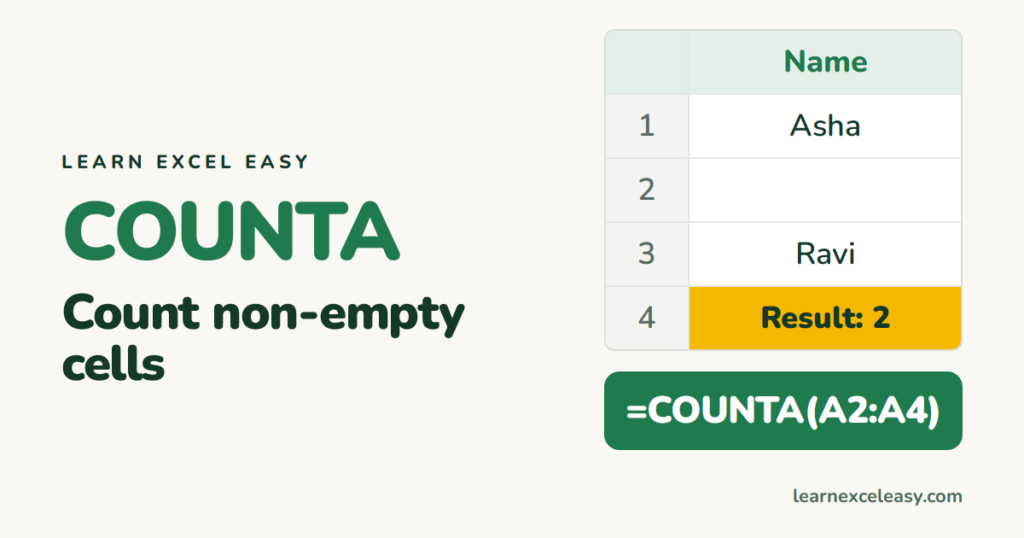
COUNTA counts cells that are not empty. Names, numbers, dates, errors — anything counts.
The formula
=COUNTA(A2:A100)
The count family
| Function | Counts |
|---|---|
COUNT |
numbers and dates only |
COUNTA |
anything that is not empty |
COUNTBLANK |
empty cells |
COUNTIF |
cells that match a condition |
Everyday uses
- How many people are on the list:
=COUNTA(A2:A500) - How many answered:
=COUNTA(C2:C50)out of=ROWS(C2:C50) - Percent complete:
=COUNTA(C2:C50)/ROWS(C2:C50), formatted as %.
Why COUNTA counts “empty” cells
A cell that looks blank may contain:
- a space — delete it or clean with TRIM;
- a formula returning
""— COUNTA counts it.
To count only cells with visible content: =SUMPRODUCT(--(LEN(TRIM(A2:A100))>0)).
Count non-empty with a condition
Rows in North where column C is filled: =COUNTIFS(A:A,"North",C:C,"<>"). See COUNTIFS.
Quick check without a formula
Select the column. The status bar at the bottom shows Count — that is COUNTA.

20 years with spreadsheets and enterprise systems. Writes one short, plain-English Excel lesson a day. Got an Excel question? learnexceleasycom@gmail.com
