
Reference Another Sheet in Excel (and another workbook)
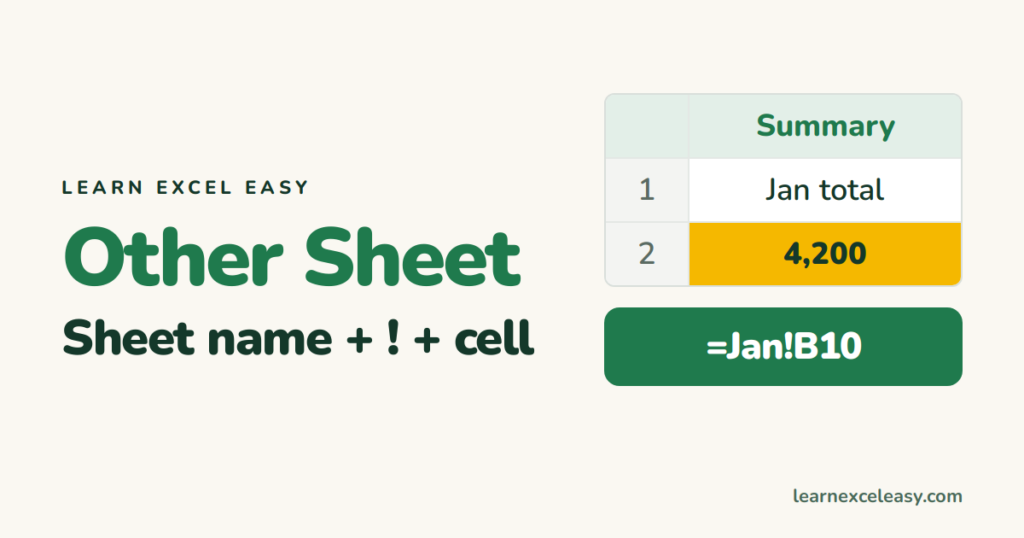
To use a value from another sheet, put the sheet name and an exclamation mark in front of the cell.
The formula
=Sheet2!B5
With a space or special character in the name, add single quotes:
='Sales 2026'!B5
Easiest way: click, don’t type
- In the cell, type =.
- Click the other sheet’s tab.
- Click the cell you want.
- Press Enter. Excel writes the reference and takes you back.
Works inside formulas too: =SUM( then click across to the other sheet and select the range.
Same cell on many sheets (3-D sum)
Sheets Jan to Dec, each with a total in B10:
=SUM(Jan:Dec!B10)
Adds B10 from every sheet between Jan and Dec in tab order. Add a sheet inside that range and it is included.
Sheet name in a cell
To choose the sheet from a cell, use INDIRECT: =INDIRECT("'"&A2&"'!B10").
Another workbook
='[Budget.xlsx]Sheet1'!$B$5
Click method works here too — open both files first. When the source file is closed Excel shows the full path. Edit links: Data › Edit Links.
Lookups across sheets
=XLOOKUP(A2,Prices!A:A,Prices!B:B) — see XLOOKUP.
#REF! after deleting a sheet
The formula lost its target. Undo (Ctrl+Z), or point the formula at the new location.

20 years with spreadsheets and enterprise systems. Writes one short, plain-English Excel lesson a day. Got an Excel question? learnexceleasycom@gmail.com
