
Excel RANDBETWEEN: random whole numbers (and how to freeze them)
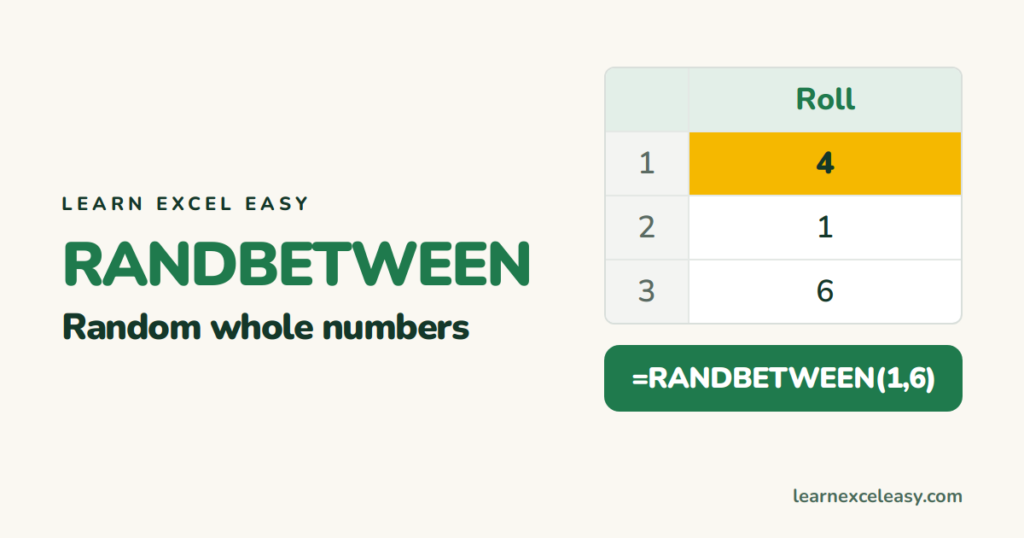
RANDBETWEEN returns a random whole number between a bottom and top value, both included.
The formula
=RANDBETWEEN(bottom, top)
=RANDBETWEEN(1,6) rolls a dice. =RANDBETWEEN(1000,9999) makes a 4-digit code.
Useful versions
- Random decimal between 0 and 1:
=RAND() - Random amount with 2 decimals:
=RANDBETWEEN(10000,50000)/100(100.00 to 500.00) - Random date in 2026:
=RANDBETWEEN(DATE(2026,1,1),DATE(2026,12,31))— format as a date. - Random name from a list:
=INDEX(A2:A20,RANDBETWEEN(1,ROWS(A2:A20))) - Excel 365, 10 numbers at once:
=RANDARRAY(10,1,1,100,TRUE)
The numbers keep changing
RANDBETWEEN recalculates every time you edit anything. To freeze the current numbers: select them › Ctrl+C › Ctrl+Alt+V › Values › OK. The formulas become fixed numbers. See Paste Special.
Shuffle a list
Next to the list, =RAND() in every row, then sort by that column. In 365: =SORTBY(A2:A20,RANDARRAY(ROWS(A2:A20))).
Random but no repeats
RANDBETWEEN can repeat. For 10 unique numbers from 1–100 in Excel 365: =TAKE(SORTBY(SEQUENCE(100),RANDARRAY(100)),10). See SEQUENCE.

20 years with spreadsheets and enterprise systems. Writes one short, plain-English Excel lesson a day. Got an Excel question? learnexceleasycom@gmail.com
