
Excel TEXT Function: format numbers and dates inside a formula
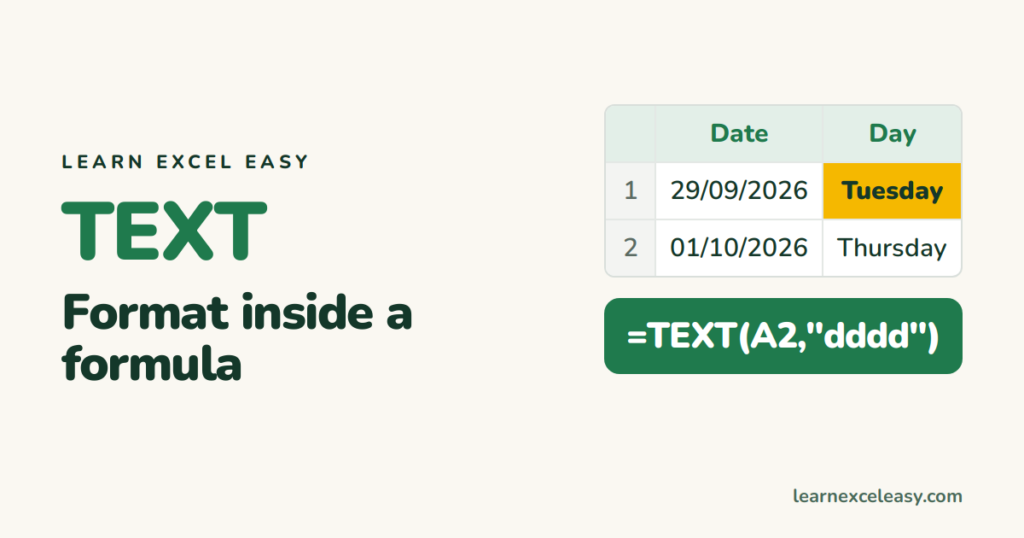
TEXT applies a number format inside a formula. The result is text, so you can join it with words.
The formula
=TEXT(value, "format_code")
Date codes
| Code | 29 Sep 2026 shows as |
|---|---|
"dd-mmm-yyyy" |
29-Sep-2026 |
"dddd" |
Tuesday |
"ddd" |
Tue |
"mmmm" |
September |
"yyyy-mm-dd" |
2026-09-29 |
"hh:mm AM/PM" |
09:30 AM (for a time) |
Number codes
| Code | 1234.5 shows as |
|---|---|
"#,##0" |
1,235 |
"#,##0.00" |
1,234.50 |
"0.0%" (for 0.075) |
7.5% |
"00000" (for 42) |
00042 |
"₹#,##,##0" (for 125000) |
₹1,25,000 |
Join numbers with words
Without TEXT, ="Total: "&B10 shows “Total: 1234.5678”. With it:
="Total: "&TEXT(B10,"#,##0.00")
And dates: ="Due on "&TEXT(C2,"dd mmm") — otherwise you get “Due on 46294”.
The downside
The result is text. You cannot add it up or sort it as a number. If you only want a cell to look different, change its format instead (Ctrl+1) — see number format and custom formats.
Codes differ by language
In some regional versions of Excel the date letters change (for example “JJJJ” for year in German). If a code shows literally, check your Windows region settings.

20 years with spreadsheets and enterprise systems. Writes one short, plain-English Excel lesson a day. Got an Excel question? learnexceleasycom@gmail.com
