
Filter with Multiple Criteria in Excel (AND and OR)
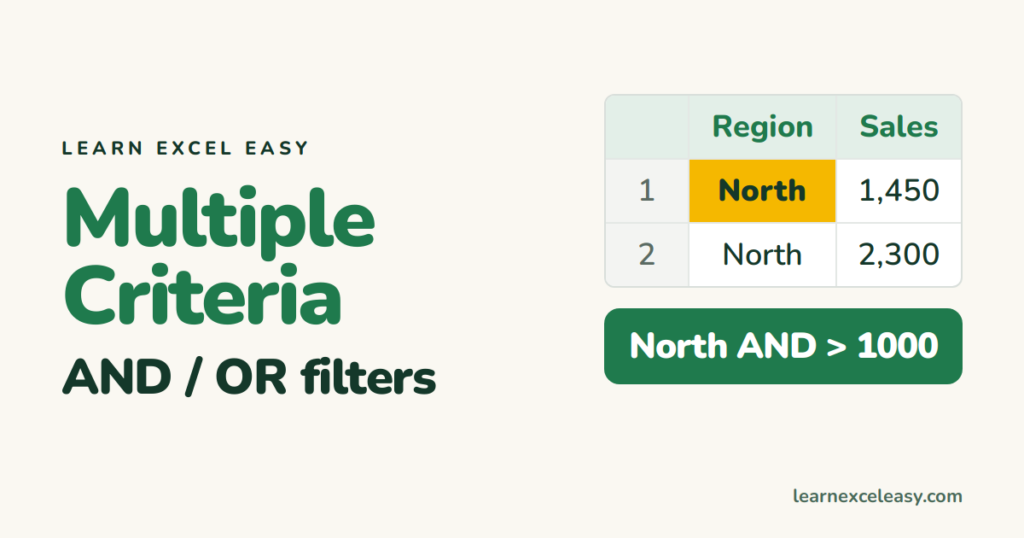
Every filter method handles AND easily. OR takes a little more care. Pick by the situation.
AND across columns: just stack filters
- Ctrl+Shift+L to turn on filters.
- Region arrow › tick only North.
- Sales arrow › Number Filters › Greater Than › 1000.
Filters on different columns always combine with AND.
OR within one column
Region arrow › tick North and South. Or Text Filters › Custom Filter › “equals North” Or “equals South”.
Two conditions on one number column
Sales arrow › Number Filters › Between › 500 and 2000.
OR across different columns: Advanced Filter
“Region is North or sales over 5,000″ can’t be done with normal filters. Build a criteria range: headers copied above the data, conditions on different rows for OR, same row for AND. Then Data › Advanced. Step by step: Advanced Filter.
With a formula (Excel 365)
- AND:
=FILTER(A2:D500,(B2:B500="North")*(D2:D500>1000)) - OR:
=FILTER(A2:D500,(B2:B500="North")+(D2:D500>5000))
See FILTER function.
Many values to include
Want 20 specific customers? Put them in a list and use =FILTER(A2:D500,COUNTIF(G2:G21,A2:A500)).
Clear everything
Data › Clear removes every filter at once, keeping the arrows. Basics: filter.

20 years with spreadsheets and enterprise systems. Writes one short, plain-English Excel lesson a day. Got an Excel question? learnexceleasycom@gmail.com
