
Excel Paste Special Shortcut: Ctrl+Alt+V (paste values, formats, transpose)
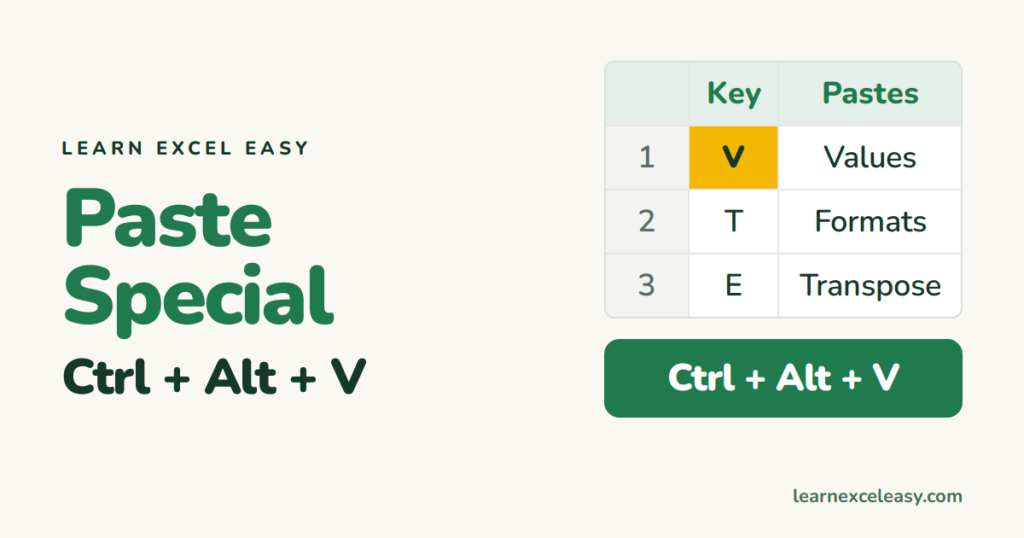
Copy with Ctrl+C, then press Ctrl+Alt+V instead of Ctrl+V. The Paste Special box opens.
The letter keys
In the box, press the underlined letter, then Enter:
| Key | Pastes | Use it to |
|---|---|---|
| V | Values | turn formulas into fixed numbers |
| T | Formats | copy the look only |
| F | Formulas | copy formulas without formatting |
| W | Column widths | match widths of another table |
| N | Validation | copy a drop-down list only |
| E | Transpose (tick box) | rows become columns |
So paste values is: Ctrl+C › Ctrl+Alt+V › V › Enter.
Even faster paste values
- Excel 365: Ctrl+Shift+V pastes values directly.
- Older: Alt, H, V, V.
- Right-click › the clipboard icon with 123.
Maths on a whole range
Increase all prices by 10%: type 1.1 in a cell, copy it, select the prices › Ctrl+Alt+V › Multiply › OK. The Operation section also adds, subtracts and divides.
Skip blanks
Tick Skip blanks to paste without overwriting existing cells with empty ones.
On a Mac
Ctrl+Cmd+V.
More: Format Painter · all shortcuts

20 years with spreadsheets and enterprise systems. Writes one short, plain-English Excel lesson a day. Got an Excel question? learnexceleasycom@gmail.com
