
How to Count Words in Excel (formula for a cell or a range)
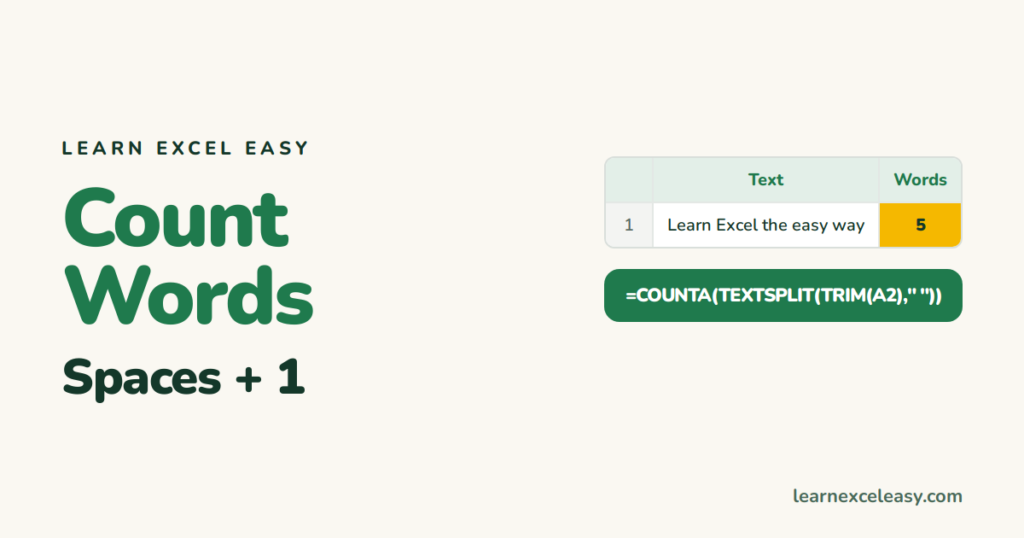
The idea: words = spaces + 1, after removing extra spaces.
Words in one cell
=IF(LEN(TRIM(A2))=0,0,LEN(TRIM(A2))-LEN(SUBSTITUTE(TRIM(A2)," ",""))+1)
- TRIM removes double spaces so they don’t count as extra words.
- The IF returns 0 for a blank cell instead of 1.
Microsoft 365: shorter
=COUNTA(TEXTSPLIT(TRIM(A2)," "))
See TEXTSPLIT.
Total words in a column
=SUMPRODUCT(LEN(TRIM(A2:A100))-LEN(SUBSTITUTE(TRIM(A2:A100)," ",""))+(LEN(TRIM(A2:A100))>0))
How many times one word appears
=(LEN(A2)-LEN(SUBSTITUTE(LOWER(A2),"excel","")))/LEN("excel")
Line breaks between words
Text with Alt+Enter breaks has no spaces there. Swap them first: SUBSTITUTE(A2,CHAR(10)," "). See remove line breaks.
Characters instead of words
=LEN(A2) — LEN.

20 years with spreadsheets and enterprise systems. Writes one short, plain-English Excel lesson a day. Got an Excel question? learnexceleasycom@gmail.com
