
Excel for Beginners: the 10 things to learn first
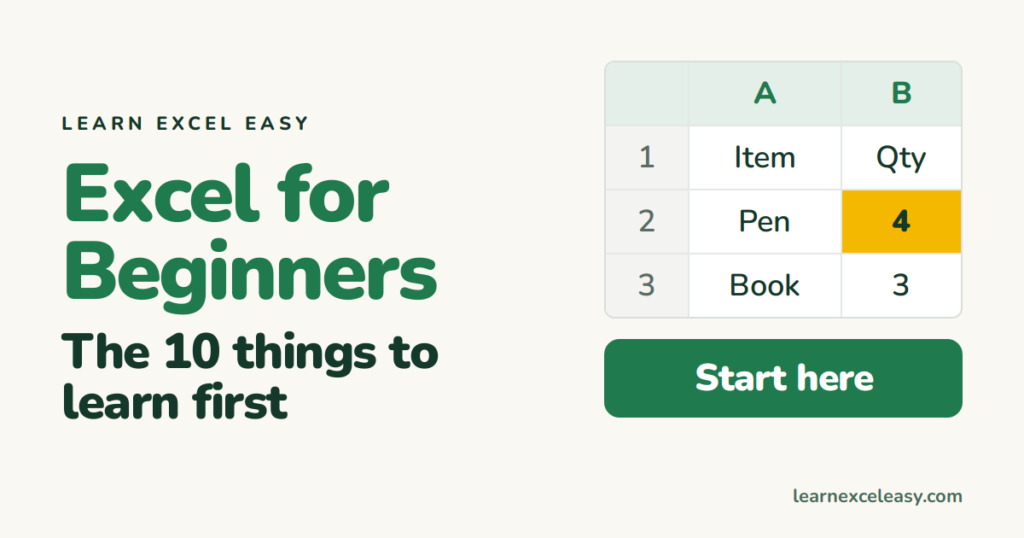
This is day one. Do these ten things in order, in a blank workbook, and you will be comfortable in Excel within an hour.
1. Know the words
A workbook is the file. It holds sheets (tabs at the bottom). A sheet is a grid of cells. Columns have letters, rows have numbers, so the top-left cell is A1.
2. Type and move
Click a cell, type, press Enter to go down or Tab to go right. Press Esc to cancel what you were typing.
3. Fix a mistake
Double-click the cell, or press F2, edit, Enter. Ctrl + Z undoes anything.
4. Make a small table
In A1 type Item, B1 Qty, C1 Price. Under them add three products with numbers.
5. Your first formula
In D1 type Total. In D2 type =B2*C2 and press Enter. A formula always starts with =. Full lesson: multiply formula.
6. The fill handle
Click D2. Drag the small square at its bottom-right corner down to D4. The formula copies and adjusts itself for each row.
7. Add it up
Click D5 and press Alt + =. Excel writes =SUM(D2:D4). Enter. Lesson: SUM formula.
8. Make it readable
Click row 1’s number, press Ctrl + B. Double-click the line between column letters A and B to auto-fit the width.
9. Save
Ctrl + S. Name it. Excel files end in .xlsx. Save often.
10. Move faster
Ctrl + Arrow jumps to the edge of your data. Ctrl + Home goes to A1. The rest: 25 shortcuts worth learning.
What next
The Start Here page lists every lesson in order, easy to complex. Take the next one.

20 years with spreadsheets and enterprise systems. Writes one short, plain-English Excel lesson a day. Got an Excel question? learnexceleasycom@gmail.com
