
Excel Filter Not Working? 7 fixes
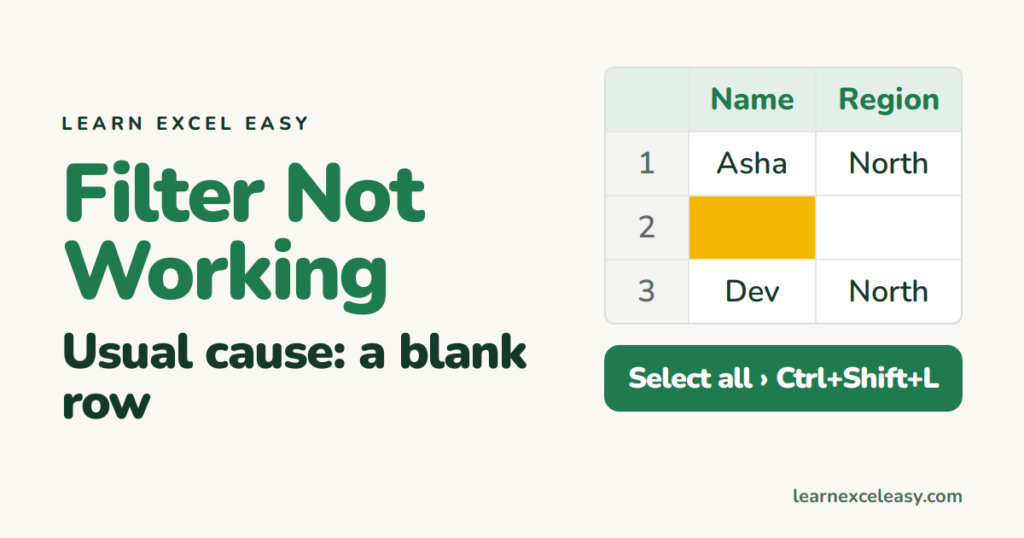
1. A blank row splits the data
Excel filters down to the first empty row, so rows below it are ignored. Delete the blank rows (how), or select the full range before turning on the filter.
2. Filter set on part of the data
Turn the filter off (Ctrl+Shift+L), select the whole table including headers, turn it on again. Better: make it an Excel Table so new rows are included automatically.
3. New rows not filtered
Same cause. After adding data, click Data › Reapply.
4. Numbers or dates missing from the list
Some are stored as text, so they filter as a separate group. Fix: convert text to numbers or text to dates.
5. Merged cells
Only the first row of a merge gets filtered. Unmerge (Home › Merge & Center).
6. Filter button greyed out
- Sheet is protected — unprotect it.
- Several sheets selected — click one tab to ungroup.
- You’re editing a cell — press Enter.
7. Wrong results from a text filter
Extra spaces make “North” and “North ” different. Clean with TRIM.
Basics refresher: how to filter in Excel

20 years with spreadsheets and enterprise systems. Writes one short, plain-English Excel lesson a day. Got an Excel question? learnexceleasycom@gmail.com
