
COUNTIF Not Equal To in Excel (<>)
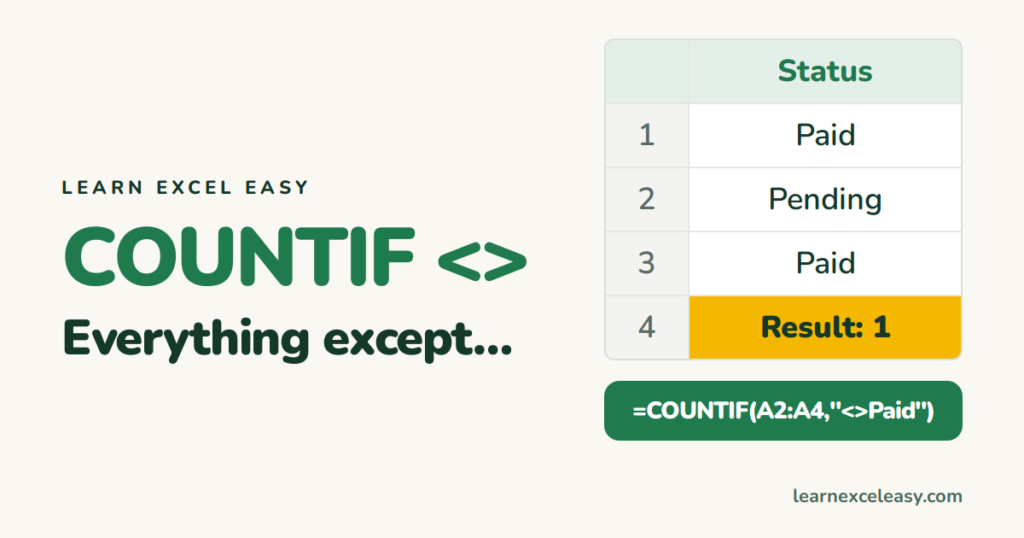
In Excel, <> means “not equal to”.
Not equal to a word
=COUNTIF(C2:C100,"<>Paid")
Not case-sensitive: Paid, PAID and paid are all excluded. Blank cells are counted.
Not equal to a number
=COUNTIF(B2:B100,"<>0")
Not equal to another cell
=COUNTIF(C2:C100,"<>"&E1)
Not blank
=COUNTIF(C2:C100,"<>")
Or simply COUNTA.
Not equal and not blank
=COUNTIFS(C2:C100,"<>Paid",C2:C100,"<>")
Exclude several values
=COUNTIFS(C2:C100,"<>Paid",C2:C100,"<>Cancelled")
Each extra condition narrows the count further. See COUNTIFS.
Doesn’t contain a word
=COUNTIF(C2:C100,"<>*refund*")
The * wildcards mean “anything before or after”.
Related: COUNTIF greater than · COUNTIF basics

20 years with spreadsheets and enterprise systems. Writes one short, plain-English Excel lesson a day. Got an Excel question? learnexceleasycom@gmail.com
