
Excel IF Greater Than: formulas with >, >= and between
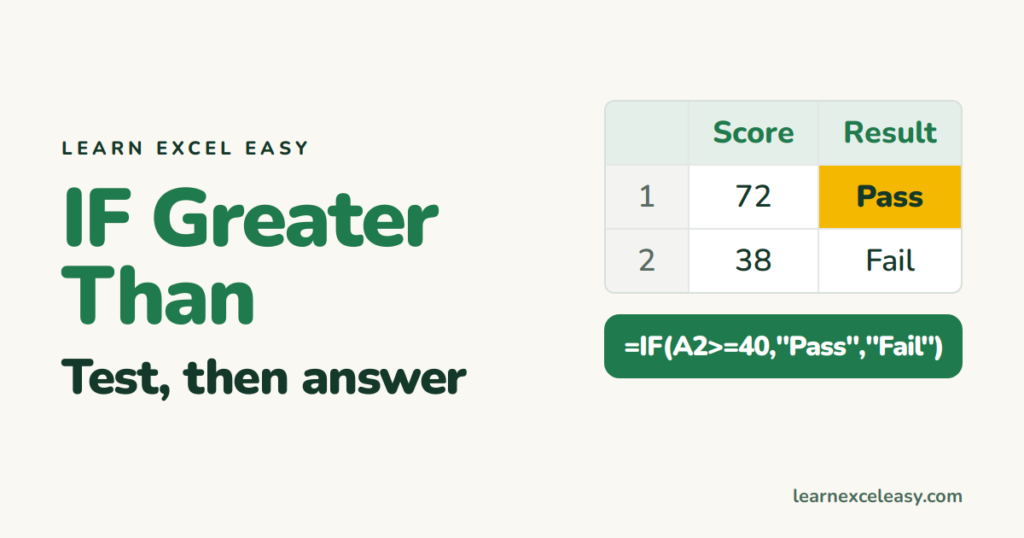
The basic test
=IF(B2>500,"High","Low")
If B2 is over 500 → High, otherwise → Low. No quotes around the number here — only around text answers.
The operators
>greater than ·>=greater than or equal<less than ·<=less than or equal=equal ·<>not equal
Greater than another cell
=IF(B2>C2,"Over budget","OK")
Return a calculation
=IF(B2>1000,B2*10%,0)
10% bonus for sales over 1,000, nothing otherwise.
Between two numbers
=IF(AND(B2>=100,B2<=500),"In range","Out")
More in IF with AND / OR.
Several levels
=IFS(B2>=90,"A",B2>=75,"B",B2>=50,"C",TRUE,"D")
Dates
=IF(A2>TODAY(),"Upcoming","Past")
Always returns the “false” answer?
B2 holds a number stored as text. Convert it.
Basics: IF function

20 years with spreadsheets and enterprise systems. Writes one short, plain-English Excel lesson a day. Got an Excel question? learnexceleasycom@gmail.com
