
Excel Formula Errors Explained: #N/A, #VALUE!, #REF!, #DIV/0!, #NAME?, #####
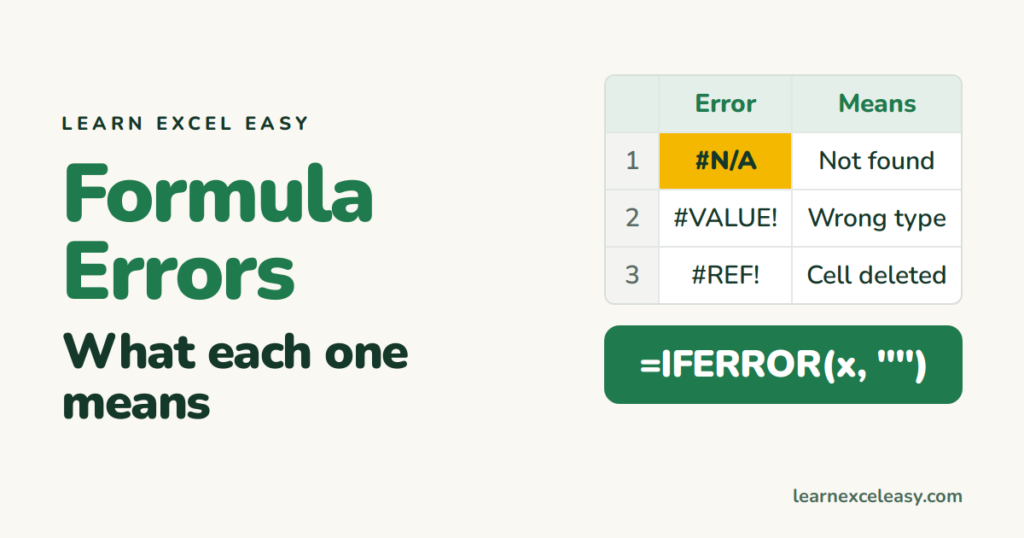
Every error Excel shows has one meaning. Once you know it, the fix is usually a minute.
| Error | Means | Usual cause | Fix |
|---|---|---|---|
##### |
Too narrow | Column can’t fit the number or date | Double-click the column edge |
#N/A |
Not found | Lookup value missing, or spaces/text-number mismatch | Check spelling, TRIM, convert types — details |
#VALUE! |
Wrong kind of data | Maths on text, or a date stored as text | Convert to number/date |
#DIV/0! |
Divided by zero | Empty or zero cell in the divisor | =IFERROR(A1/B1, "") |
#REF! |
Reference gone | You deleted a row/column the formula used | Ctrl + Z, or re-point the formula |
#NAME? |
Unknown name | Misspelled function, missing quotes, or XLOOKUP on old Excel | Fix the spelling; add quotes around text |
#NUM! |
Impossible number | Negative square root, DATEDIF dates reversed, number too big | Check the inputs |
#NULL! |
Bad range | A space instead of a comma or colon: =SUM(A1 A5) |
Use A1:A5 or A1,A5 |
#SPILL! |
No room | A formula that returns many cells hit a non-empty cell | Clear the cells below/right |
#CALC! |
Can’t calculate | Array formula returned nothing (FILTER with no matches) | Add the “if empty” argument |
Hide errors you expect
=IFERROR(your_formula, "")
Only wrap the final formula, not while building. Lesson: IFERROR.
Find every error on the sheet
F5 › Special › Formulas › tick only Errors › OK. All error cells are selected; press Tab to walk through them.
Trace where an error came from
Click the error cell › Formulas › Trace Precedents. Arrows point at the cells feeding it — follow them to the first error.
Green triangle, not an error
That is a warning: number stored as text, inconsistent formula, etc. Click the icon to see which. Number stored as text is the common one.
Formula shows instead of a result
Not an error code but the same feeling: formula not calculating.

20 years with spreadsheets and enterprise systems. Writes one short, plain-English Excel lesson a day. Got an Excel question? learnexceleasycom@gmail.com
